
Variables
What you'll learn:
- create variables and change their values;
- explain why
bkeeps its old value afterb = aanda = 20; - tell the types
int,float,str,boolandNoneapart and find a type withtype(); - turn a string into a number and a number into a string with
int(),float()andstr().
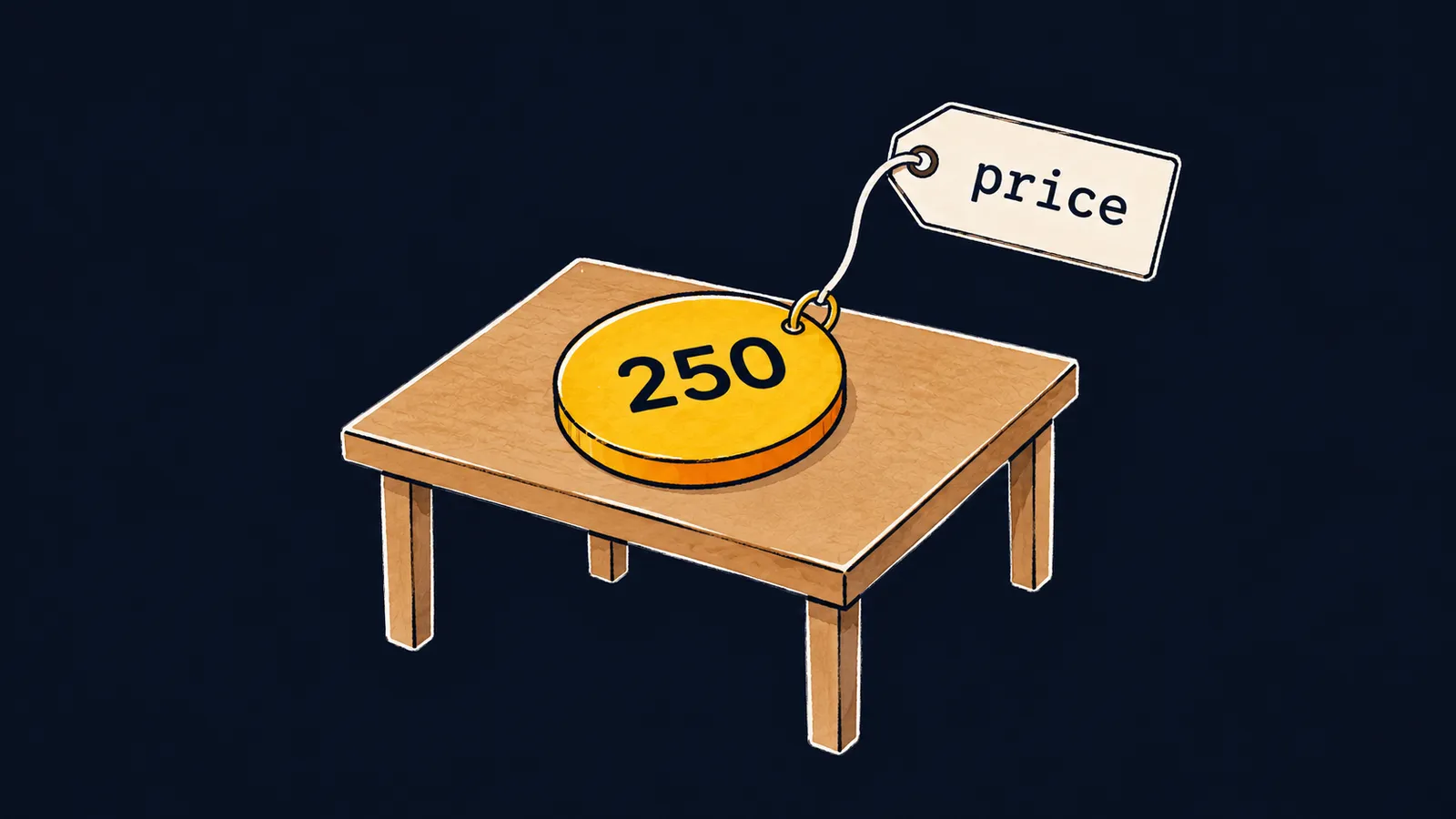
Picture a luggage tag on a long string. The tag says price, and the string is tied to a round token with the number 250. The tag and the token are two separate objects: the tag does not hold the number inside, it only points at the token.
That is how variables work in Python. A name is the tag, and a value is the token it is tied to.
Why do you need names at all? A program often uses one value on several lines: the price of an item, a game score, a number of attempts. If you write the number itself on every line, changing the price means fixing all of them. Instead, you give the value a name and write the name from then on:
price = 250
count = 3
print(price * count)  # 750
print(price, count)  # 250 3
Let's walk through the example line by line:
price = 250ties the tagpriceto the token250.count = 3ties the tagcountto the token3.print(price * count)finds both tokens by their tags, multiplies the numbers and prints750.print(price, count)prints250 3: the values the tags point at, not the names themselves.
If the price changes, fixing the first line is enough.
A name and an object
The line price = 250 is an assignment. Python evaluates the expression to the right of = and binds the name on the left to the result. Such a name is called a variable. You do not declare a variable in advance: it appears at its first assignment.
The value 250 itself is stored in memory as an object—that is the token. The variable only refers to the object. When print receives a name, it prints the object that name refers to.
The = sign is not equality from math but a command. The right side is evaluated first, and only then is the name bound to the result. So x = x + 1 makes sense: Python takes the current value of x, adds 1 to it and reties the tag x to the new object.
Rebinding
A new assignment reties a tag to a different object. The other tags stay where they are:
a = 10
b = a
a = 20
print(a, b)  # 20 10
Let's go step by step:
a = 10ties the tagato the object10.b = adoes not tiebto the namea. It ties a second tag,b, to the same object10thatapoints at right now.a = 20reties only the taga, to the new object20.print(a, b)prints20 10: the tagbstill hangs on10.
Press "Next step" and watch y: after the line x = 7 its value stays the same.
1x = 52y = x3print(x, y)4x = 75print(x, y)6y = y + 17print(x, y)
The tag x is tied to the object 5.
Interviewers like to ask this: "Does b change if you assign a new value to a after b = a?" The answer is no. An assignment reties only the tag whose name stands to the left of =.
This is where the tag analogy stops working: there is no tag without a token. A name appears only at the moment of assignment, together with its object. Before that, Python has no such tag.
The short forms += and -=
score += 5 is a short form of score = score + 5. The -= and *= forms work the same way:
score = 0
score += 5
score -= 2
print(score)  # 3
Let's go step by step:
score = 0sets the starting value.score += 5takes0, adds5and retiesscoreto5.score -= 2takes5, subtracts2, and nowscorepoints at3.print(score)prints3.
Variable names
Three rules apply to names in Python:
- by PEP 8, names are written in lowercase letters, with words separated by underscores:
item_count,max_speed; - a name does not start with a digit;
- letter case matters:
Scoreandscoreare two different variables.
Common mistake
+= is used on a variable that has not been assigned anything yet:
total += 5  # ✗
print(total)NameError: name 'total' is not definedtotal += 5 first reads the current value of total, and there is none: the tag total does not exist yet. The program stops at this line with a NameError. Before the first +=, assign the variable a starting value, such as total = 0.
Key points
- A variable is a name tag that refers to an object; it appears at the first assignment.
=evaluates the right side first and then binds the name on the left to the result.- After
b = aboth tags hang on one object, anda = 20reties onlya. x += 1is a short form ofx = x + 1, andxmust already have a value before it.
Subscribe to take the course
The course is free. Sign in with Telegram and subscribe to the channel to open every lesson.
















