
Lists
What you'll learn:
- store a row of values in a list, read elements by index and go over them in a loop;
- add, remove and sort elements with list methods;
- tell a second name for the same list from a copy of it;
- build tables from nested lists and avoid the trap of a list as a default value.
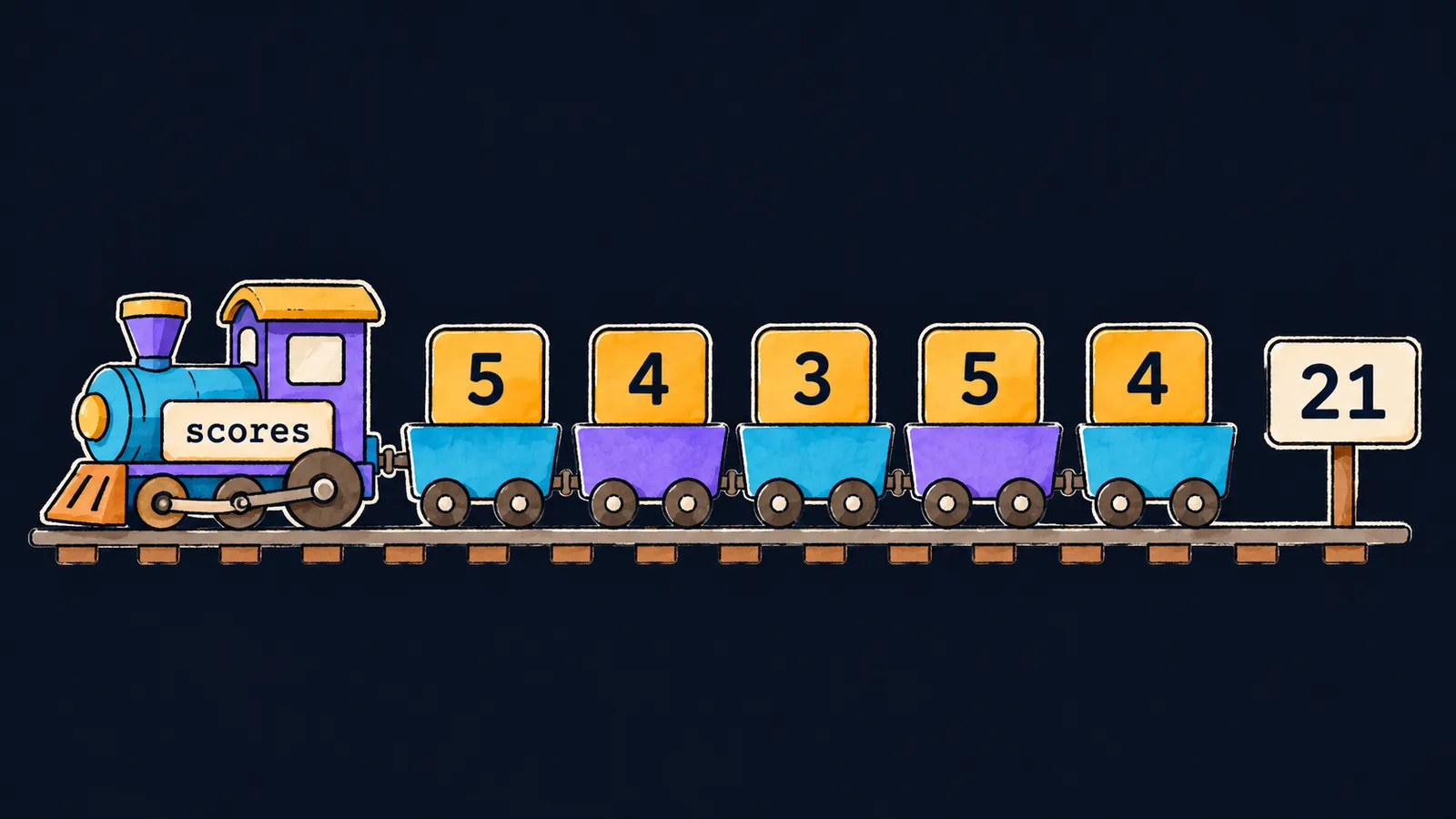
Picture a toy train with a scores sign on the engine. Five wagons follow the engine, and each carries a tile with a test grade: 5, 4, 3, 5 and 4. At the end of the track stands a board with the sum of all the tiles—21.
Without the train, the grades would have to live in five separate variables. Then a sum lists five names, and a loop cannot go over them one by one. For a row of values, Python has the list—an ordered collection of objects. It is written in square brackets, separated by commas:
scores = [5, 4, 3, 5, 4]
print(scores)  # [5, 4, 3, 5, 4]
print(len(scores))  # 5
print(scores[0], scores[-1])  # 5 4
total = 0
for score in scores:
    total += score
print(total)  # 21
Let's go through the program line by line:
scores = [5, 4, 3, 5, 4]builds a train of five wagons and binds the namescoresto it.print(scores)prints the whole list, brackets included.len(scores)counts the wagons: there are5.scores[0]andscores[-1]take the first and the last wagon:5and4.- The
forloop rides along the train and adds each tile tototal. - The last
printshows the board at the end of the track:21.
Elements and indices
Each value in a list is called an element. Wagons are numbered the same way as the characters of a string: the first is scores[0], the last is scores[-1]. The len function returns the number of elements.
What else works as it does for a string:
- a
forloop goes over the elements in order, from the first to the last; - an index past the end of the list stops the program:
scores[5]givesIndexError: list index out of range; - an empty list
[]is false in a condition, like an empty string.
A list can change
A string cannot be changed, but a list is a mutable object. In a train you can replace the tile in any wagon or couple on new wagons. It is still the same train. Assigning by index replaces an element, and the program keeps working with the same list:
names = ["Ann", "Bob", "Kim"]
names[1] = "Max"
print(names)  # ['Ann', 'Max', 'Kim']
print("Bob" in names, "Kim" in names)  # False True
names += ["Lee", "Zoe"]
print(names[2:])  # ['Kim', 'Lee', 'Zoe']
print(len(names))  # 5
Let's go through the example step by step:
names[1] = "Max"replaces the second element:'Max'now stands where'Bob'was.print(names)shows the strings inside a list in single quotes. That way the output shows that'5'is a string and5is a number.- The
inoperator checks whether a value is among the elements:'Bob'is gone, and'Kim'is there. names += ["Lee", "Zoe"]couples two new elements onto the end.- The slice
names[2:]works like a string slice: it gives a new list, andnamesitself does not change. len(names)now returns5.
Interviewers like to ask this: "How does a list differ from a string?" The main difference is mutability. An element of a list can be replaced in place, while any operation on a string builds a new string.
Plus and plus-equals
For lists, a += b is not the same as a = a + b. The difference is in what happens to the list itself.
The form a += b
It adds the elements of b to the end of the same list a. The train stays the same, and new wagons are coupled onto it. That is how the list names grew in the example above.
The form a = a + b
The + operator between two lists, as between strings, builds a new list: [1, 2] + [3] is [1, 2, 3]. Then the assignment binds the name a to that new list. The old list does not change.
While a list has only one name, both forms give the same result on the screen.
Different types in one list
The elements of one list can have different types: [1, "two", 3.0, None]. This is where the train analogy ends. The wagons of a real train are usually of one kind, while a list can hold objects of any types mixed together. In practice a list still holds values of one type, so that a loop handles them all the same way.
Common mistake
A new element was written at an index past the end of the list:
nums = [10, 20, 30]
nums[3] = 40 # ✗IndexError: list assignment index out of rangeAssigning by index replaces a wagon that already exists but does not couple on a new one. In a list of three elements the last index is 2, so there is no element nums[3]. To add an element at the end, write nums += [40].
Key points
- A list is an ordered, mutable collection of objects in square brackets:
[5, 4, 3, 5, 4]. - Indices,
len, slices and theforloop work with a list as they do with a string. - Assigning by index replaces an existing element, and past the end of the list it gives
IndexError. a += badds the elements to the same list, anda + bbuilds a new one.
Subscribe to take the course
The course is free. Sign in with Telegram and subscribe to the channel to open every lesson.
















