
Tuples
What you'll learn:
- collect several values into a tuple and read them by index;
- explain how a tuple differs from a list and when to pick each;
- spread a tuple over variables with unpacking, including a starred name;
- loop over numbers and pairs of values with
enumerateandzip.
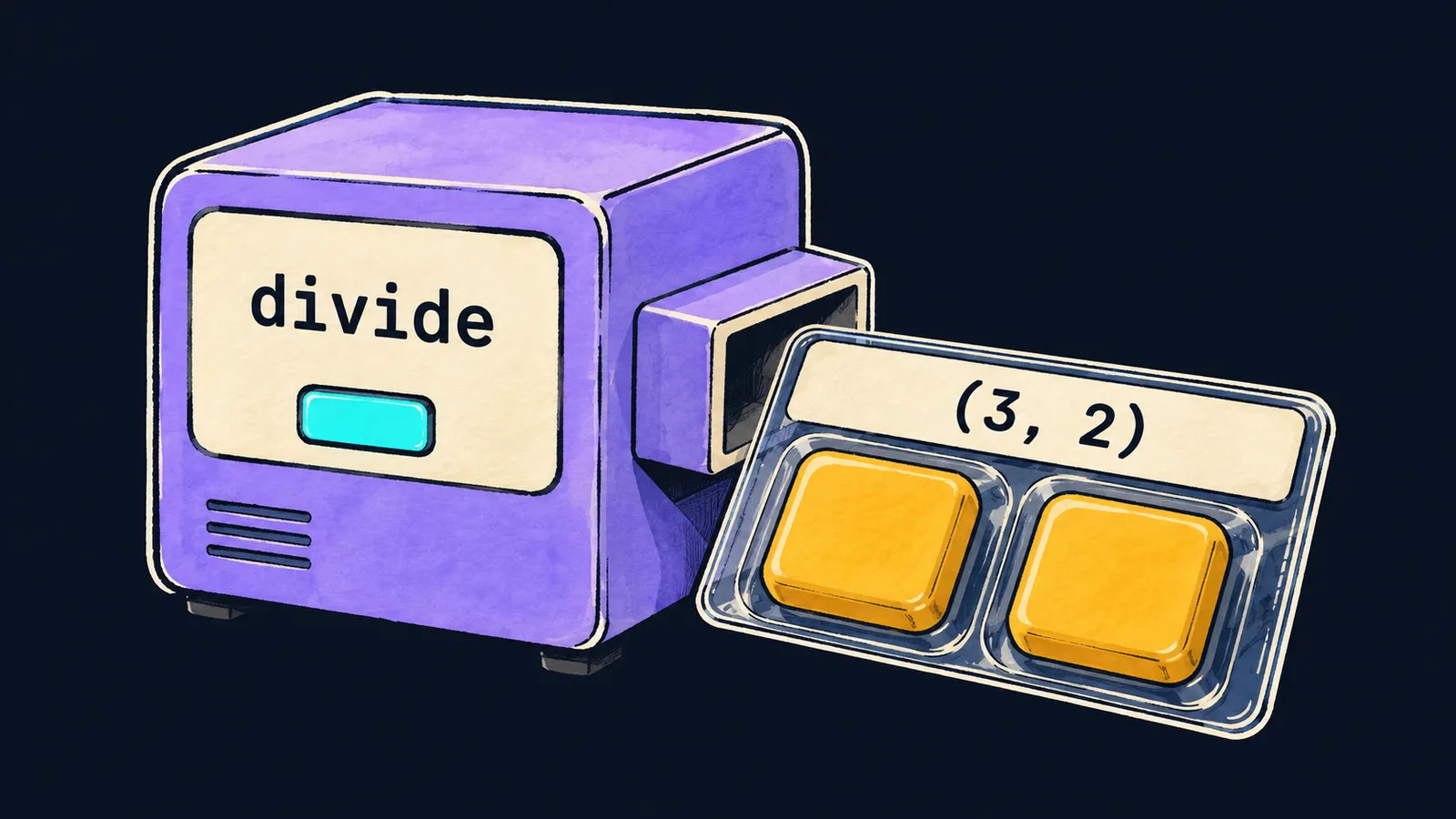
Picture a desk machine labelled divide. You put two numbers into it, 17 and 5, and it divides one by the other with a remainder. That gives two answers: the quotient 3 and the remainder 2. But the machine has only one output tray.
The machine solves this by putting both number tiles into one sealed pack and handing it out. The pack is labelled (3, 2), and you can see two tiles inside. You get one item, and it holds both answers in order.
A Python function works the same way: return hands back exactly one value. If you list values separated by commas after return, Python collects them into one object—a tuple:
def divide(a, b):
    return a // b, a % b


result = divide(17, 5)
print(result)  # (3, 2)
print(result[0], result[1])  # 3 2
print(len(result), type(result))  # 2 <class 'tuple'>
Let's go through the example line by line:
return a // b, a % bcomputes the quotient and the remainder and collects them into the tuple(3, 2).result = divide(17, 5)gives the nameresultto the whole pack.print(result)shows the tuple the way it is written: items separated by commas in parentheses.result[0]is the quotient, andresult[1]is the remainder.len(result)is2, andtypereports that it is atuple.
A tuple is a sequence
A tuple is a sequence, like a string and a list. So everything you already know from strings and lists works with it:
- indices, negative ones included:
result[-1]is the last item; - slices, and a slice of a tuple is a tuple too;
- the
lenfunction and theinoperator; - the
forloop, which goes through the items in order.
A tuple does not change
Back to the pack: it is sealed. You can see the tiles and count them, but you cannot take one out or replace it. A tuple is immutable, like a string: once it is created, you cannot replace, add or remove an item.
point = (3, 4)
point[0] = 5 # ✗TypeError: 'tuple' object does not support item assignmentPython stops the program at this line. A tuple has no append, pop or sort methods either. To get a different point, create a new tuple: point = (5, point[1]). The name point now refers to a new pack, and the old one stays as it was.
This is where the analogy stops working. A tuple holds the objects themselves, not copies, and a list inside a tuple can still change.
For example, in the tuple t = ([1, 2], 3) the line t[0].append(5) works, and t becomes ([1, 2, 5], 3). Only the tuple's contents stay fixed: which objects it holds and in what order.
Tuple or list
Interviewers like to ask this: "How does a tuple differ from a list?" You already know the main difference: a list changes, and a tuple does not. It tells you where each one fits.
List
Pick a list for a group of values of one kind whose count changes: purchases, grades, names. You add items to such a group, remove them and sort it in place.
Tuple
A tuple fits a fixed-shape record where each position has a meaning:
- a point
(x, y); - a date
(year, month, day); - several results of one function, as with
divide.
A stray append or an assignment by index cannot spoil such a record. That holds even inside a function that received the tuple as an argument.
The tuple() and list() functions turn a list into a tuple and back: tuple([1, 2]) gives (1, 2), and list((1, 2)) gives [1, 2].
The comma makes a tuple
Parentheses around a tuple are there for readability; the comma is what creates it. This gives three rules for writing one:
pair = 3, 4is a tuple of two items, even without parentheses;(7,)is a one-element tuple: the comma goes after the item;()is an empty tuple, a pair of parentheses with no comma.
pair = 3, 4
single = (7,)
empty = ()
print(pair, single, empty)  # (3, 4) (7,) ()
print(len(single), len(empty))  # 1 0
print also shows a one-element tuple with a comma: (7,). It is a tuple, not a number, so the comparison (7,) == 7 gives False.
Common mistake
A one-element tuple is written without the comma:
colors = ("red")  # ✗
for c in colors:
    print(c, end=" ")  # r e d
There is no error, but the loop prints letters. Parentheses around a single value only group it, as in (2 + 3) * 4. So ("red") is the string "red", and the loop goes through its characters.
In the same way, (1) is the int 1, and the comparison (1) == 1 gives True. With the comma, ("red",) is a tuple of one string, and the loop prints red.
Key points
- Values separated by commas are collected into one object, a tuple; this is how a function returns several results.
- A tuple is read like a list—by index, by slice, in a loop—but it cannot be changed.
- A list holds a changing group of values of one kind, a tuple a fixed-shape record.
- The comma makes a tuple:
(7,)is a tuple, and(7)is the number7.
Subscribe to take the course
The course is free. Sign in with Telegram and subscribe to the channel to open every lesson.
















