
Your first Python program
What you'll learn:
- run a Python program from a
.pyfile; - print text and numbers with the
printfunction and set what it puts between them; - tell an error found before the run from an error while running, and read a traceback;
- write your own function with
defandreturn, and call it.
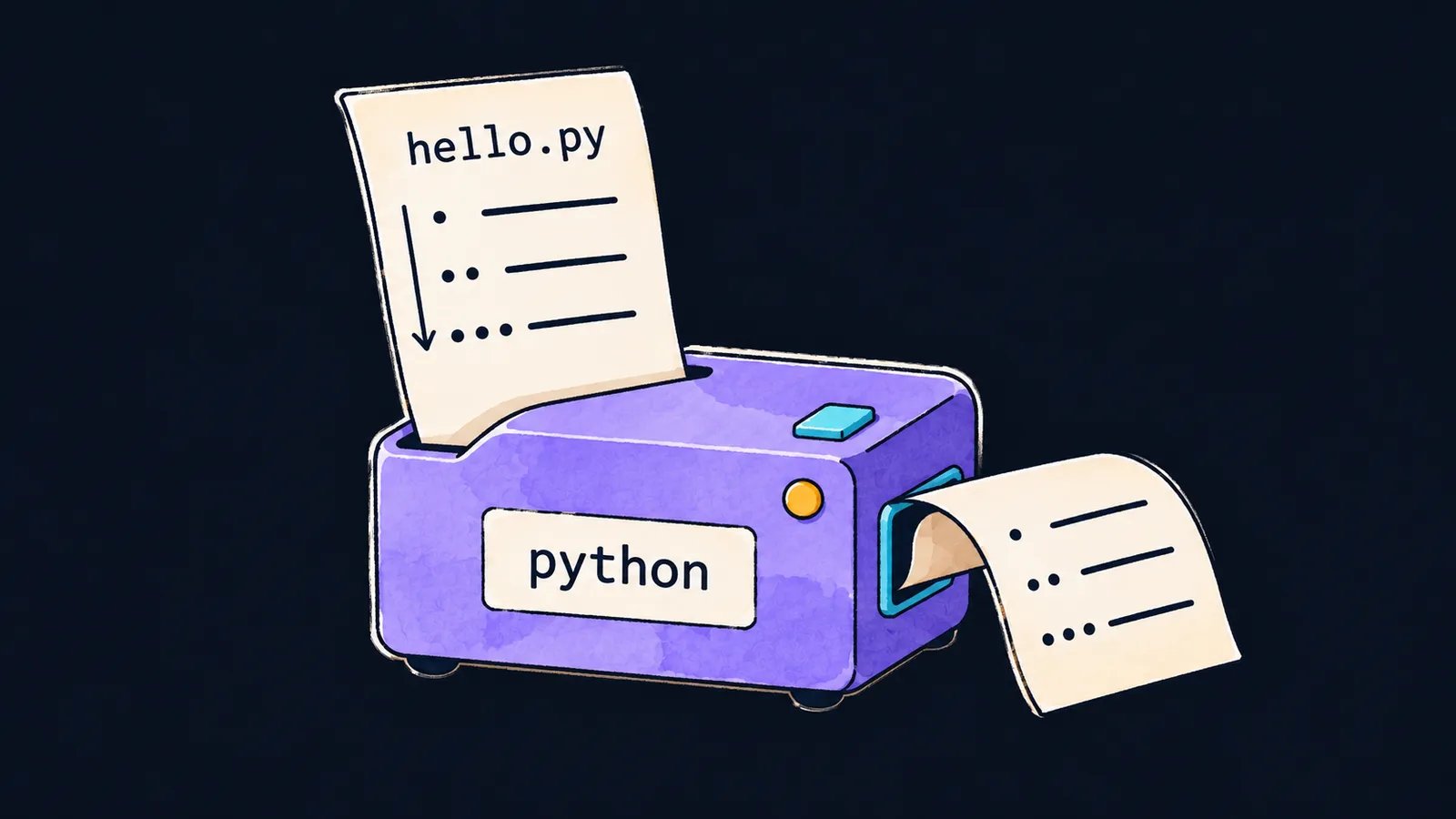
Picture a desk with a machine on it, labeled python. You feed it the sheet hello.py, which holds three numbered lines. The machine reads the sheet from top to bottom and carries out one line after another. A ribbon comes out of it with three printed lines, in the same order as on the sheet.
That is how Python works. A Python program is text, and the computer itself does not run such text. That is done by the interpreter—a program that reads Python text and carries out the commands written in it. In our picture, the python machine is the interpreter, the sheet is the program file, and the ribbon is what the program prints.
Here is a program of one line:
print("Hello, world") # Hello, worldLet's take this line apart:
printis the name of a command that prints.- The parentheses after the name run that command.
"Hello, world"in double quotes is the text to print.
print is a function: a ready-made named command built into Python. Writing print(...) calls it, and the function prints what is inside the parentheses. Text in double quotes is printed as it is, without the quotes. The quotes can hold any text, including Russian: print("Привет") prints Привет.
File and run
A program's text is stored in a file with the .py extension, such as hello.py. That is the sheet you feed into the machine.
To run the file, type the command python hello.py in a window for text commands. On macOS and Linux it is usually python3 hello.py. The interpreter opens the file and runs it, and what print prints appears in the same window.
The interpreter checks the rules of the language, not what the author meant. It lets a typo in "Helo, world" through: text in quotes is data to it. You see the typo only in the program's output.
Top to bottom
Back to the sheet with three lines. The interpreter runs the lines of a file one after another, from top to bottom. Each print call prints a separate line, so the output comes in the same order as the program's lines.
print("first")  # first
print("second")  # second
print("third")  # third
Let's see what happens when it runs:
- The interpreter runs the first line, and
firstappears in the output. - Then it runs the second line, and
secondis printed below. - The third line prints
third. - There are no more lines, and the program ends.
The interpreter skips blank lines: they only separate one part of the program from another.
This is where the machine analogy stops working. The machine does not copy the sheet onto the ribbon; it carries out the commands written on it. Only what print prints reaches the output, and the program's text itself never appears there.
Comments
Text from the # character to the end of a line is a comment, and the interpreter skips it. Comments are written for the people who read the program.
In the course examples, a comment at the end of a line shows what that line prints. If you run such an example yourself, the comment does not reach the output: you get only what print printed.
Common mistake
The function name is written with a capital letter:
Print("Hello, world") # ✗NameError: name 'Print' is not defined. Did you mean: 'print'?Python tells capital and lowercase letters apart, so Print and print are different names. Python has no function named Print, and the interpreter stops the program with a NameError. At the end of the message it suggests a similar name that exists: print.
Key points
- A Python program is run by the interpreter: it reads the
.pyfile and runs its lines from top to bottom. print(...)prints what is inside the parentheses, and each call gives a separate line of output.- Text from
#to the end of a line is a comment, and the interpreter skips it. - Python tells capital and lowercase letters apart:
Printandprintare different names.
















