
Waiting without blocking
What you'll learn:
- explain how waiting with
awaitdiffers from waiting that stops the program; - declare async functions and call them with
awaitandtry await; - run two jobs at once with
async let, and a separate task withTask; - protect shared data with an actor and explain what a data race is.
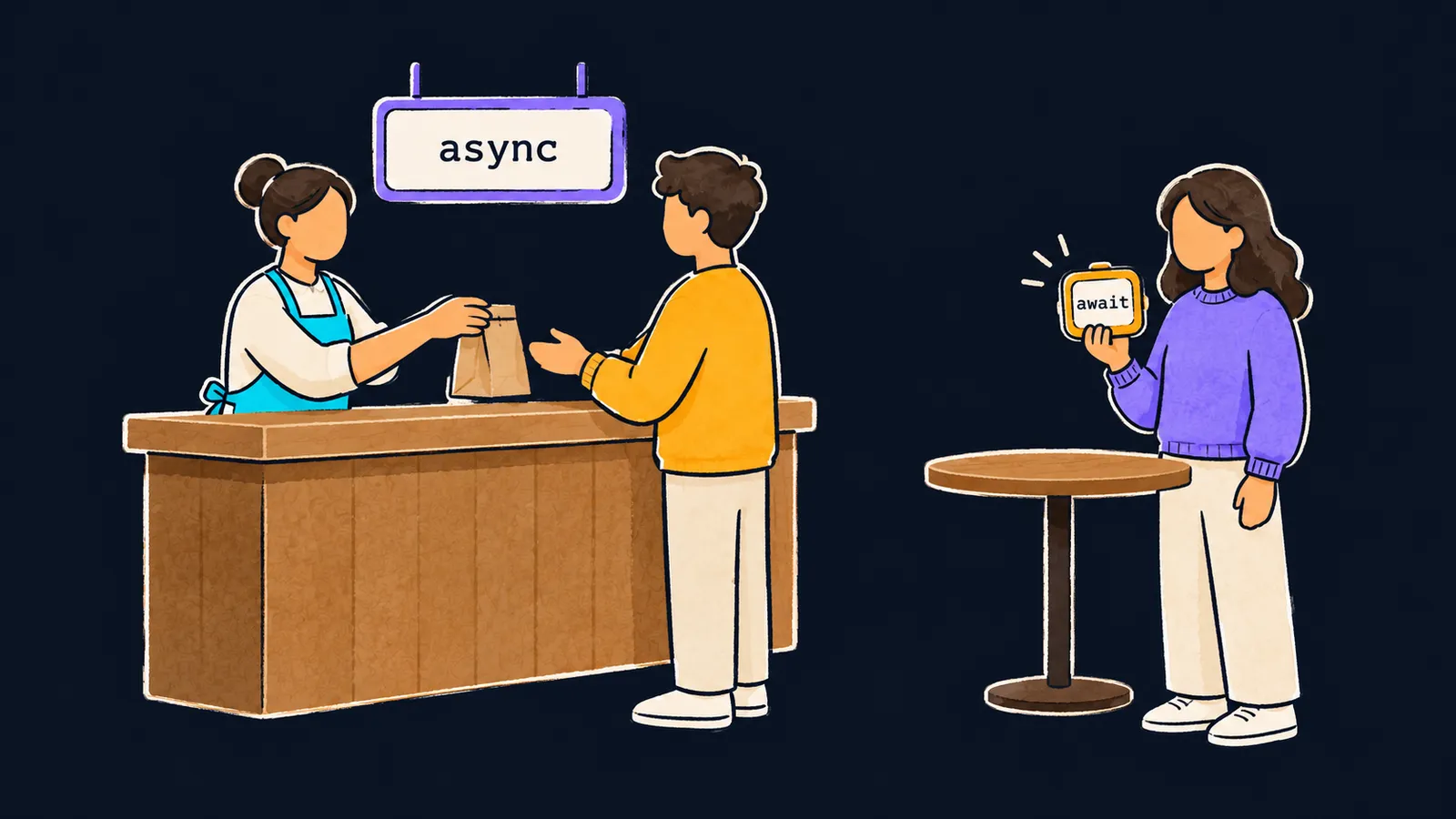
Picture a café without buzzers. You order a latte and stand at the counter while the barista makes it. The line behind you stands too: the cashier won't take the next order until you get yours.
Now the same café with buzzers. A sign over the counter says orders are handed out on a signal. You order, take a buzzer and step aside to a table, and the cashier serves the next customer right away. The buzzer goes off, you pick up your cup and carry on from where you stopped.
Programs have to wait too: for a server's reply, for a file to be read, for a timer's signal. There are two ways to wait:
- with blocking, like at a counter without buzzers: until the answer comes, this part of the program stands still and does nothing else;
- without blocking, like with a buzzer: until the answer comes, the program can do other work.
Why does it matter? If a phone app waits for a server's reply with blocking, it freezes: the screen won't scroll and the buttons won't respond. Without blocking, the app keeps drawing the screen and responding to taps while the reply is still on its way.
In Swift, the sign over the counter is the word async in a function's declaration, and the buzzer in your hand is the word await where you call it. Let's see them in code:
func makeCoffee() async throws -> String {
    try await Task.sleep(for: .milliseconds(100))
    return "coffee"
}

print("order") // order
let drink = try await makeCoffee()
print(drink) // coffee
Async function
An async function is a function that can pause in the middle of its work while it waits for something, and then carry on. You mark it with the word async in its header, after the parentheses with the parameters.
Let's walk through the program step by step:
func makeCoffee() async throws -> Stringdeclares an async function. The wordasynccomes after the parameters, beforethrowsand the arrow.- Inside it,
Task.sleep(for: .milliseconds(100))waits 100 milliseconds without blocking the program. In a real app, a request to a server would be here; the pause stands in for it. print("order")printsorder.try await makeCoffee()calls the function and waits for its result. When the pause is over,drinkgets the string"coffee".print(drink)printscoffee.
await and the suspension point
You write await in front of every call to an async function. It marks a suspension point: a place where the code may stop and wait. While the code waits, Swift gives the freed time to other work, like a cashier who serves the next customer.
When the result is ready, the code carries on from the same place. All the function's variables are still there, so it carries on as if there had been no pause.
You can write await where pausing is allowed:
- inside an async function;
- right in
main.swiftoutside any function, liketry await makeCoffee()in the example.
In an ordinary function, without async, await does not compile: that function is not allowed to pause.
Here the buzzer picture stops working. A customer at the table is free to make a call or read. A function at await does nothing: it only waits, and the rest of the program does the other work.
The pause and try
Task.sleep is declared with throws: a wait can be cancelled, and then it throws an error. So:
- you call
Task.sleepwithtry await; - the function
makeCoffee, which calls it withtry, is itself declared withthrows; - the word order never changes:
async throwsin the declaration,try awaitin the call.
As you already know, in the main part of the program, that is, in main.swift outside any function, try works without do/catch too. If nobody catches the error, the program crashes.
Common mistake
An async function was called without await:
let second = try makeCoffee() // ✗error: expression is 'async' but is not marked with 'await'The program does not compile. A call to an async function can pause the code, and Swift wants that place to be visible in the program text. The fix is try await makeCoffee().
Key points
- Waiting without blocking leaves the program time for other work while the answer is on its way.
asyncin the declaration makes a function async, andawaitat the call marks a suspension point.- You write
awaitinside an async function and inmain.swiftoutside any function. If the function also throws errors, the order isasync throwsin the declaration andtry awaitin the call.


