
The for-in loop
What you'll learn:
- repeat code with a
for-inloop over a range and over a sequence of numbers fromstride; - choose between
whileandrepeat-whileand predict how many times a loop body runs; - leave a loop with
breakand skip a lap withcontinue; - leave two nested loops at once with a labeled
break.
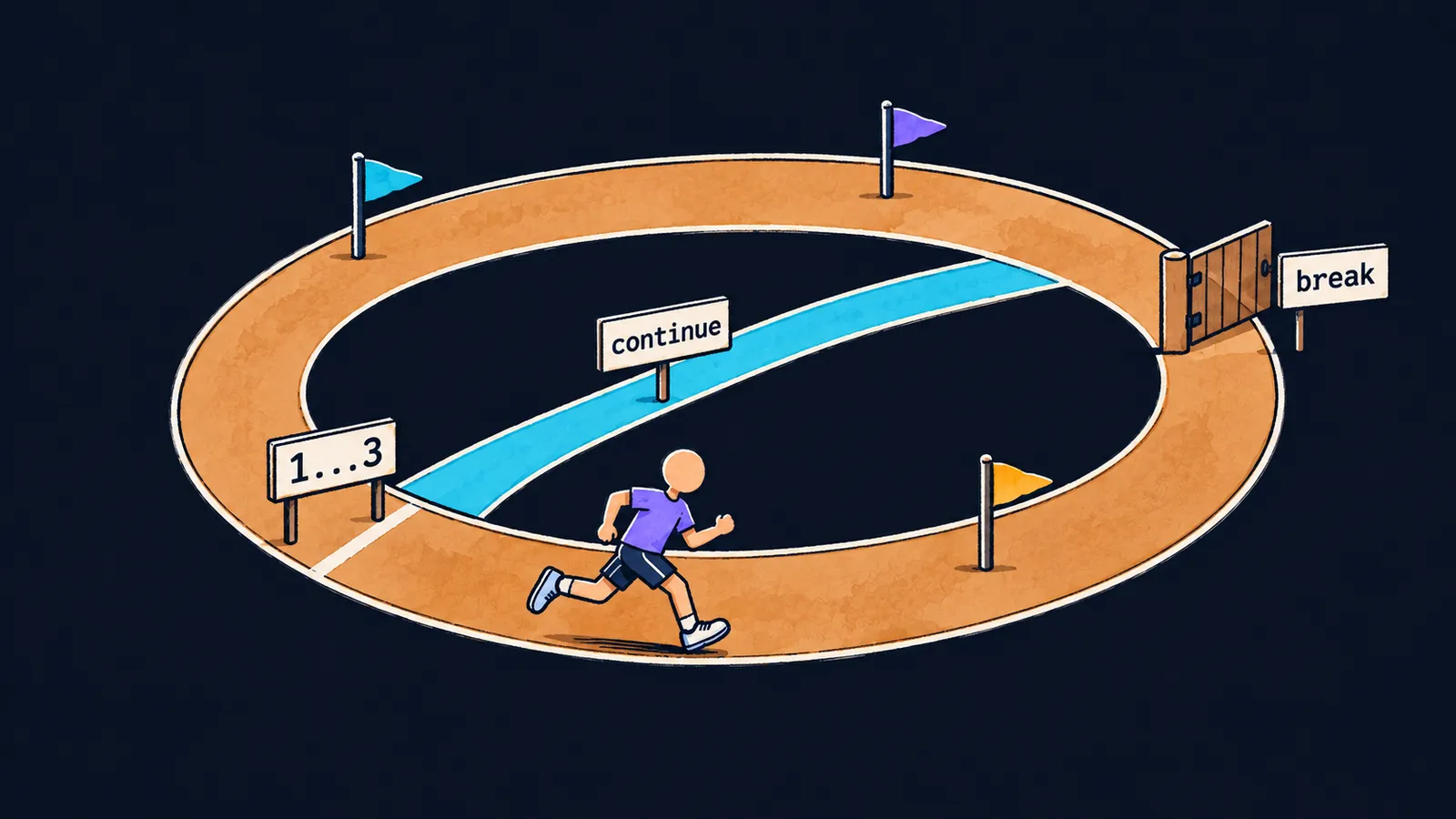
To print the lap numbers from the first to the hundredth, you would have to write a hundred lines with print. Nobody does that. Repeated actions call for a loop—a construct that runs a block of code again and again.
Picture a running track. The coach tells the runner: "Run laps one through three." The runner runs the first lap, then the second, then the third. When the laps from the task are done, the training is over.
The for-in loop works the same way. It is told the lap numbers in advance, and it runs its block of code, the loop body, once for each number:
for lap in 1...3 {
    print("lap", lap, terminator: "; ") // lap 1; lap 2; lap 3;
}
Let's walk through what happens here:
1...3is a closed range from the operators theme: the numbers1,2and3.- On the first lap
lapholds1, and the body printslap 1. - On the second lap
lapholds2, on the third3. - The numbers run out, and the loop ends.
terminator: "; " puts a semicolon after each lap instead of a line break, so all three laps print on one line.
How for-in is built
The header for lap in 1...3 reads as "for each lap in 1...3". Its parts:
foris the keyword that starts the loop;lapis the name under which the body sees the current lap number;inand the range after it are the numbers the loop goes through in order;- the braces hold the loop body, the code that repeats.
One pass through the body is called an iteration. The loop for lap in 1...3 makes three iterations, one for each number of the range.
A half-open range works too. The loop for i in 0..<3 runs the body for 0, 1 and 2: a handy way to repeat an action exactly three times.
The lap number cannot change
The name lap behaves like a let constant: on each iteration Swift creates it anew and puts the next number in it. You cannot change it: if you write lap += 1 in the body, the program does not compile.
error: left side of mutating operator isn't mutable: 'lap' is a 'let' constantHere the track picture is inaccurate. A real runner can change their mind and run an extra lap. In for-in the lap numbers are fixed before the start, and the loop body does not change them.
The name lap lives only inside the braces. A print(lap) line after the loop gives the error cannot find 'lap' in scope.
When the number is not needed
Sometimes the body does not use the lap number. Then you write _ instead of a name—a sign for "I don't need the value":
var meters = 0
for _ in 1...4 {
    meters += 400
}
print(meters) // 1600
The runner ran four laps of 400 meters, and the program prints 1600. The number of a particular lap does not matter here: only how many laps there were.
If you write for i in 1...4 and never use i in the body, the program runs, but the compiler warns:
warning: immutable value 'i' was never used; consider replacing with '_' or removing itA step larger than one
A range always goes in steps of 1. To go through every other number, you need stride: it builds a sequence of numbers from a start with a given step. After from: you write the start of the sequence, after by: the step, and the end is given in one of two ways:
for n in stride(from: 0, to: 10, by: 2) {
    print(n, terminator: " ") // 0 2 4 6 8
}
print()
for n in stride(from: 0, through: 10, by: 2) {
    print(n, terminator: " ") // 0 2 4 6 8 10
}
The empty print() prints only the line break, so the second sequence starts on a new one.
stride(from:to:by:)
With to: the end is not part of the sequence, as with the half-open range ..<. The sequence from 0 in steps of 2 goes up to 8. The next number, 10, equals the end, so it does not get in.
stride(from:through:by:)
With through: the end is part of the sequence, as with the closed range ..., so the second loop prints 10 too. If the step jumps over the end, the sequence stops earlier: stride(from: 0, through: 9, by: 2) gives 0 2 4 6 8.
The words themselves help you remember the difference: to means "up to", and through means "up to and including".
Common mistake
A countdown written with a range:
for n in 3...1 { // ✗
    print(n)
}Fatal error: Range requires lowerBound <= upperBoundThe program compiles, but at run time it crashes before the first iteration: the start of a range cannot be greater than its end. A countdown needs stride with a negative step: stride(from: 3, through: 1, by: -1) gives 3 2 1.
Key points
for-inruns the body once for each number of a range or astridesequence, and each such pass is an iteration.- The name in the loop header is a constant: it gets a new value on each iteration, and the body cannot change it.
_replaces the name when the value is not needed. stride(from:to:by:)leaves out the end, andstride(from:through:by:)includes it when the step lands on it.- A countdown is a
stridewith a negative step: the range3...1crashes the program.


