
Arrays and indices
What you'll learn:
- create arrays and read elements by an index that starts at zero;
- add, insert, remove and find elements and explain why an array declared with
letcannot change; - loop over an array, with or without the element numbers, and sort it;
- predict what happens to an array after it is assigned to another variable.
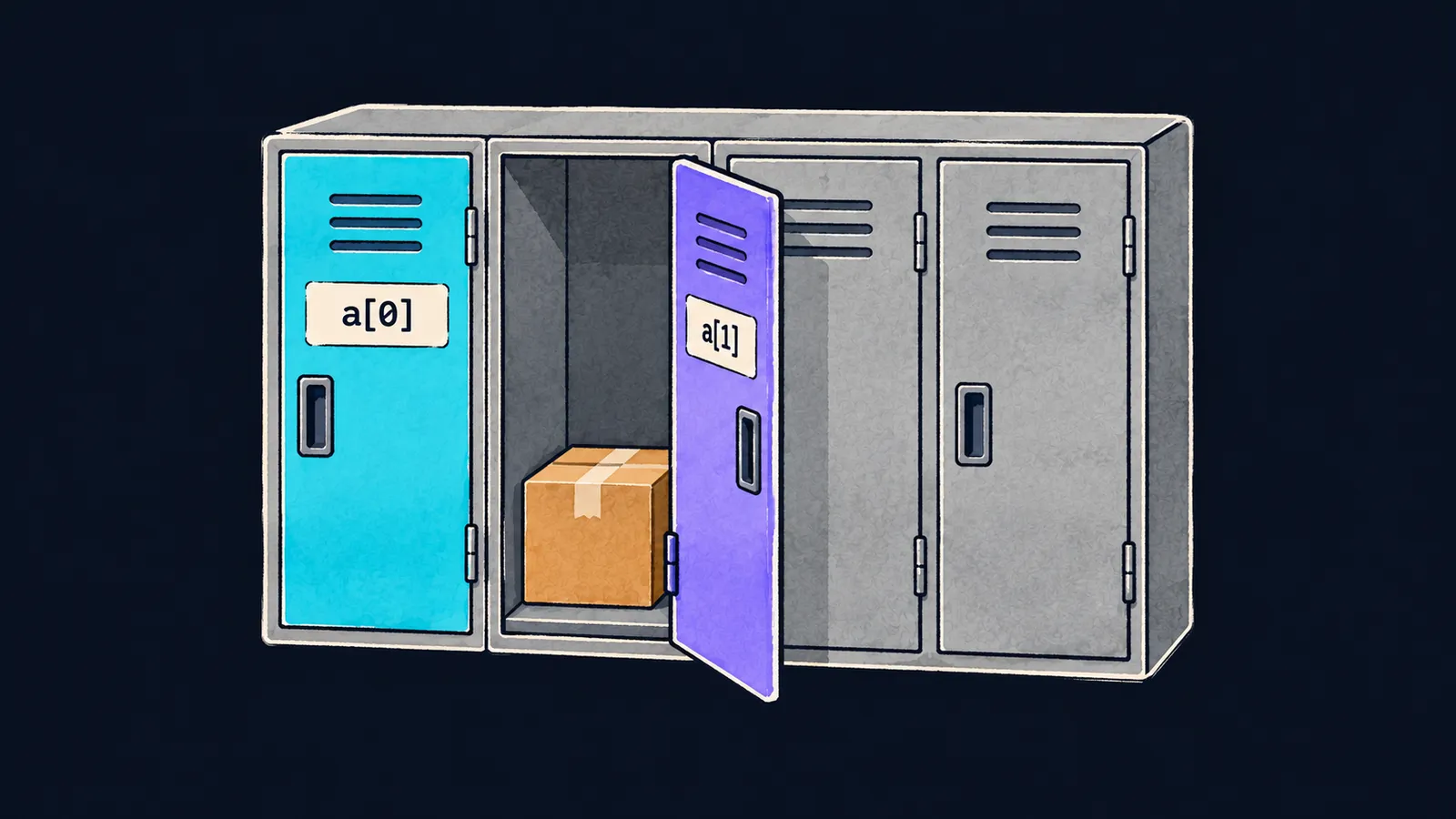
Picture a row of lockers in a swimming pool's changing room. The lockers stand side by side, each door has a number on it, and each locker holds one item. To take an item out, you do not need to remember what it is called: the locker number is enough.
Now a programming task. A teacher keeps the marks for three tests. You could declare three constants: score1, score2 and score3. But what if there are thirty tests? Thirty names are awkward both to declare and to go through.
For data like this there is the array—a row of values of one type under one name. Each value in the row is called an element of the array. Here is an array of three marks:
let scores = [7, 9, 4]
print(scores)        // [7, 9, 4]
print(scores[0])     // 7
print(scores[2])     // 4
print(scores.count)  // 3
Let's go through the program line by line:
let scores = [7, 9, 4]declares the arrayscores: the elements are listed with commas inside square brackets.print(scores)prints the whole array, also in square brackets.scores[0]is the element in locker number0, that is, the first one:7.scores[2]is the element in locker number2, that is, the third one:4.scores.countis how many elements the array has:3.
The index starts at zero
The number of an element in an array is called its index. It is a plain whole number of type Int, and you write it in square brackets right after the array's name: scores[0].
On a string, s[0] does not compile: characters take different numbers of bytes, and Swift requires a String.Index. In an array all elements have one type and take the same number of bytes, so a number gives an element's place at once.
The index says how many steps the element is from the start of the row. The first element stands at the very start, so its index is 0. Two rules follow from that:
- the first element has index
0; - the last one has
count - 1: in an array of three elements, that is2.
Here the locker picture is inaccurate. In a changing room the numbers usually start at one, and in an array they start at zero. But the indices, like the lockers, go in a row with no gaps: from 0 to count - 1.
The array's type
All elements of an array have one type, and the array's type is written in square brackets: [Int] is an array of whole numbers, [String] an array of strings. The array [1, "a"] does not compile: a number and a string do not fit in one row.
There are three ways to create an array.
Values in brackets
With [7, 9, 4], Swift infers the type itself from the elements. All the elements here are whole numbers, so scores has the type [Int].
A type annotation
The annotation from the variables theme works with arrays too: let prices: [Double] = [5, 7.5]. The whole number 5 becomes 5.0, because the array holds fractional numbers.
An empty array
An empty array is written as [String](): the type in square brackets and a pair of parentheses after it. The type is required here: there are no elements to infer it from. Writing let names = [] does not compile, with the error empty collection literal requires an explicit type. With an annotation, empty brackets work: let names: [String] = [].
let prices: [Double] = [5, 7.5]
print(prices)  // [5.0, 7.5]
let names = [String]()
print(names.count, names.isEmpty)  // 0 true
isEmpty answers the question "is the array empty?" and gives a Bool. An empty array has a count of 0 and an isEmpty of true. In Swift, emptiness is usually checked with isEmpty: the code reads more clearly than count == 0.
Common mistake
The last element taken at the index count:
print(scores[scores.count]) // ✗Fatal error: Index out of rangeThe program compiles, but when it runs it crashes on this line. The array has three elements with the indices 0, 1 and 2, and scores.count is 3. There is no locker number 3 in the row.
Swift checks every index while the program runs. If the array has no such index, the program stops instead of returning a made-up value. Interviewers often ask what happens when you go past the bounds of an array. The answer for Swift: a crash with the message Index out of range.
The last element sits at the index count - 1:
print(scores[scores.count - 1]) // 4Key points
- An array holds a row of values of one type under one name, and its type is written as
[Int]or[String]. - The first element's index is
0, the last one's iscount - 1. countis the number of elements,isEmptysays whether the array is empty; an empty array needs a type:[String]().- An index past the bounds of an array compiles, but it crashes the program:
Index out of range.


