
What Swift is
What you'll learn:
- explain what a program is and what a compiler does;
- run a Swift program and print text with the
printfunction; - set how
printseparates values and how it ends a line; - read a compiler message and tell an error from a warning.
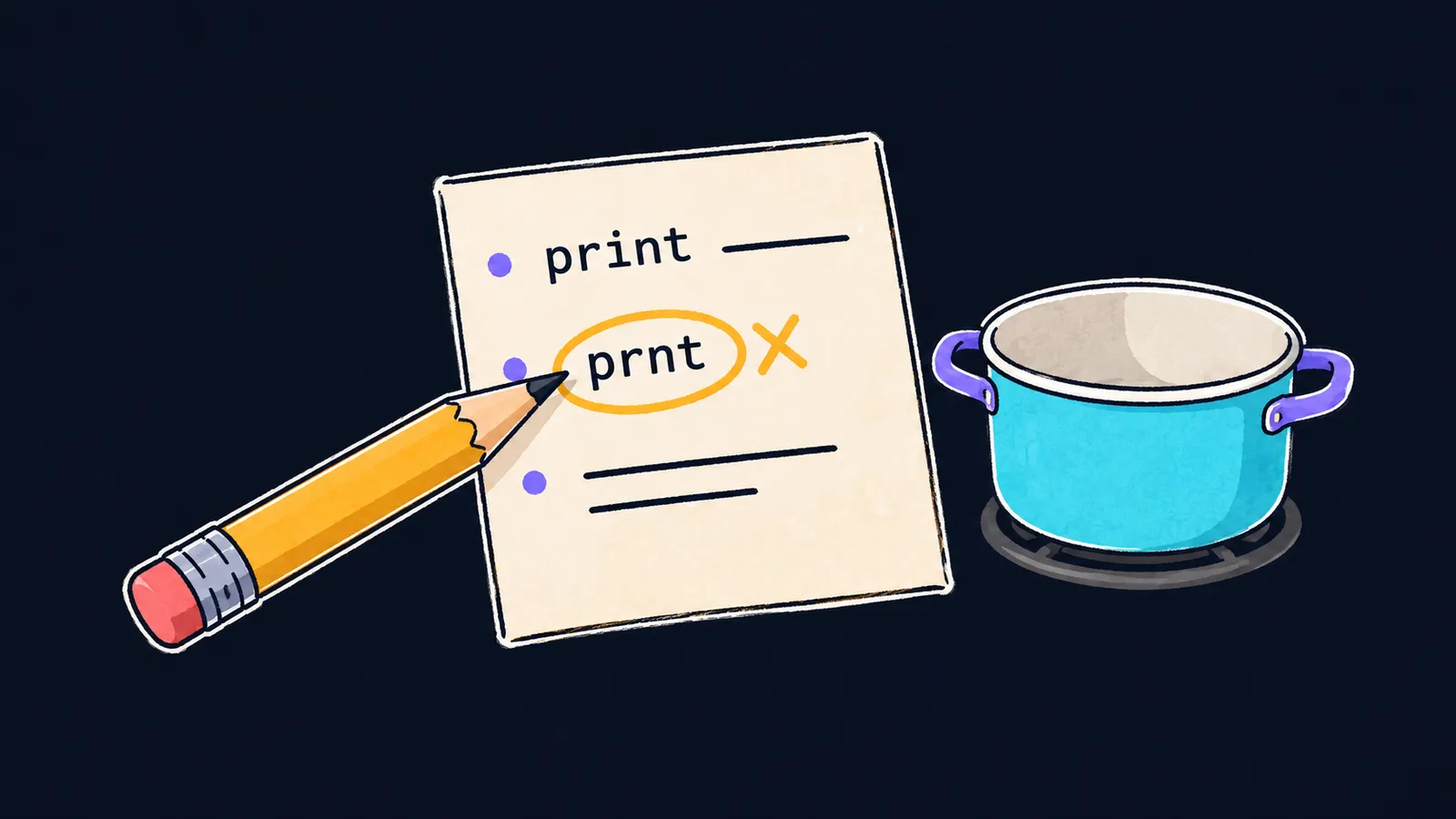
A program is like a recipe. A recipe lists its steps in order, and the cook follows them one after another, from top to bottom. A computer runs a program the same way: step by step, from the first line to the last.
But there is an important difference between a cook and a computer. A cook understands a recipe with a typo and works out on their own how much salt "to taste" means. A computer fills in nothing: it does exactly what is written, and only if it is written by the rules.
A program is text with commands for a computer, written by the rules of a programming language. In this course, that language is Swift.
The Swift language
Apple created Swift and introduced it in 2014. In 2015, Apple opened the language to everyone: since then, Apple's engineers have developed Swift together with anyone who wants to help.
People use Swift to write:
- apps for iPhone and iPad;
- programs for the Mac, Apple Watch and other Apple devices;
- servers—programs that answer requests from websites and apps;
- programs for Linux and Windows.
The course teaches the language itself, without an app's screens and buttons. Everything you learn here applies in any of these areas.
The compiler
A computer's processor does not understand Swift text. It runs only machine code—long chains of numbers that a person can hardly read. That is why the text of a program is first translated into machine code.
This is the job of the compiler—a program that checks Swift text and translates it into machine code. Imagine a strict proofreader: they read the whole recipe before anyone in the kitchen turns on the stove. If even one line breaks the rules, the proofreader sends the recipe back with notes, and the kitchen cooks nothing—not even the correct lines.
With the compiler, it works the same way:
- You write the text of the program and save it to a file.
- The compiler checks the whole file against Swift's rules.
- If there are no errors, it translates the text into machine code, and you get a finished program.
- The computer runs that program and carries out its commands in order.
If the compiler finds an error at the second step, it reports where it is, and no finished program comes out.
Where to write and run code
A program's text is stored in a file with the .swift extension. In the course's examples, this is the file main.swift: a Swift program starts its work from its first line. What to install is in the "Set up your computer" section on the course page. You can write and run a program in one of three places.
Xcode
Xcode is Apple's Mac app for writing, compiling and running code. Create a Command Line Tool project in it: Xcode creates the file main.swift for you and opens it. The file already holds lines Xcode wrote: delete them and paste the lesson's example. The Run button compiles and runs the program, and its output appears at the bottom of the window.
Check the project setting too: on the Build Settings tab, the Swift Language Version row must say Swift 6. If it says Swift 5, Xcode checks code by looser rules, and some of the course's examples behave differently.
Swift Playgrounds
Swift Playgrounds is an app for the Mac and iPad for trying short examples. Create a new document, type the code in and press the run button: the output appears beside it.
The terminal
On Windows, Linux and the Mac, once Swift is installed, you can compile and run the program in a terminal—a window where you type text commands. The easiest way to open one is in VS Code: open the folder that holds main.swift there and choose Terminal → New Terminal from the menu. The terminal opens right in that folder. Type the two commands in it, one after the other:
swiftc -swift-version 6 main.swift—the compiler checks the file and creates the finished programmainnext to it, ormain.exeon Windows../main, or.\main.exeon Windows—runs that program.
The part -swift-version 6 asks the compiler to check the text by the rules of Swift 6. All the course's examples follow those rules.
The first program
Here is a program of one line:
print("Hello!") // Hello!Let's take it apart:
printis the name of a command that prints text.- The parentheses after the name run that command.
"Hello!"in double quotes is the text to print.
print is a function: a ready-made command with a name, built into Swift. Writing print(...) calls it, and the function prints what stands in the parentheses. Text in quotes is printed without the quotes themselves. Any text can stand in the quotes, Russian included: print("Привет!") prints Привет!.
The computer does not run the text from // to the end of the line. The course's examples use it to show what a line prints: // Hello! means that the program outputs Hello!.
This is where the proofreader picture stops working. A real proofreader notices a typo in any word, but the compiler checks only the rules of the language. A typo inside the quotes, such as "Helo!", gets past it, and the program prints it as is.
Common mistake
The program's text was typed in an ordinary text editor, which replaced the straight quotes with typographic ones:
print(“Hello!”) // ✗error: unicode curly quote found, replace with '"'This is a message from the compiler: the program did not compile and did not run. In Swift, text to print stands only in straight double quotes ", and here the quotes are curly. The compiler reports an error for each such quote and suggests the replacement—a straight quote. Swift does not accept the angle quotes «» either.
Write code in Xcode or another editor for programs: such editors do not change quotes on their own.
Key points
- A program is text with commands for a computer; the computer runs it line by line and fills in nothing.
- The compiler checks the whole text of a program and translates it into machine code.
- You run a program with the Run button in Xcode, the run button in Swift Playgrounds or the commands
swiftc -swift-version 6 main.swiftand./main. print("…")prints the text from straight double quotes, without the quotes themselves.


