
Functions
What you'll learn:
- declare your own functions with parameters and a result, and call them;
- set argument labels, drop them with
_and give parameters default values; - return several values as a tuple and change a variable through
inout; - explain how a recursive function calls itself and where it stops.
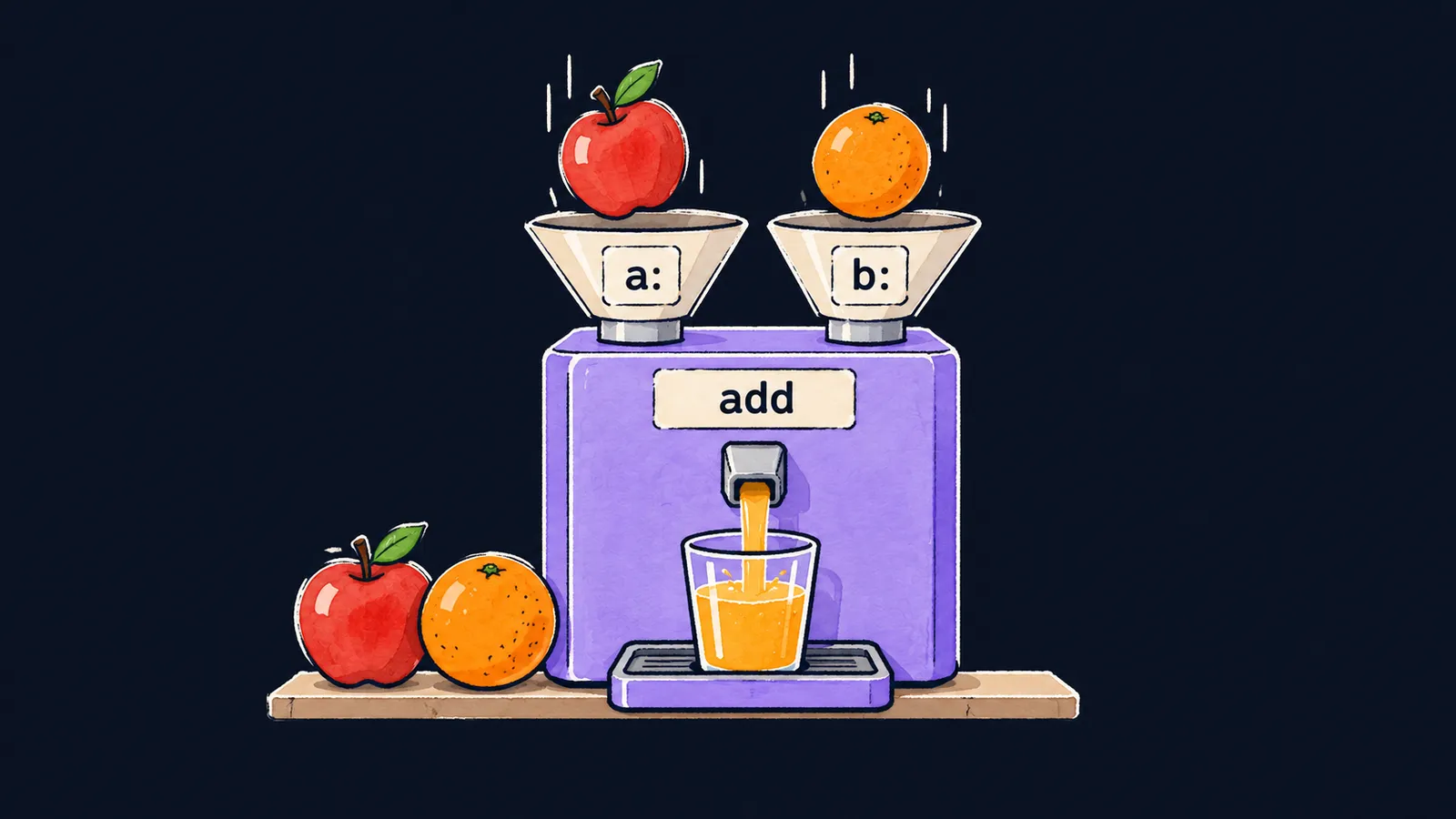
Picture a kitchen food processor. On top it has openings for the ingredients, with a label over each one. You put the ingredients in, press the button, and the juice comes out of the spout. You don't need to know how the machine works inside, and it works again and again, with any ingredients.
A function in a program is the same kind of machine. You have already called functions built into Swift: print prints values, and type(of:) names a type. Now you will learn to write your own.
Why write your own functions? If a program needs the same calculation many times, you write it once, give it a name and call it by that name. And if the calculation turns out to have a bug, you fix it in one place only.
Here is a function that adds two numbers:
func add(a: Int, b: Int) -> Int {
    return a + b
}

let sum = add(a: 2, b: 3)
print(sum) // 5
print(add(a: 10, b: -4)) // 6
Let's go through the program step by step:
- The lines from
functo the closing brace declare the functionadd. By themselves they run nothing: this is the description of the machine. add(a: 2, b: 3)calls the function: the number2goes intoa, and3goes intob.- The function computes
a + b, andreturnhands5back to the place it was called from. That number goes into the constantsum. print(sum)prints5.- The second call works with other numbers and gives
6.
Declaring a function
The line func add(a: Int, b: Int) -> Int is the function's header. Its parts:
funcis the keyword that starts the declaration;addis the function's name, the one you call it by;(a: Int, b: Int)are the parameters in parentheses, separated by commas: the name and the type of each;-> Intis the type of the result the function returns.
After the header, in braces, comes the function's body: the code that runs on every call.
A parameter is the name under which the function's body sees the value passed in. In the food processor it is an opening with a label: a and b are two openings for two numbers. Inside the body a parameter behaves like a let constant: you read it, but you don't change it.
Calls and arguments
In a call, the arguments go in parentheses after the function's name: the values for the parameters. Each argument is preceded by the parameter's name and a colon: a: 2. This is an argument label, the same kind as separator: in print. The arguments come in the same order as the parameters in the header.
A function call is an expression, and its value is the function's result. That is why a call can be stored in a constant, printed, or passed as an argument to another call. The call runs when the program reaches its line, and sum gets the finished number 5, not the call itself.
Junior interviews sometimes ask how a parameter differs from an argument. The answer:
- a parameter is a name in the function's declaration:
ainfunc add(a: Int, b: Int); - an argument is a value passed in a call:
2inadd(a: 2, b: 3).
The function's result
The -> Int part promises that the function returns an Int. The return statement returns it: it computes the value to its right, hands it back and ends the function at once. Lines of the body below return no longer run.
A one-expression body
If the function's body is a single expression, you can leave out return: Swift returns the value of that expression on its own. That is how the square function in the example below works.
A function without a result
A function doesn't have to return anything. The greet function below prints a greeting, and its header has no -> arrow. It still has a result type, Void, that is, "nothing". You may write -> Void, but people usually don't.
func square(x: Int) -> Int {
    x * x
}

func greet(name: String) {
    print("Hello, \(name)!")
}

print(square(x: 4)) // 16
greet(name: "Anna") // Hello, Anna!
print(add(a: square(x: 3), b: 1)) // 10
Let's look at the three calls:
square(x: 4)returns16, even though the body has noreturn.greet(name: "Anna")prints the line itself and returns no result. That is why it is called on a line of its own, not insideprint.- In the last line,
square(x: 3)is an argument of another call. It runs first and gives9, thenaddgets9and1and returns10.
Here the food processor picture is inaccurate. Juice pours out of the machine even when nobody puts a glass under it. But a function result that is neither stored nor printed looks suspicious to Swift: the line add(a: 2, b: 3) on its own gives the warning result of call to 'add(a:b:)' is unused.
Common mistake
A function tries to change a variable declared directly in main.swift:
var total = 0
func addToTotal(n: Int) {
    total += n // ✗
}error: main actor-isolated var 'total' can not be mutated from a nonisolated contextThe program does not compile. The message says that the variable total belongs to the main part of the program, the lines of main.swift outside every function, and a function may not change it. Reading such a variable from a function fails too. But a function may read a let constant holding a number or a string: nobody will change it.
The reason is protection against simultaneous changes. Swift 6 makes sure that no two parts of a program running in parallel change the same variable at once. Your programs so far have only one such part, and it runs from top to bottom. But a function can be called from any part, so the compiler denies it access to the variables of the main part of the program in advance.
The food processor doesn't reach into your fridge: everything it needs goes into its openings. Do the same here: pass the value in as a parameter, and assign the result yourself.
var total = 0
total = add(a: total, b: 5)
total = add(a: total, b: 7)
print(total) // 12
The function add gets total as an argument and returns the sum, and the assignment happens outside the function.
Key points
- A function is declared with
func: the name, the parameters with their types in parentheses, the result type after->and the body in braces. - In a call, each argument is preceded by its label:
add(a: 2, b: 3); a parameter is a name in the declaration, an argument is a value in the call. returnreturns the result and ends the function; a one-expression body returns its value withoutreturn, and a function without->returnsVoid.- A function doesn't touch
varvariables of the main part of the program: values are passed in as parameters, and the function returns its result.


