
Enums
What you'll learn:
- declare an enum and handle it in a
switchwith nodefaultbranch; - give cases raw values and find a case by its number;
- store associated values in a case and get them out with
switchandif case; - add methods to an enum and explain why
Optionalis an enum too.
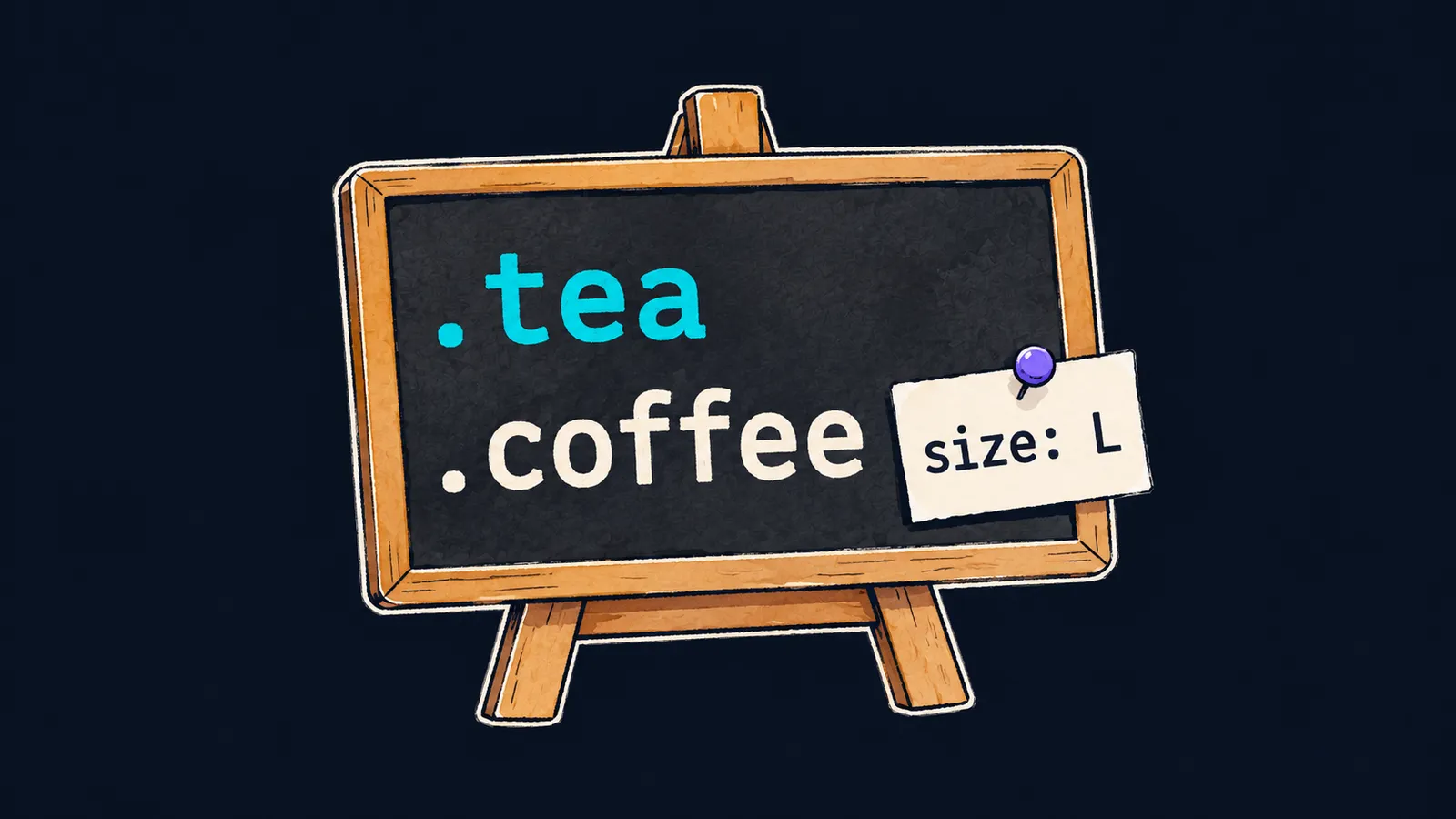
Picture the menu of a small café. It has only two lines: tea and coffee. There are no other drinks here, and you cannot order lemonade: the menu has no such line. The waiter writes one of the menu lines on the order ticket, and the order's details too when needed, such as the size L.
In a program you could store an order as a string: "coffee". But a string accepts "cofee" with a typo, and "lemonade", which is not on the menu. The compiler notices neither: to it, these are ordinary strings.
So that the compiler knows the whole menu, Swift has enums:
enum Drink {
    case tea
    case coffee
}

let order = Drink.coffee
print(order) // coffee
Let's go through the program line by line:
enum Drinkdeclares a new typeDrink—the drinks menu.case teaandcase coffeelist the values of this type. ADrinknever has any other value.Drink.coffeeis the type name, a dot and one of the values. It goes into the constantorderof typeDrink.print(order)prints the value's name:coffee.
Now the compiler catches the typo. The line let wrong = Drink.cofee does not compile:
error: type 'Drink' has no member 'cofee'The message says that the type Drink has nothing named cofee. Drink.lemonade does not get through either.
Declaring an enum
An enum is a type with a fixed list of values. Each value in that list is called a case of the enum. The declaration has three parts:
enumis the keyword that starts the declaration;Drinkis the name of the new type; it starts with a capital letter, likeIntandString;case teais a case; case names start with a lowercase letter.
You can also list the cases on one line, separated by commas: case tea, coffee. It is the same declaration, only shorter.
A dot instead of the type name
You can leave out the type name before the dot when Swift already knows a Drink is needed. For example, in var next: Drink = .tea the variable's type is given, so .tea means Drink.tea. The dot works the same way in switch branches and in the arguments of a function whose parameter has type Drink.
switch without default
An enum is handy to handle in a switch: each case gets its own branch. Let's work out the price of a drink:
func price(of drink: Drink) -> Int {
    switch drink {
    case .tea:
        return 2
    case .coffee:
        return 3
    }
}

print(price(of: .tea)) // 2
print(price(of: order)) // 3
Let's walk through the program:
- The parameter
drinkhas typeDrink, so a dot is enough in the branches:case .tea:. - There is no
defaultbranch.Drinkhas exactly two cases, and each has a branch, so theswitchis exhaustive. - The dot works in the call
price(of: .tea)too: the parameter is declared with typeDrink. - The second call gets
orderfrom the first example, which is coffee, and returns3.
In the conditions theme, a switch on an Int without default did not compile: the compiler does not check whether the values and ranges in the branches cover every number. But it knows every case of an enum and checks each one. Add case cocoa to the menu, and the function price stops compiling:
error: switch must be exhaustiveBelow it, the compiler suggests add missing case: '.cocoa', which means "add a branch for .cocoa".
Interviewers like to ask this: why is it better to do without default in a switch on an enum? The answer:
- without
default, the compiler itself checks that every case has a branch; - when a case is added to the enum, the compiler points at every
switchthat does not handle it; - with
default, the new case would silently fall into the shared branch, and cocoa would sell at the price fromdefault.
And if you write default when every case is already handled, the compiler warns: default will never be executed.
All cases: allCases
Sometimes you need the whole list of cases, for example to print the menu. For that, you write CaseIterable after the enum's name, following a colon:
enum Size: CaseIterable {
    case small, medium, large
}

print(Size.allCases.count) // 3
for size in Size.allCases {
    print(size, terminator: " ") // small medium large
}
: CaseIterable asks Swift to collect all the cases into the array allCases. The cases sit in it in the same order as in the declaration. You work with this array like any other: count gives the number of cases, and for-in goes through them one by one.
Here the menu picture is inaccurate. A café can reprint its menu tomorrow, and lemonade will appear in it. The cases of an enum are written in the code: while the program runs, a new case cannot appear.
Common mistake
A case was picked with a dot, but the type is given nowhere:
let next = .tea // ✗error: reference to member 'tea' cannot be resolved without a contextual typeThe message says that from a dot alone, Swift cannot tell which type you mean. A case named tea may exist in different enums, and the constant next has no type given. Write the type in full, let next = Drink.tea, or give it to the constant: let next: Drink = .tea.
Key points
- An enum is a type with a fixed list of cases:
enum Drink { case tea, coffee }. - You write a case with the type name,
Drink.coffee, or with a dot alone,.coffee, when the type is already known. - A
switchon an enum does withoutdefault: the compiler itself checks that every case is handled. : CaseIterableafter the enum's name gives the array of all cases,allCases, in declaration order.


