
if and else
What you'll learn:
- choose which code runs with
if,else ifandelse; - explain why a condition in Swift can only be a
Bool; - sort a value into
switchcases by a list, by a range or by awherecondition; - explain why a
switchcase does not fall into the next one and whydefaultis needed.
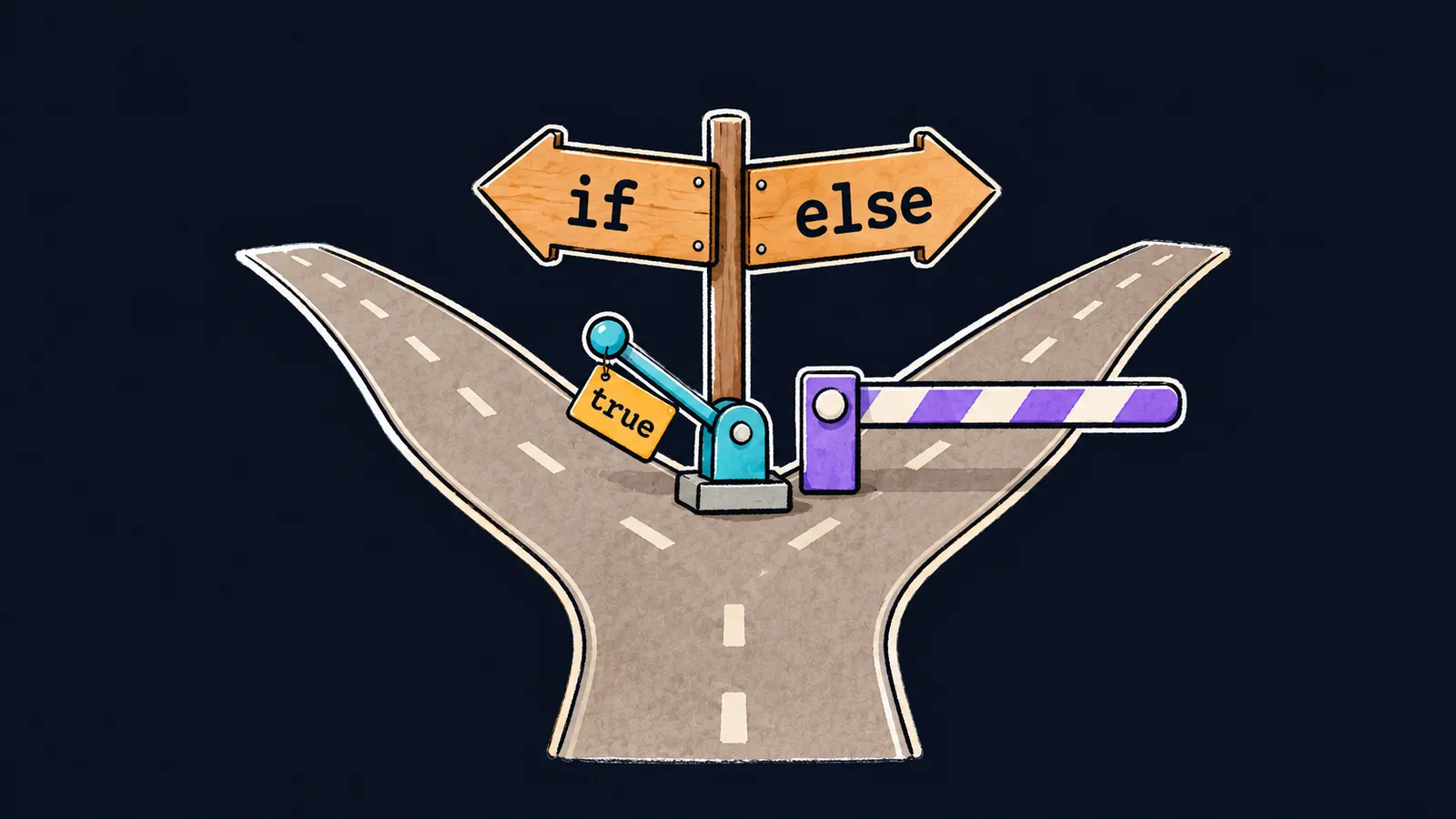
Picture a fork in the road with a signpost: "If it's raining, go left to the bus stop. Otherwise, go right through the park." You read the condition and pick one road, and this time you don't take the other.
So far, a program has run every line in order, from top to bottom. But it often needs the same kind of fork: print one thing or another, compute this way or that. That is what the if statement is for. It runs the block in braces only when the condition is true, and the block after else when it is false:
let correct = 17
let total = 20
let percent = correct * 100 / total
if percent >= 90 {
    print("excellent")
} else if percent >= 60 {
    print("pass") // pass
} else {
    print("fail")
}
Let's walk through the program:
percentgets17 * 100 / 20, which is85.if percent >= 90— the condition is false, so the program skips the first branch.else if percent >= 60— the condition is true, so the program printspass.- The program skips the
elsebranch: a matching branch has already been found.
The percentage here is computed from two numbers rather than written out. If you write let percent = 85, the compiler notices while checking the file that with this value two branches can never run, and gives the warning will never be executed. The program still builds and prints pass: it is a warning, not an error.
Three kinds of branches
Each block in braces after if, else if or else is called a branch.
if
An if branch opens the fork. It is written in three parts:
- the keyword
if; - a condition, such as
percent >= 90; - a block in braces that runs when the condition is true.
An if can also stand alone, without else. Then, when the condition is false, the program skips the block and moves on.
else if
An else if branch adds one more condition to the fork. Its condition is checked only if every condition above it was false.
A chain of else if checks the conditions from top to bottom, runs the first branch whose condition is true and skips the rest. That is why the second branch of the example does not say percent < 90: the program reaches it only when percent >= 90 is already false.
This is where the fork differs from a real road. A traveler can pick the most convenient signpost, while Swift reads them strictly from top to bottom and follows the first one that fits. Put percent >= 60 above percent >= 90, and excellent is never printed, whatever the percentage.
else
An else branch has no condition. It runs when every condition above it is false, and it always comes last. If there is no else and no condition is true, no branch runs at all.
Braces
Parentheses around the condition are not needed: Swift accepts if (percent >= 90) too, but people rarely write it that way. Braces around a branch, however, are required, even when it holds a single line:
if percent >= 60 print("pass") // ✗error: expected '{' after 'if' conditionThe compiler expected { right after the condition and found print instead.
A Bool condition
The condition of an if must have the type Bool. These work:
- a comparison, such as
percent >= 60; - several comparisons joined with
&&,||and!; - a constant or a variable of type
Bool.
A number is never a condition. In C and languages like it, 0 counts as false and any other number as true, but Swift does not do that:
let messages = 2
if messages { // ✗
    print("you have mail")
}error: type 'Int' cannot be used as a boolean; test for '!= 0' insteadThe program does not compile, and the compiler itself suggests the fix: compare the number with zero, if messages != 0. A comparison gives a Bool, and the code shows at once what exactly the condition checks.
Common mistake
The condition has one = sign instead of two:
var attempts = 3
if attempts = 0 { // ✗
    print("no attempts left")
}error: use of '=' in a boolean context, did you mean '=='?A single = puts a value into a variable, while two signs, ==, compare. The Swift compiler catches this typo and refuses to build the program. The correct line is if attempts == 0.
Key points
ifruns its branch when the condition is true, andelseruns when every condition above it is false.- A chain of
else ifchecks the conditions from top to bottom and runs only the first branch whose condition is true. - A condition has the type
Bool: a number in its place does not compile; you need a comparison such as!= 0. - Braces around a branch are required, while parentheses around the condition are not needed.


