
setTimeout and callbacks
What you'll learn:
- predict the order of output in code with
setTimeout, promises andawait; - create a promise and get its value with
then,catchandawait; - explain why a
thencallback runs before a timer callback; - wait for several promises at once with
Promise.alland catch a rejection.
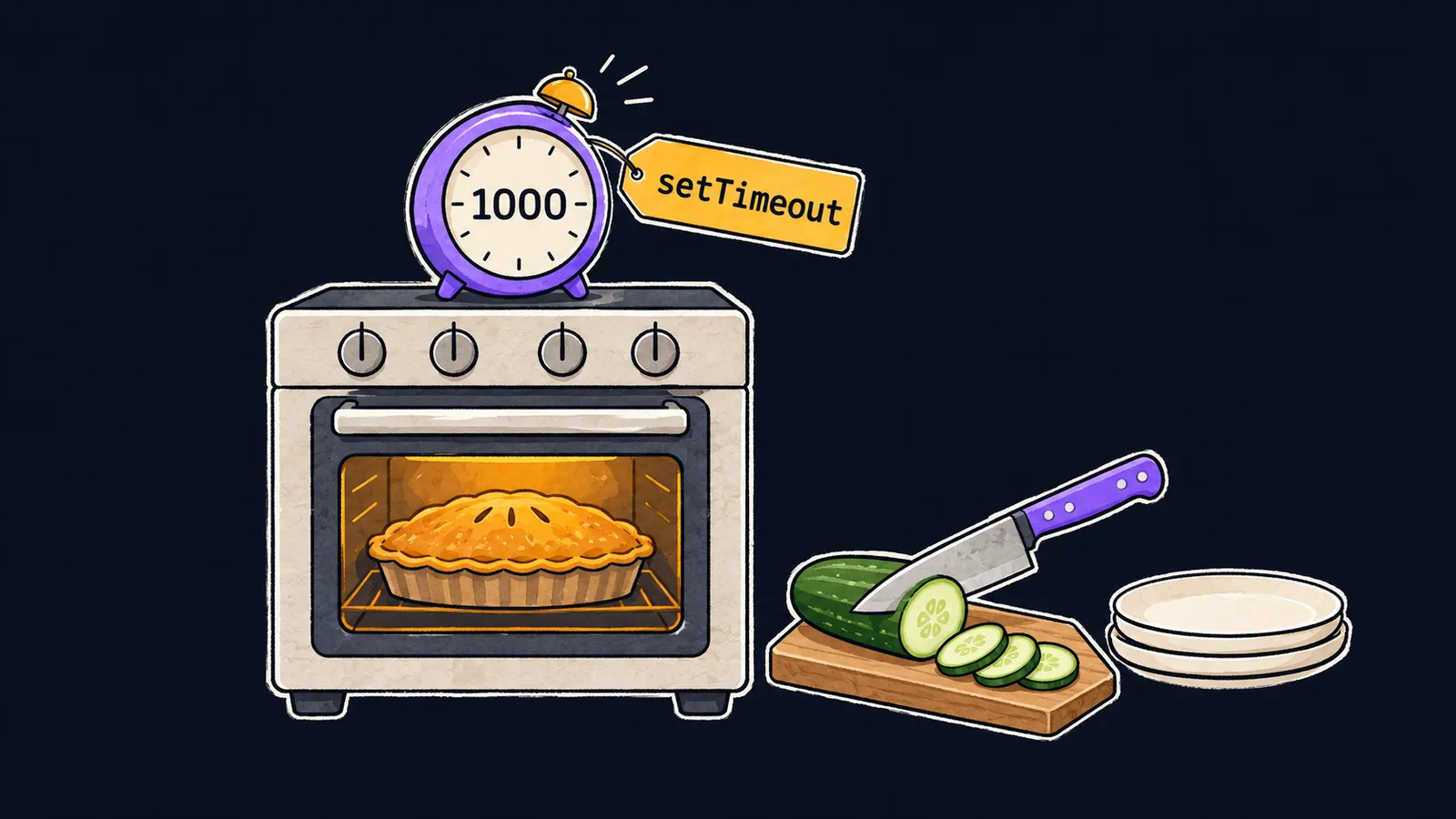
Picture a cook working alone in a kitchen. He puts a pie in the oven, sets a kitchen timer and does not stand by the stove for forty minutes. While the pie bakes, the cook chops a salad and washes the dishes. When the timer rings, the cook finishes the job in hand and only then takes the pie out.
A program also often has to wait: for a server reply, a button press, the end of a pause. JavaScript does not stop for such a wait. It remembers a function to call later and moves on right away. Let's see what the program prints:
console.log("start");

setTimeout(() => {
    console.log("one second later");
}, 1000);

console.log("end");
// start
// end
// one second later
The setTimeout function takes a function and a delay in milliseconds. It waits for nothing itself: it remembers the function and hands control to the next line. That is why end prints right after start, and one second later appears a second later.
setTimeout is that kitchen timer: you set it, and the program gets on with something else. The function inside is the job to do when the timer rings.
A callback is called later
As you already know from the theme on array methods, a callback is a function passed as an argument so that it is called later. What matters is when exactly it is called:
- the
forEachcallback is called at once, once per element, and the next line waits for the last call; - the
setTimeoutcallback is called later, when the rest of the program has already moved on.
Code where a part runs later rather than at its place in the file is called asynchronous. In such code, the order of the output no longer matches the order of the lines. You read such code by time, not from top to bottom: what runs now and what runs later.
The callback is still an ordinary function. It sees the variables outside it, like any closure, and can change them.
A delay of 0
Even a delay of 0 does not mean "right now":
setTimeout(() => {
    console.log("timer");
}, 0);

console.log("after");
// after
// timer
Remember the cook: he does not drop the dish in hand, even if the timer is already ringing. JavaScript likewise runs code one piece at a time. While the current code runs, no callback starts.
Callbacks whose time has come wait in a queue, like order slips on a hook. The event loop is the part of the browser or Node.js that takes the next callback from the queue after the current code ends.
Let's go through the example step by step:
- The current code sets a timer with a delay of
0and moves on at once. - The line
console.log("after")printsafter, and the current code ends. - The timer callback is already waiting in the queue: the event loop takes it, and the callback prints
timer.
That is why timer prints after after, even with a zero delay. Interviewers like to ask this: what does code with setTimeout(…, 0) print? The answer: all the current code first, then the timer callback.
The delay is the shortest wait, not an exact one. If the current code runs longer, the callback waits for it to end.
Here the cook analogy stops working. A real cook can put the knife down halfway, while JavaScript never interrupts the current code: the callback starts only when that code reaches its end.
Node.js does not end the program while any timer is waiting, so the callback still prints after the last line of the file. In a browser, the page keeps running while it is open, so the timer fires there too.
Common mistake
A result that will appear in the callback is read right after setTimeout:
let user;

setTimeout(() => {
    user = { name: "Ann" };
}, 0);

console.log(user.name); // ✗TypeError: Cannot read properties of undefined (reading 'name')The last line runs before the callback, and the variable user still holds undefined. Everything that uses the result goes inside the callback: move console.log(user.name) there, after the assignment.
Key points
- A
setTimeoutcallback is called later, while the next line runs at once. - Code where a part runs later than its place in the file is called asynchronous.
- The event loop takes a callback from the queue only after the current code ends, even with a delay of
0. - A result that appears in a callback is used inside that callback.
Subscribe to take the course
The course is free. Sign in with Telegram and subscribe to the channel to open every lesson.
















