
The Map collection
What you'll learn:
- store key–value pairs in a
Mapand count words with it; - collect values without repeats in a
Set; - turn an object into a JSON string and back, and know what gets lost;
- explain in an interview how a
Mapdiffers from a plain object.
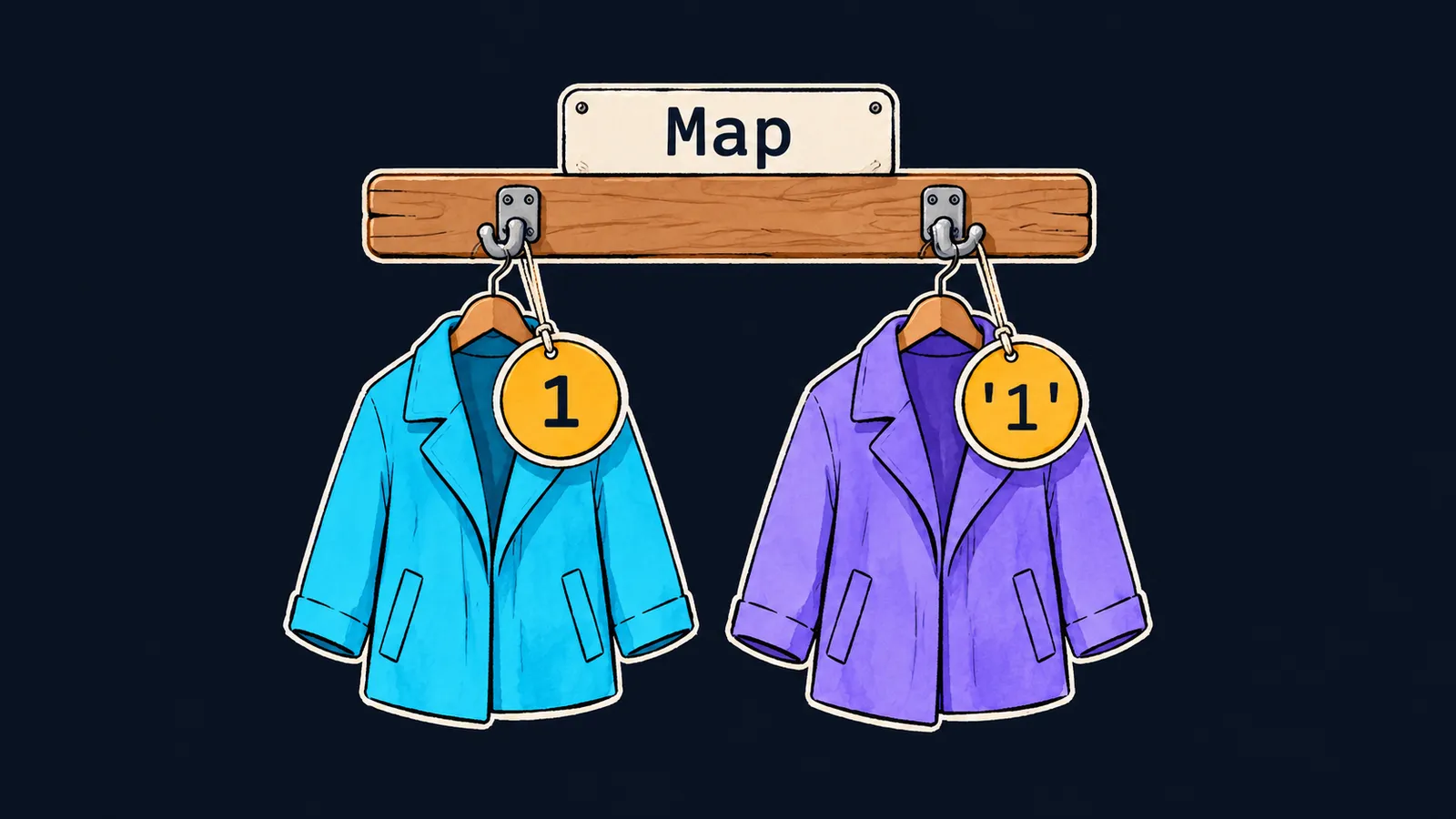
Picture a theater cloakroom. You hand over your coat, and the attendant gives you a token. The token is the key, the coat is the value. After the show you present the token and get your coat back.
An object in JavaScript also stores key–value pairs, but it has a quirk: it turns a number used as a key into a string. It is like an attendant who reads every token as text. For them the token 1 and the token "1" are one and the same hook. Let's see:
const names = {};
names[1] = "one";
names["1"] = "uno";
console.log(Object.keys(names).length); // 1

const map = new Map();
map.set(1, "one");
map.set("1", "uno");
console.log(map.size); // 2
console.log(map.get(1), map.get("1")); // one uno
Let's go step by step:
names[1] = "one"writes the key"1"into the object: the number became a string.names["1"] = "uno"writes under the same key and replaces"one".- That is why the object has one key, and the program prints
1. - In the second half the
Mapkeeps1and"1"as two different keys:sizeis2.
What a Map is
Map is a built-in collection of key–value pairs. A collection is a value that holds many other values inside it. A key in a Map stays exactly as it was passed: a number, a string, true or an object.
The expression new Map() creates an empty collection, and the word new in it is required. new creates a new value — here a new empty collection. Without it, the call Map() throws a TypeError.
Map methods
You work with a Map through methods, not through map.key or map[key] as with an object:
map.set(key, value)stores a value under a key, and for an existing key replaces the old value;map.get(key)returns the value, orundefinedif there is no such key;map.has(key)returnstrueorfalse;map.delete(key)removes a pair;map.sizeholds the number of pairs — it is a property, so no parentheses follow it.
A Map has no length property, and map.length gives undefined.
const stock = new Map();
stock.set("apple", 3);
stock.set("pear", 5);
stock.set("apple", 4);
stock.delete("pear");

console.log(stock.get("apple"), stock.get("plum")); // 4 undefined
console.log(stock.has("pear"), stock.size); // false 1

const ann = { name: "Ann" };
const visits = new Map();
visits.set(ann, 2);
console.log(visits.get(ann), visits.get({ name: "Ann" })); // 2 undefined
Let's walk through the stock warehouse:
- The first two
setcalls put in apples and pears. - The third
setwith the key"apple"adds no pair; it replaces3with4. delete("pear")removes the pears.- So
get("apple")gives4, andget("plum")givesundefined: there are no plums in stock. has("pear")givesfalse, andsizeis1.
An object as a key
An object key is compared by reference. get finds the value only through the very same object. Another object with the same properties is a different key, so visits.get({ name: "Ann" }) gives undefined.
This is where the cloakroom analogy stops working. A real attendant looks at the number on the token, and a copy with the same number would work too. A Map with an object key recognizes only that very token, not a copy of it.
Counting with a Map
A common task is to count how many times each word occurs. For this, get is combined with the ?? operator: counts.set(word, (counts.get(word) ?? 0) + 1). If the key is not there yet, get returns undefined, ?? replaces it with 0, and 1 is stored under the key.
Press "Next step" and watch old: for a new word it is 0, and for a known one it is the previous count.
1const words = ["cat", "dog", "cat"];2const counts = new Map();3 4for (const word of words) {5 const old = counts.get(word) ?? 0;6 counts.set(word, old + 1);7}8 9console.log(counts.get("cat"));10console.log(counts.get("dog"));11console.log(counts.size);
The collection counts is created, and it holds no pairs yet.
Each word holds its count, and size is the number of different words.
Iterating over a Map
A Map remembers the order in which its keys were added. A for…of loop goes over the pairs in exactly that order. Each pair is an array [key, value], which destructuring takes apart conveniently:
const scores = new Map();
scores.set("Bob", 7);
scores.set("Ann", 9);
scores.set(10, 1);

for (const [key, value] of scores) {
    console.log(key, value);
}
// Bob 7
// Ann 9
// 10 1
The key 10 stayed last, although in an object an integer-like key would have moved to the front. The expression [...scores] uses spread syntax to turn a Map into an array of such pairs.
A Map or an object
Interviewers like to ask this: "How does a Map differ from an object?" The answer has three parts:
- a
Mapkey can be any value, while an object turns a number into a string; - a
Mapremembers the order keys were added in and keeps the number of pairs insize; - you work with a
Mapthroughget,set,hasanddelete.
An object suits data with properties known in advance, such as user.name and user.age. A Map suits a dictionary whose keys appear while the program runs: words from a text, order numbers, objects.
Common mistake
A value was written into a Map with square brackets, as into an object:
const stock = new Map();
stock["apple"] = 3; // ✗

console.log(stock.get("apple"), stock.size); // undefined 0
There is no error, but the pair never reached the collection. The brackets created an ordinary property on the object stock, and get and size do not see it. Store pairs only through set: stock.set("apple", 3).
Key points
- A
Mapstores key–value pairs, and a key stays exactly as it was passed:1and"1"are different keys. - Pairs are written with
setand read withget, andsizeholds their number. - An object key is looked up by reference: only the very same object matches.
- For counting, write
counts.set(word, (counts.get(word) ?? 0) + 1).
Subscribe to take the course
The course is free. Sign in with Telegram and subscribe to the channel to open every lesson.
















