
Your first JavaScript program
What you'll learn:
- run a JavaScript program in Node.js and print values with
console.log; - tell a syntax error from a runtime error by the Node.js message;
- declare a function with parameters and return a value from it with
return; - predict what a function call inside another call prints.
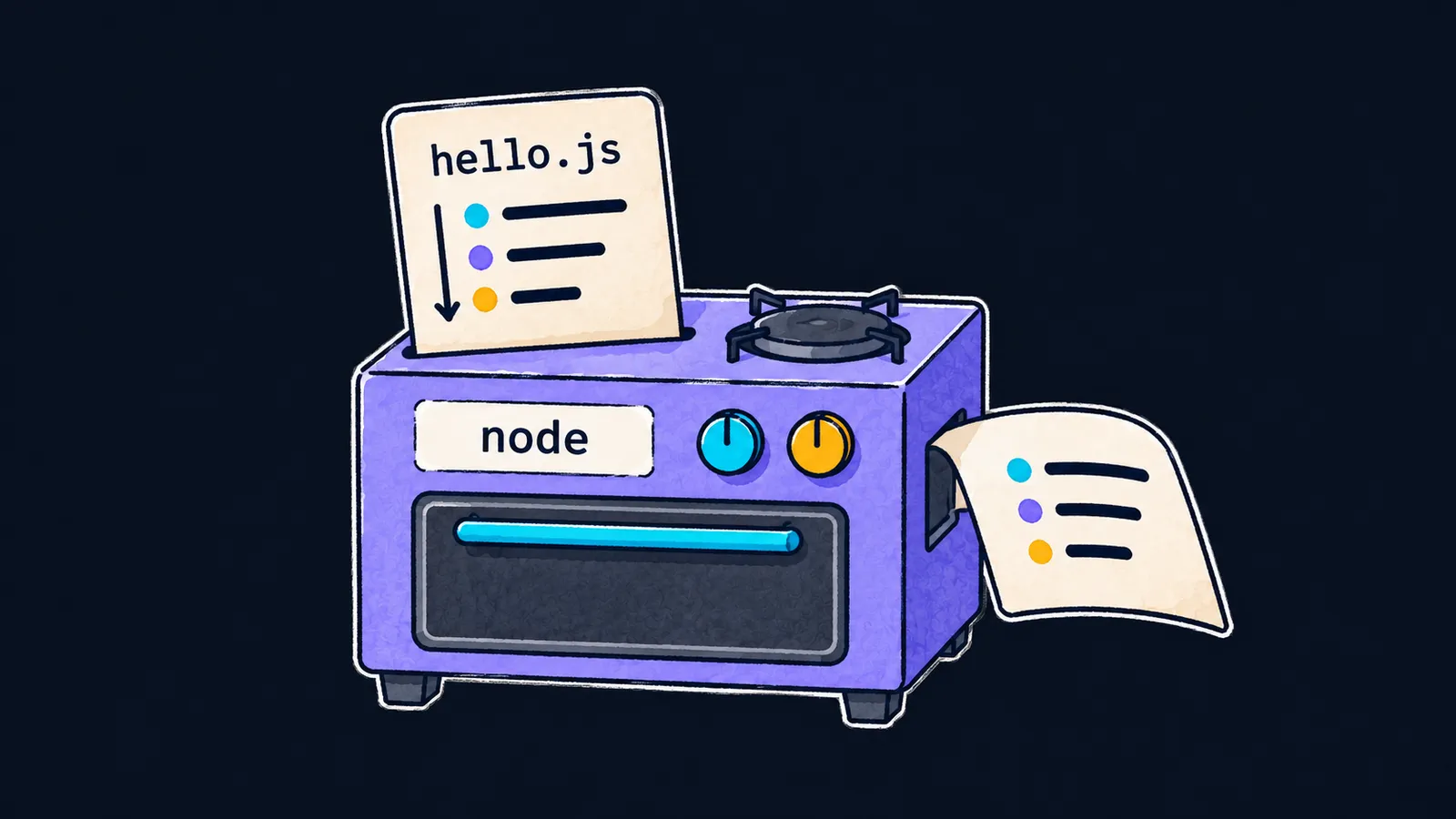
A program is like a recipe. A recipe lists its steps in order, and the cook follows them one after another, from top to bottom. A computer runs a program the same way: step by step.
But a cook can guess what the recipe's author meant, and a computer cannot. It does exactly what is written.
A JavaScript program is a text file of commands that run one after another. Here is a one-line program that prints a greeting:
console.log("Hello, world"); // Hello, worldLet's take this line apart:
- The notation
console.log(...)prints what stands inside the parentheses. - Inside the parentheses is text in double quotes. It is printed as it is, without the quotes.
- The semicolon at the end finishes the command.
Where JavaScript runs
JavaScript started as a language for web pages, and every browser can run it. Node.js is a program that runs JavaScript outside a browser, directly on your computer. In our picture, Node.js is the cook who reads the recipe and cooks by it.
A browser and Node.js are two runtimes: the language in them is the same, but the set of built-in features differs. For example, a browser has a page that the user sees, and Node.js does not.
The course exercises are checked in the browser, while the lesson examples are handy to run in Node.js. The links to the Node.js installer are in the "Set up your computer" panel on the course page.
Running a file
To run a program, take three steps:
- Save the program to a file with the
.jsextension, for examplehello.js. - Open a window for text commands—a terminal—in the file's folder.
- Type
node hello.js.
Node.js reads the file, runs it and prints Hello, world in the same window.
Statements
The line console.log("Hello, world"); is a statement: one command that ends with a semicolon. Statements are written one per line, and they run from top to bottom, like the steps of a recipe.
Interviewers like to ask whether the semicolon is required. It is not: JavaScript often inserts a semicolon at the end of a line by itself when it is missing. The rules of that insertion are tangled, so in this course a semicolon follows every statement.
What console.log prints
If the parentheses of console.log hold several values separated by commas, they are printed with a space between them. Let's look at three lines:
console.log("one", "two"); // one two
console.log(2 + 3); // 5
console.log("2 + 3"); // 2 + 3- The first line prints two words with a space between them and no quotes.
- In the second line,
2 + 3has no quotes. It is a calculation, and its result is printed. - In the third line, the same characters are in quotes. It is text, and it is printed unchanged.
The quotes decide what JavaScript sees: text to print as it is, or code to run.
Comments
Text from // to the end of the line is a comment, and Node.js skips it. In the course examples, a comment at the end of a line shows what that line prints. The mark ✗ in a comment flags a line with an error.
Common mistake
The text was left without quotes:
console.log(Hello); // ✗ReferenceError: Hello is not definedWithout quotes, JavaScript takes Hello for a name. A name is an unquoted word that stands for something: some names, like console, JavaScript knows in advance, and others the program has to create first. The program never says what the name Hello means, so it stops with an error.
Here the recipe picture stops working. A cook would guess that the author forgot the quotes, but JavaScript does not fix the program's text for its author.
Node.js, Chrome and Firefox print this text of the error; Safari words it differently. The fix is to put the text in quotes: console.log("Hello");.
Key points
- A JavaScript program is a text file of statements that run from top to bottom.
- A browser and Node.js are two runtimes; a file is run with the command
node hello.js. console.logprints the values in its parentheses with spaces between them, and text in quotes as it is.- JavaScript reads a word without quotes as a name, and an unknown name stops the program with an error.
















