
if and else
What you'll learn:
- choose which code runs with
if,else if,elseandswitch; - repeat code with
forandwhileloops and steer them withbreakandcontinue; - go through the elements of an array and the characters of a string with a
for…ofloop; - tell
for…offromfor…in, which gives indexes as strings.
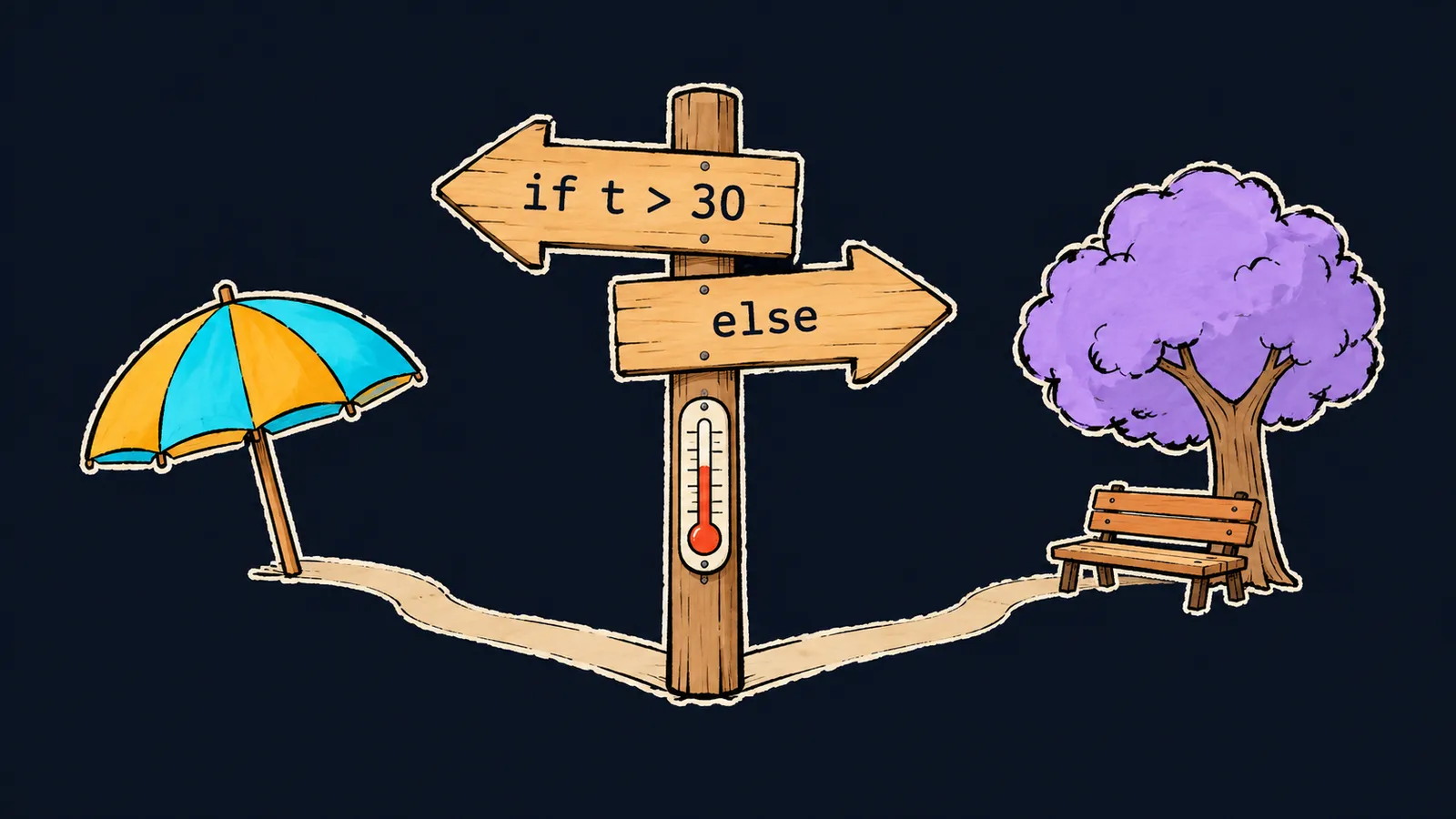
Picture a fork in the road. Its signpost says: "Hot? Go left to the beach. Otherwise, go right to the park." You read the condition and take one road, and this time you don't walk the other.
So far, the course's programs have run all their lines in a row, from top to bottom. But a program needs forks too: hot weather gets one answer, cold weather another.
Such a choice is written with the if statement. After it, the parentheses hold a condition, and the braces hold code that runs only when the condition is true:
function describe(t) {
    if (t > 30) {
        return "hot";
    } else if (t > 15) {
        return "warm";
    } else {
        return "cold";
    }
}

console.log(describe(35)); // hot
console.log(describe(20)); // warm
console.log(describe(-5)); // cold
Let's walk through the call describe(20):
- The condition
t > 30is false:20is not greater than30. The first branch is skipped. - The condition
t > 15is true, and the function returns"warm". - The
elseis never reached:returnhas already ended the function.
For -5, both conditions are false, so the function returns "cold" from the last branch.
Three kinds of branches
The code in braces after if is called a branch. The example has three, and each has its own role.
The if branch
The if branch opens the fork. It is written in three parts:
- the keyword
if; - the condition in parentheses, such as
(t > 30); - a block in braces that runs when the condition is true.
If the condition is false, the program skips the block and moves on. An if may also stand without an else: then nothing runs when the condition is false.
The else if branch
An else if branch adds one more condition to the fork. You can put any number of them between if and else.
The conditions are checked from top to bottom, and only the first branch with a true condition runs. For 35, both t > 30 and t > 15 hold, but the function returns "hot". That is why the order of the branches matters.
Here the road analogy stops working. A traveler can pick the most convenient signpost, while a program reads the conditions strictly from top to bottom and takes the first one that fits.
The else branch
The else branch has no condition. It runs when every condition above it is false, and it always comes last.
If a branch holds one statement, the braces may be left out, but with braces the branch's borders are visible at once. The course code always puts branches in braces.
The condition becomes a boolean
A condition does not have to be a comparison. if converts any value to boolean by the same rules as Boolean(x).
The eight falsy values, among them 0, "", null, undefined and NaN, give false. Every other value is truthy and gives true. An empty string is falsy, so the else branch runs here:
const name = "";

if (name) {
    console.log("Hello, " + name);
} else {
    console.log("No name"); // No name
}
This is a handy way to check whether a value is filled in: an empty string, null and undefined all send the program to else. But the number 0 is falsy too. If zero is an ordinary value for you, such as a game score, compare explicitly: score === 0.
The conditional operator
When you need to pick one of two values rather than one of two blocks of code, write the conditional operator condition ? a : b. You have already met it in the lesson on implicit conversion. If the condition is true, the whole expression equals a; otherwise it equals b:
const age = 20;
const status = age >= 18 ? "adult" : "minor";

console.log(status); // adult
Let's go step by step:
- The condition
age >= 18is true:20is not less than18. - So the whole expression equals
"adult", and that value goes intostatus. console.log(status)printsadult.
The result of the conditional operator is a value, so it can be stored in a variable, returned with return or passed to console.log. For a choice among three or more options, an if and else if chain is clearer.
Common mistake
The condition has a single = instead of ===:
let role = "guest";

if (role = "admin") { // ✗
    console.log("full access");
}
The program prints full access, although the role was "guest". JavaScript shows no error.
A single = is an assignment: it writes "admin" into role, and the written value becomes the condition. The non-empty string "admin" is truthy, so the branch always runs. Comparison needs ===: with the condition role === "admin", the program prints nothing.
Key points
ifruns its branch when the condition is true, andelseruns when every condition above it is false.- An
else ifchain checks the conditions from top to bottom and runs only the first branch that fits. - A condition is converted to
boolean: the eight falsy values givefalse, all others givetrue. - The conditional operator
condition ? a : bpicks one of two values.
Subscribe to take the course
The course is free. Sign in with Telegram and subscribe to the channel to open every lesson.
















