
Function declarations and expressions
What you'll learn:
- tell a function declaration from a function expression, and explain why a declaration can be called above its line;
- predict what the parameters get when there are fewer or more arguments, and set default values;
- write short functions as arrow functions without losing
returnin a body in braces; - write recursive functions with a base case, and explain how the call stack grows.
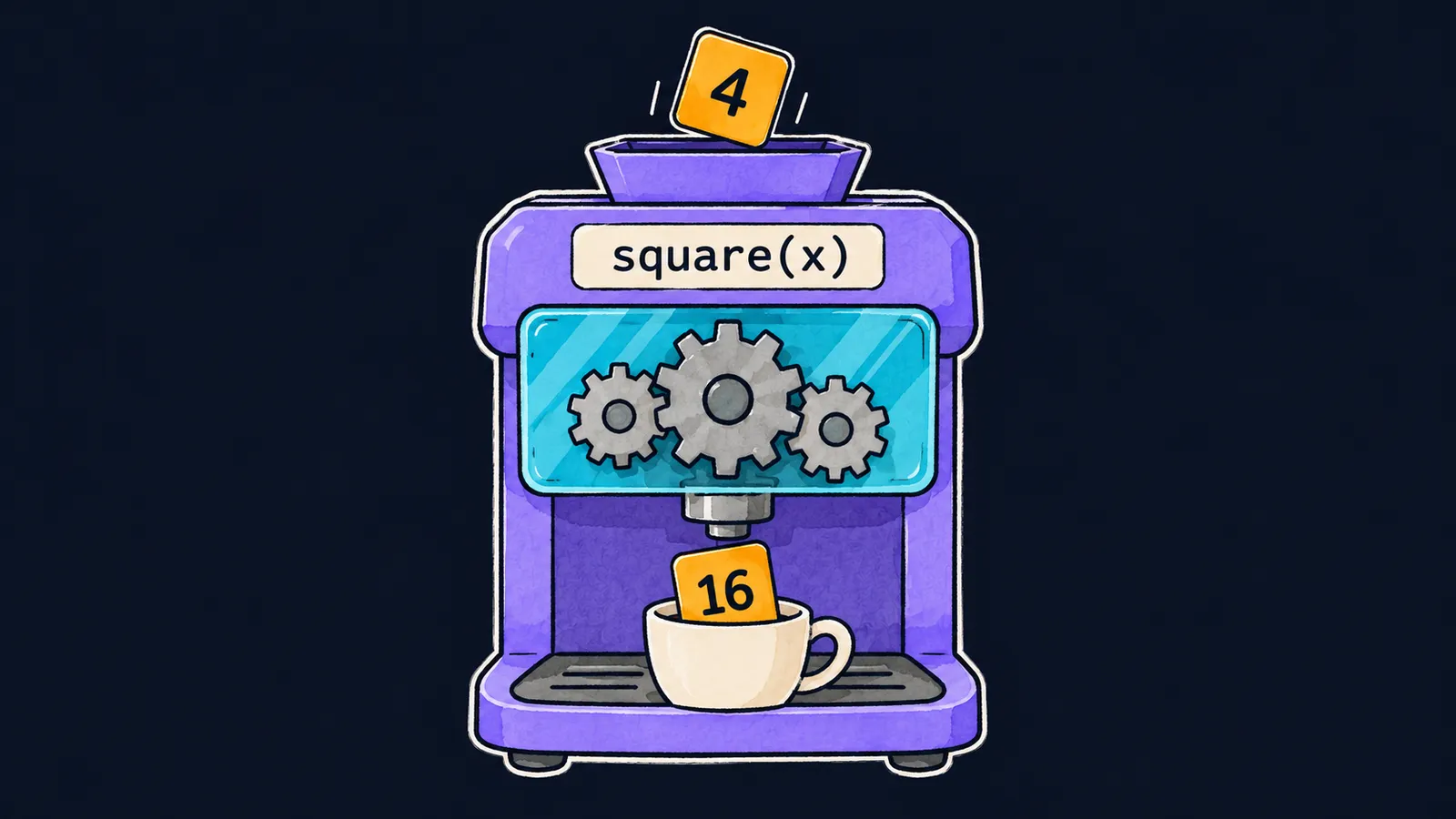
A function is handy to picture as a coffee machine in a kitchen. It has compartments, a program and a cup:
- the compartments for beans and water are the function's parameters;
- what you put into the compartments when you start it are the arguments;
- the program the machine follows to brew coffee is the function body;
- the drink in the cup is the value the function returns with
return.
In JavaScript such a machine can be written in two ways. Let's look at both in one program:
console.log(square(4)); // 16

function square(x) {
    return x * x;
}

const cube = function (x) {
    return x * x * x;
};

console.log(cube(2)); // 8
Let's go line by line:
console.log(square(4))callssquareand prints16, even though the function itself is written below.function square(x) { … }is a function written as a separate statement with the wordfunction.const cube = function (x) { … };is a function written as a value to the right ofconst.console.log(cube(2))prints8.
Both functions are called the same way. But the first line is a surprise: how did JavaScript know about square before it reached its text?
A function declaration
A function declaration is a statement that starts with the word function and gives a name. JavaScript prepares the function declarations written directly in a file, not inside another function, before the file's first line runs.
Picture a café where, before opening, every coffee machine on the kitchen's list already stands in its place, switched on. The first customer can order coffee at once, even if the machine is listed at the very end.
A declaration is hoisted whole, together with its body, so square can be called above its declaration. This behavior is called hoisting. Where exactly such a declaration stands in the file does not matter for the call.
A function expression
An expression is code that has a value, as in theme 3: 2 + 3, "a" + "b", x > 0. A function can be a value too.
A function expression is a function written where a value is expected. Let's take the cube line apart:
- there is no name after
function: the constantcubegives the function its name; - the constant
cubeholds the function itself, asconst n = 5holds a number; - the call
cube(2)runs the function stored in the constant; - the semicolon after
}ends the statement withconst, as inconst n = 5;.
Such a machine is delivered to the kitchen at a set moment: on the line with const. Before that line it is not in the kitchen. Here the kitchen-list picture stops working: only a function declaration is hoisted whole, and the constant gets its function only on its own line.
Declaration or expression
A function that is called from different places in a program is usually written as a declaration: it can be called even above its declaration. A function expression is chosen when the function is needed as a value—for example, to store it in a constant.
Interviewers like to ask this: "How does a function declaration differ from a function expression?" The answer has two parts:
- a declaration is hoisted whole, and it can be called higher up in the file;
- a function expression is available only after the line where it is written.
Common mistake
A function expression is called above the line where it is written:
console.log(cube(2)); // ✗

const cube = function (x) {
    return x * x * x;
};ReferenceError: Cannot access 'cube' before initializationThis is the Node.js and Chrome message; Firefox writes can't access lexical declaration 'cube' before initialization.
Only function declarations are hoisted whole. The constant cube gets its function only on its own line, and before that line cube cannot be used. Move the call below the const, or write the function as a declaration.
Key points
- A function declaration is hoisted whole, so it can be called higher up in the file.
- A function expression in a constant is available only after the line with
const. - A function called from different places is written as a declaration, and one needed as a value as an expression.
Subscribe to take the course
The course is free. Sign in with Telegram and subscribe to the channel to open every lesson.
















