
Sorting: sort, asort, ksort
What you'll learn:
- sort arrays with
sort,asortandksortand predict what happens to the keys; - build a new array from an old one with
array_map,array_filterandarray_reduce; - search for values with
in_arrayandarray_searchwithout falling for the key0; - join, cut and split arrays with
array_merge,+,array_sliceandexplode.
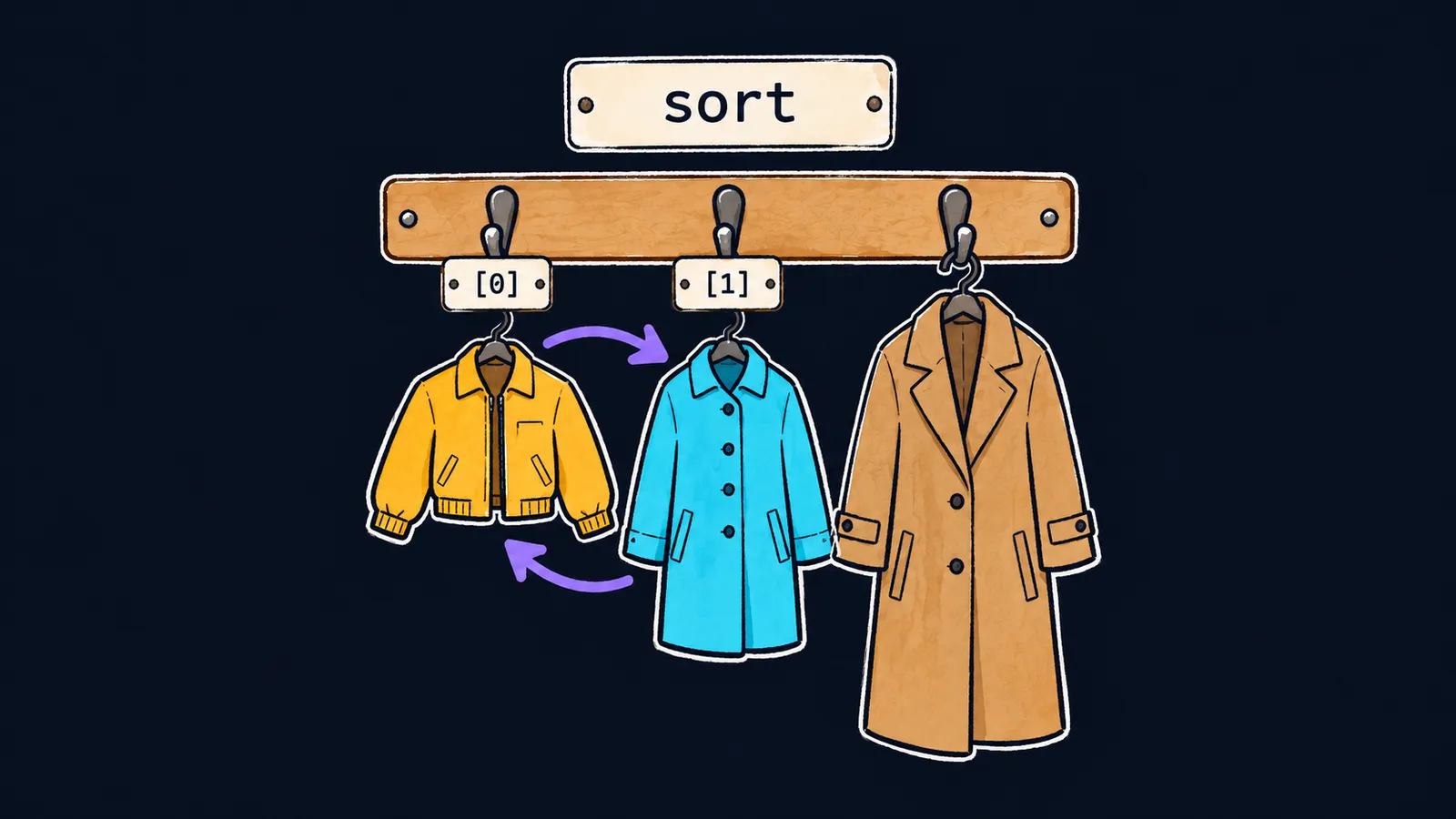
In the arrays theme an array was a cloakroom: items hang on numbered hooks or on name tags. The cloakroom does not rehang anything by itself—that takes staff.
In PHP the cloakroom staff are the built-in array functions. With them you don't write a loop for every small job: sorting, picking out or finding an item takes one line.
Let's start with sorting. Ask the attendant to hang the items in order, and they rearrange them right on the hooks, then say "done". They won't hand you a second cloakroom.
The sort function behaves the same way:
<?php

$prices = [300, 120, 250];
$result = sort($prices);
var_dump($result); // bool(true)
echo implode(' ', $prices), "\n"; // 120 250 300
Let's go through it line by line:
$prices = [300, 120, 250];is a list of prices in no particular order.sort($prices)rearranges the elements of$pricesitself in ascending order.$resultgets no array, only the answer "done"—the valuetrue.var_dump($result)printsbool(true), andechoprints the prices already in order, joined byimplode:120 250 300.
Sorting in place
Sorting in place changes the array you pass in and creates no new one. Every sorting function in this lesson works this way.
As you already know, a function gets a copy of an array argument and cannot change the original. The exception is a parameter marked with &: it is bound to the caller's variable itself. That is how sort declares its parameter, so it rearranges the elements in $prices.
All sort returns is a success flag, and since PHP 8.2 it is always true. There is no point keeping it in a variable: write sort($prices); on a line of its own. usort with its comparison function behaves the same way, and sort does without one: it puts numbers in ascending order and strings alphabetically, capital letters before lowercase ones.
What happens to the keys
With a list it is clear: the hook numbers stay 0, 1, 2, and the items swap places. Name tags are more interesting.
To see an array together with its keys on one line, let's use the json_encode function. It writes an array in JSON—a text format programs use to exchange data:
- it writes a list in square brackets:
[5,7,9]; - it writes an array with any other keys in curly braces, keys in quotes:
{"pear":7}; JSON calls this form an object.
Let's sort the same stock three ways. Each function gets its own copy of $stock, since the assignment $a = $stock gives a separate array:
$stock = ['pear' => 7, 'apple' => 5, 'kiwi' => 9];
$a = $stock;
sort($a);
echo json_encode($a), "\n"; // [5,7,9]
$b = $stock;
asort($b);
echo json_encode($b), "\n"; // {"apple":5,"pear":7,"kiwi":9}
$c = $stock;
ksort($c);
echo json_encode($c), "\n"; // {"apple":5,"kiwi":9,"pear":7}
sort
sort orders the values and throws the keys away. Afterwards the array is a list numbered 0, 1, 2. The tags 'pear' and 'apple' are gone, and there is no telling which number belonged to which fruit.
asort
asort orders the values too, but each key moves along with its value. The a in the name means exactly that: the association between key and value is kept.
ksort
ksort sorts by key: 'apple', 'kiwi' and 'pear' line up alphabetically, and the values follow their keys. The k in the name stands for key.
Interviewers like to ask how sort differs from asort and ksort. The answer is exactly these three subsections:
sort—by value, without the keys;asort—by value, with the keys;ksort—by key.
This is where the cloakroom picture falls short. In a real cloakroom the ticket always stays with the item, while in PHP only asort and ksort behave that way. sort and usort throw the old tags away and hand out new numbers in order.
Reverse order
Each of the three functions has a partner with the letter r that sorts the other way:
rsort—values in descending order, keys thrown away;arsort—values in descending order, keys kept;krsort—by key, in reverse order.
array_reverse works differently. It sorts nothing: it flips the order of the elements and returns a new array:
$nums = [3, 1, 2];
rsort($nums);
echo implode(' ', $nums), "\n"; // 3 2 1
$back = array_reverse($nums);
echo implode(' ', $back), ' ', $nums[0], "\n"; // 1 2 3 3
rsort rearranged $nums in place. array_reverse built a flipped copy, 1 2 3, while $nums itself still starts with 3.
Common mistake
An associative array was sorted with sort:
$ages = ['Anna' => 31, 'Ivan' => 25];
sort($ages); // ✗
foreach ($ages as $name => $age) {
    echo $name, ' ', $age, "\n";
}
The program prints 0 25 and 1 31, and PHP shows no message. sort threw the keys away, so the names are gone and the ages are left without owners. What you need here is asort($ages);—then the loop prints Ivan 25 and Anna 31.
Key points
sort,asort,ksortand theirrpartners sort the array itself in place and returntrue, not a new array.sortthrows the keys away,asortkeeps each key with its value,ksortsorts by key.array_reversedoes not sort; it returns a new array in reverse order.json_encodeshows an array on one line: a list in square brackets, an array with other keys in curly braces.


