
Parameters and named arguments
What you'll learn:
- give parameters default values and pass arguments by name;
- declare the types of parameters and results and explain what
declare(strict_types=1)changes; - predict whether a function will change a variable you pass it and which variables it can see;
- write a function that calls itself and stop it in time.
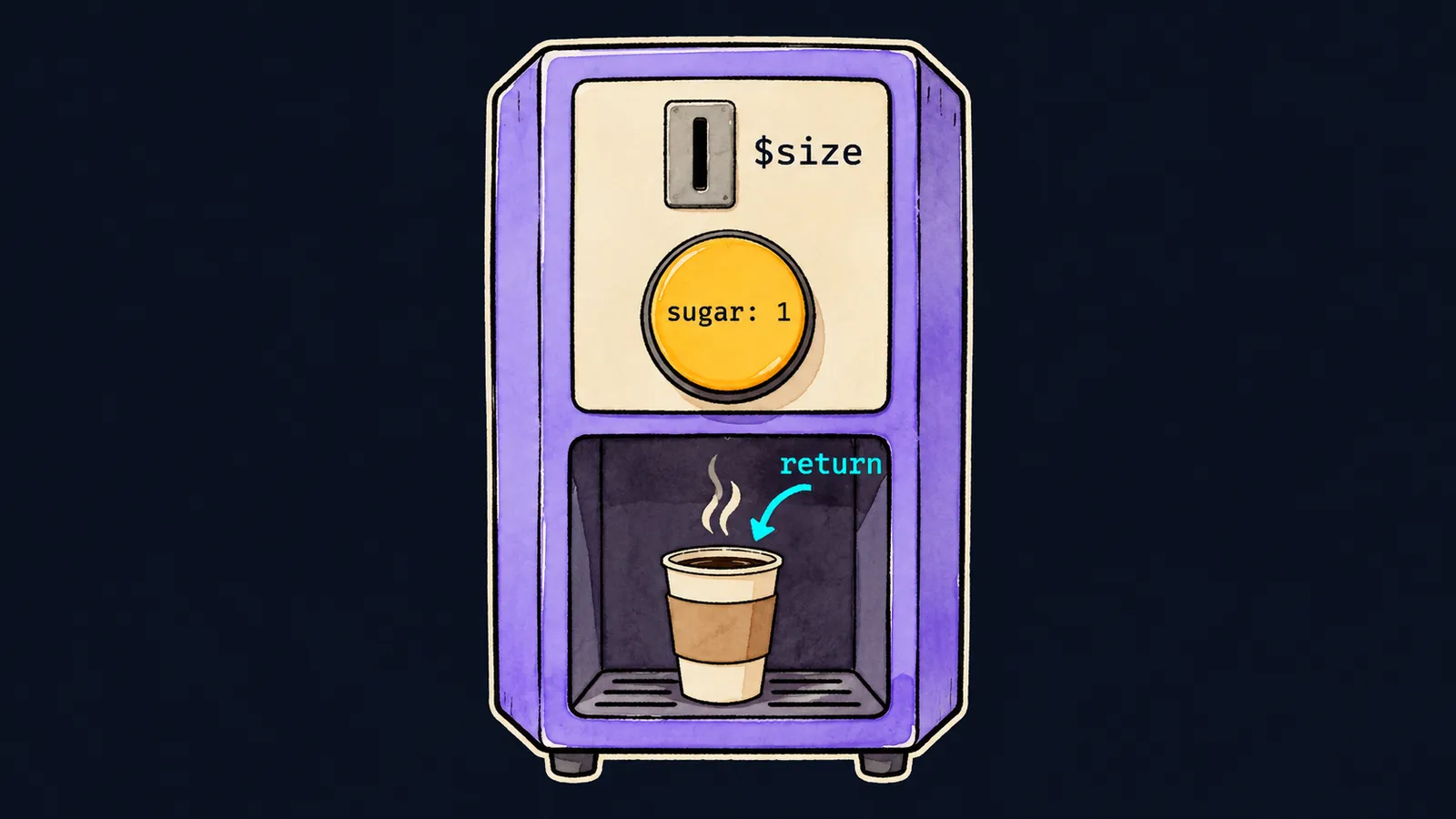
As you already know, a function gets arguments, runs its body and returns a result with return. In this theme we take a closer look at functions, and one picture runs through the whole theme: a coffee machine.
You drop coins into the machine and press buttons: those are the arguments. The machine makes the drink and puts it in the tray: that is the result of return. Some buttons have a setting for when you leave them alone: skip the sugar button, and the machine adds one spoon.
A function works the same way: a parameter can get a value in advance, which PHP fills in when the argument is missing. Here is a function that describes an order:
<?php

function coffee($size, $sugar = 1, $milk = false)
{
    return $size . ' ml, sugar ' . $sugar . ($milk ? ', milk' : '');
}

echo coffee(200), "\n"; // 200 ml, sugar 1
echo coffee(300, 0), "\n"; // 300 ml, sugar 0
echo coffee(300, 2, true), "\n"; // 300 ml, sugar 2, milk
Let's go through the calls step by step:
coffee(200)passes one argument. It goes into$size, while$sugarand$milkget the1andfalseset in advance.coffee(300, 0)passes two arguments:300goes into$size, and0into$sugar.coffee(300, 2, true)fills all three parameters, and the order gets milk.
Such arguments are called positional: they fill the parameters in order, from left to right. The first argument goes into the first parameter, the second into the second.
Default values
Writing $sugar = 1 in the function declaration sets a default value: PHP fills in 1 when the call does not pass that argument. A parameter without one, like $size, is required.
What to know about such parameters:
- parameters with a default value go after the required ones;
- if you put one before a required parameter, PHP reports
Deprecatedand treats it as required anyway; - a required parameter cannot be left out.
Here is what happens if you call coffee with no arguments at all:
echo coffee(), "\n"; // ✗Fatal error: Uncaught ArgumentCountError: Too few arguments to function coffee(), 0 passed and at least 1 expectedThis is an error, not a warning: the program stops at this line. The message says that 0 arguments were passed and at least 1 is needed, the value for $size.
Here the machine and the function part ways. A machine without a coin quietly waits, while a function without a required argument stops the whole program.
Named arguments
Say you want coffee with milk and the usual spoon of sugar. With positions you have to repeat the sugar: coffee(300, 1, true). To skip the middle, PHP 8 has named arguments: before the value you write the parameter's name without $, then a colon.
echo coffee(300, milk: true), "\n"; // 300 ml, sugar 1, milk
echo coffee(milk: true, size: 250), "\n"; // 250 ml, sugar 1, milk
Let's go step by step:
- In the first call,
300goes into$sizeby position, andmilk: trueinto$milkby name. $sugaris skipped, so it gets its default value1.- In the second call both arguments are named, and their order no longer matters:
size: 250lands in$sizewherever it stands.
The rules for named arguments:
- positional arguments come first, named ones after them;
- the parameter's name is written without the
$sign:milk: true; - you cannot name a parameter that a positional argument has already filled: for
coffee(300, size: 200)PHP answersError: Named parameter $size overwrites previous argument; - the name must match the parameter's name: for
coffee(300, mlk: true)PHP answersError: Unknown named parameter $mlk.
Named arguments also label the values. Compare coffee(300, 1, true) and coffee(300, milk: true): in the second call you see at once what true means.
Interviewers ask what named arguments change. The answer: an argument finds its parameter by name, not by position, so optional parameters can be skipped. This has a price: the parameter's name becomes part of the function's contract, and after $milk is renamed, calls with milk: true break.
return ends the call
return does not only hand back a value, it also ends the call at once. If return stands inside an if and the condition is true, the function's lines below it no longer run.
As you already know, a function without return also ends when it reaches the closing brace, and it returns null.
Common mistake
A positional argument was put after a named one:
echo coffee(milk: true, 300), "\n"; // ✗Fatal error: Cannot use positional argument after named argumentPHP checks the order of arguments before the run, the same way it checks the syntax. So the file does not run at all: not even the lines above this one print. The fix is positional arguments first, then the named ones: coffee(300, milk: true).
Key points
- A parameter with a default value may be left out; such parameters go after the required ones.
- Without a required argument, the call stops the program with an
ArgumentCountError. - The named argument
milk: truefinds its parameter by name, so the optional parameters before it can be skipped. - Positional arguments come first, and
returnends the call at once.


