
Your first PHP program
What you'll learn:
- run a PHP program from a file and print text with the
echocommand; - write statements and comments so that both PHP and people understand the code;
- tell a parse error, a fatal error and a warning apart by PHP's message;
- write your own function with
returnand predict what a nested call prints.
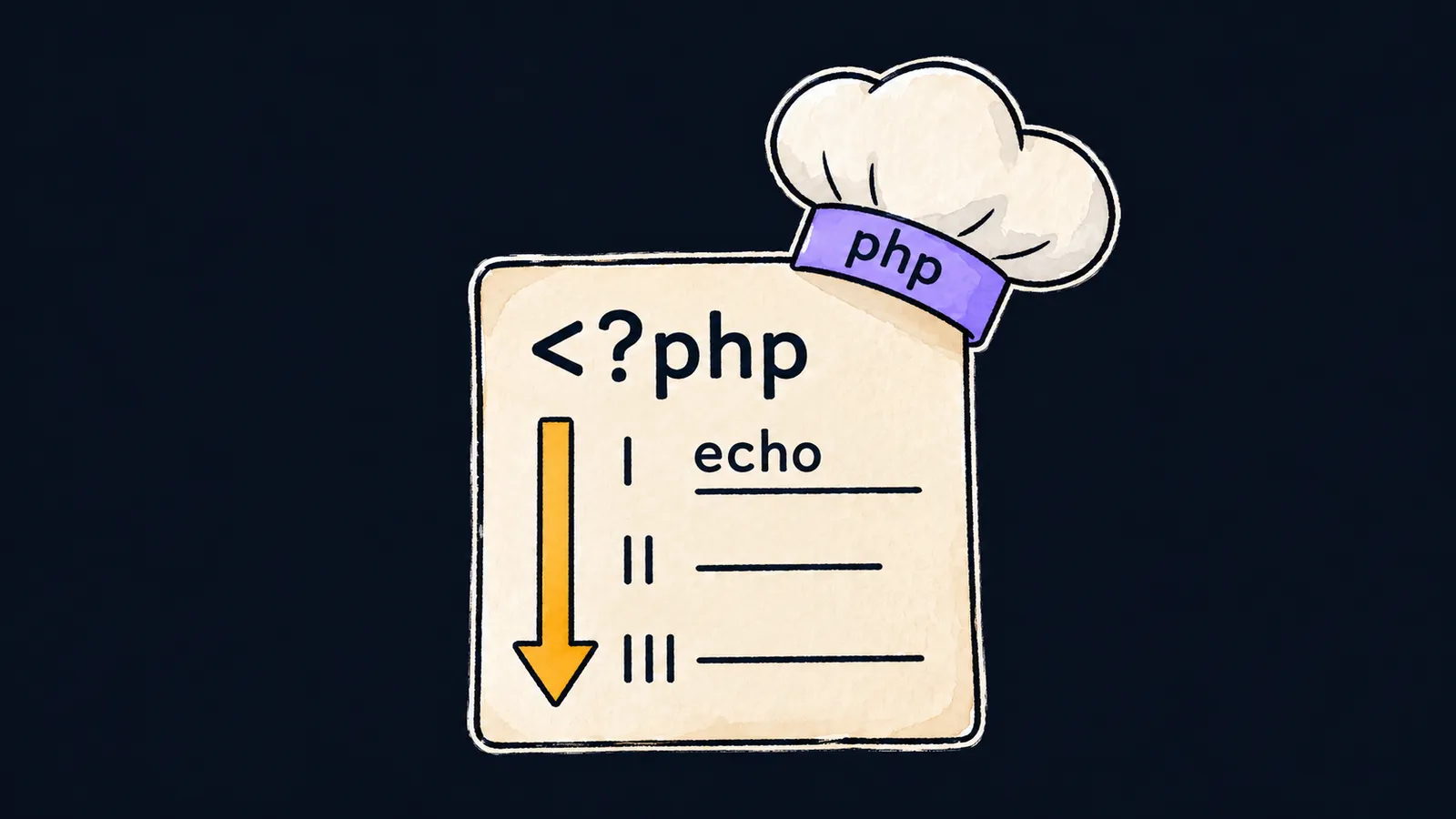
Picture a recipe card. It lists the steps in order: "boil the water", "add the pasta", "add salt". The cook takes the card, reads it from top to bottom and carries out one step after another.
A computer handles a program the same way. A program is text with commands written in order. PHP is both the language of these commands and the program of the same name that runs them: it reads the file top to bottom, one command at a time.
In our picture, the file with the program is the recipe card, and PHP is the cook. Here is a program that prints a greeting:
<?php

echo "Hello, world!\n"; // Hello, world!
Let's take it apart line by line:
<?phpis the opening tag: a mark that says "PHP code starts here".- The blank line separates the tag from the code. The common PHP coding style asks for it.
echois the command that prints. After it comes the text to print, in double quotes.- The semicolon at the end finishes the command.
The note // Hello, world! at the end of the line is a hint for you: it shows what the program prints. PHP skips such hints, so they never reach the output.
The file and the run
The program's text is kept in a file with the .php extension, for example hello.php. That file is the card you hand to the cook.
To run the program, take three steps:
- Save the program in a file named
hello.php. - Open the folder with the file in VS Code and choose "Terminal → New Terminal" from the menu: a terminal, the window for text commands, appears at the bottom.
- Type the command
php hello.phpand press Enter.
PHP reads the file, runs it and prints Hello, world! in the same window. Links to the PHP installer are in the "Set up your computer" block on the course page.
What echo prints
echo prints the text from the quotes, but not the quotes themselves. The quotes mark where the text starts and where it ends. They can hold text in any language, Russian included: echo "Привет!\n"; prints Привет!.
The \n inside double quotes stands for a line break: after it, the output continues on a new line. echo itself never starts a new line, so \n goes at the end of every text that should take a line of its own.
Top to bottom
Back to the recipe. PHP runs the commands of the file one by one, from top to bottom, so the output comes in the same order as the lines of the program:
<?php

echo "Boil water\n"; // Boil water
echo "Add pasta\n"; // Add pasta
echo "Add salt\n"; // Add salt
Let's see what happens when it runs:
- PHP runs the first
echo, andBoil waterappears in the window. - The second
echoprintsAdd pastaon the line below. - The third prints
Add salt. - There are no more commands, and the program ends.
Here the recipe picture simplifies things. Real programs can skip steps and repeat them, while our first programs run once, from top to bottom.
Where PHP runs
Most of the time PHP runs on websites. When you open a page of such a site, the server, the computer the website lives on, runs a PHP program. Everything the program prints, the server sends to the browser.
Such a program prints HTML rather than a greeting: the text the browser builds the page from. That is why printing is the main job of a PHP program: the page you see is what the program printed.
The opening and closing tags
The opening tag is required. Without <?php, PHP does not see any code and prints the text of the file as it is, the word echo and the quotes included.
The opening tag has a partner, the closing tag ?>. PHP does not run what comes after it but prints it as plain text. That is why a file holding only PHP code has no ?>: a stray space or an extra blank line after it would end up in the output.
Interviewers like to ask whether a file needs ?> at the end. The answer: in a file with only PHP code it does not; the tag is left out so that no extra text gets into the output.
Common mistake
The first text is missing its \n:
<?php

echo "Hello"; // ✗
echo "world\n";
There is no error message, but the program prints both words run together on one line: Helloworld. echo prints exactly what is in the quotes and never starts a new line on its own. The fix is to add \n at the end of the first text: "Hello\n".
Key points
- A PHP program is run by PHP: the command
php hello.phpreads the file and runs it from top to bottom. - The code starts with the
<?phptag, and a file with only PHP in it has no closing?>. echoprints the text from the quotes without the quotes and never starts a new line on its own.\nin double quotes breaks the line: without it, the output of severalechocommands runs together.


