
Quotes and interpolation
What you'll learn:
- choose between single and double quotes and put variables into a string;
- write multi-line text with heredoc and nowdoc;
- cut, replace and find a piece of a string and avoid the
strpostrap; - format numbers for output and measure the length of Russian text correctly.
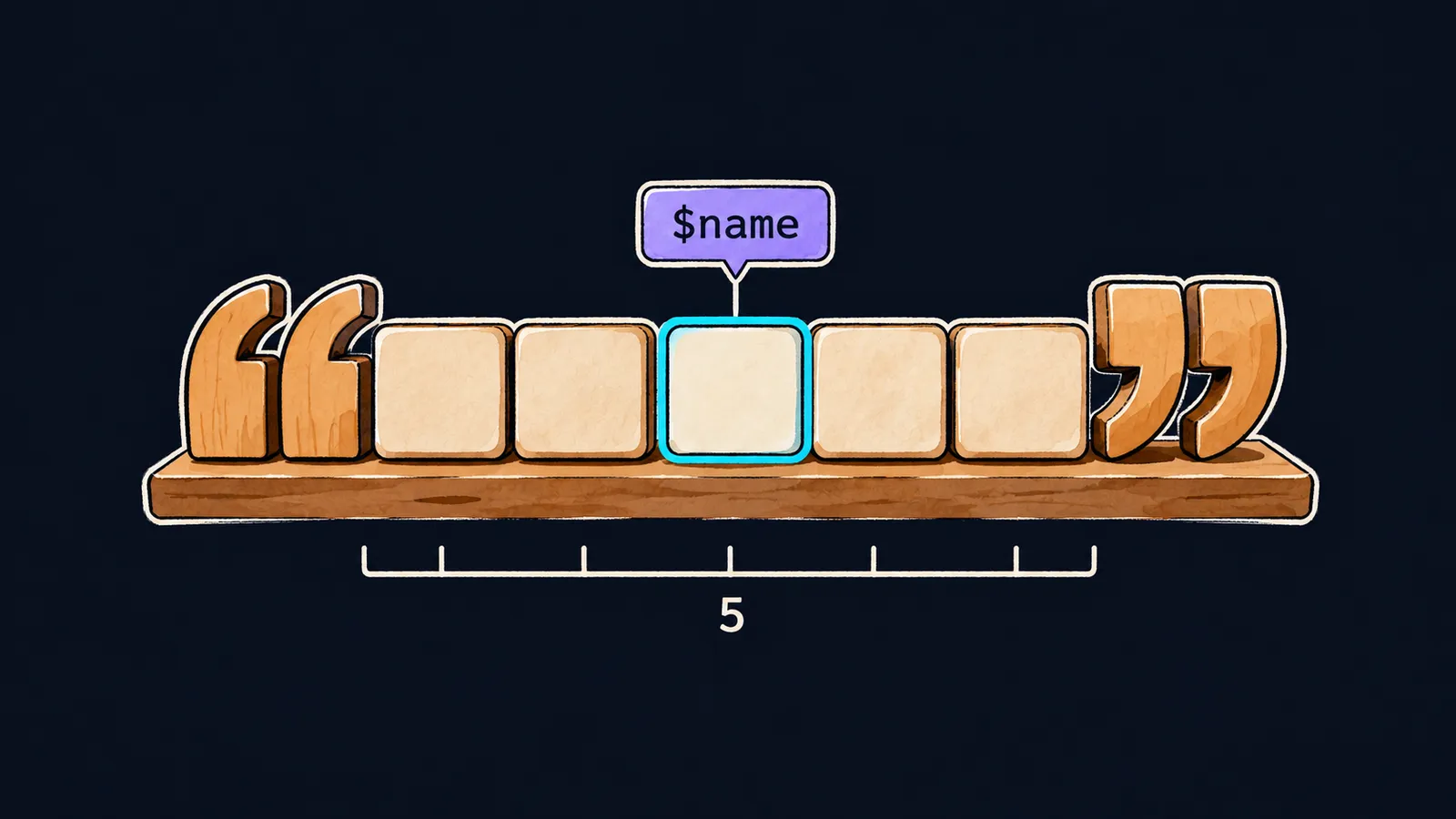
Almost every program works with text: a user's name, an email address, an error message, a web page. As you already know, text in PHP is a string, a value of type string.
It helps to picture a string as a row of letter tiles, like in a board game where you build words. The quotes mark where the row starts and where it ends.
A string written right in the code, in quotes, is called a string literal. Quotes come in single and double, and they work differently.
Double quotes are like a form with blanks: before printing, PHP fills each blank in with a value. Single quotes are like a photocopy: what is written is printed, letter for letter. Let's see both in action:
<?php

$name = 'Anna';
echo 'Hi, ' . $name . '!', "\n"; // Hi, Anna!
echo "Hi, $name!\n"; // Hi, Anna!
echo 'Hi, $name!\n', "\n"; // Hi, $name!\n
Let's go through it line by line:
$name = 'Anna';puts the name into a variable.- The first
echoglues three strings together with dots. It works, but people often mix up the quotes and dots. - The second
echowrites the same thing as one double-quoted string: PHP finds$namein it and fills inAnnainstead. - The third
echoputs the same text in single quotes and prints it as is: both$nameand\nstay plain characters.
Single quotes
A single-quoted string is printed exactly as typed. PHP does not look for variables in it and does not turn \n into a line break.
It has only two special sequences:
\'is an apostrophe that does not close the string:'It\'s PHP'printsIt's PHP;\\is one backslash:'C:\\temp'printsC:\temp.
This is where the photocopy stops being an exact picture: PHP does replace these two sequences. Without \', the apostrophe in It's would end the string too early.
Double quotes
PHP fills in a double-quoted string like a form. It does two things while doing so.
Variable substitution
PHP replaces every name with a $ sign by the variable's value. This replacement is called interpolation. The value reaches the output, the name does not.
A number is substituted the same way as text. If $count holds 3, the string "$count items" gives 3 items.
Escape sequences
A backslash inside double quotes starts an escape sequence, a notation that stands for a special character:
\nis a line break;\tis a tab;\"is a double quote inside the string;\$is a dollar sign, not the start of a variable;\\is a backslash.
$count = 3;
echo "$count items\n"; // 3 items
echo "\$count is \"$count\"\n"; // $count is "3"
In the second line \$ prints a dollar sign, so the name $count stays in the output. The $count after it, without a backslash, is replaced by 3. The \" sequences print quotes and do not close the string.
Curly braces
PHP reads a variable name for as long as letters, digits or underscores follow. In "Hi, $name!" the name ends at the !. But if letters come right after the name, PHP reads them as part of the name.
Curly braces show where the name ends. The braces do not reach the output: PHP replaces the whole {$name} with the value. You can also put an element of a list in curly braces:
$prices = [10, 20];
echo "{$name}s\n"; // Annas
echo "First price: {$prices[0]}\n"; // First price: 10
Which quotes to choose
Interviewers often ask how single quotes differ from double ones. Some answers add that single quotes are faster. That is a myth: PHP parses quoted text once, before the run, and the speed difference is negligible.
So you choose quotes by meaning:
- single quotes for text that prints as is:
'Anna','admin@site.ru'; - double quotes when you need a variable substituted or a line break
"\n".
Common mistake
Letters come right after the variable name:
$item = 'apple';
echo "Two $items\n"; // ✗Warning: Undefined variable $itemsPHP read the whole name $items and found no such variable. It is a warning: the program goes on, but nothing is filled into the blank, and it prints Two with a space. The fix is curly braces: "Two {$item}s\n" prints Two apples.
Key points
- A single-quoted string prints as typed; only
\'and\\are special in it. - In double quotes PHP substitutes variables and processes
\n,\t,\",\$and\\. - Curly braces
{$name}mark where the variable name ends and do not reach the output. - The two kinds of quotes run at the same speed: single ones for plain text, double ones for substitution.


