
Lists
What you'll learn:
- add, replace and remove elements of lists and associative arrays;
- predict which key a new element gets and what PHP turns the key
'8'into; - walk through nested arrays with two
foreachloops; - explain why changing
$bafter$b = $adoes not change$a.
In the loops theme you already met the list [10, 20, 30]: the elements are stored in order, the indexes start at 0, and count returns the number of elements. Back then the list was only read. Now let's learn to change it: add elements, replace them and print the whole list at once.
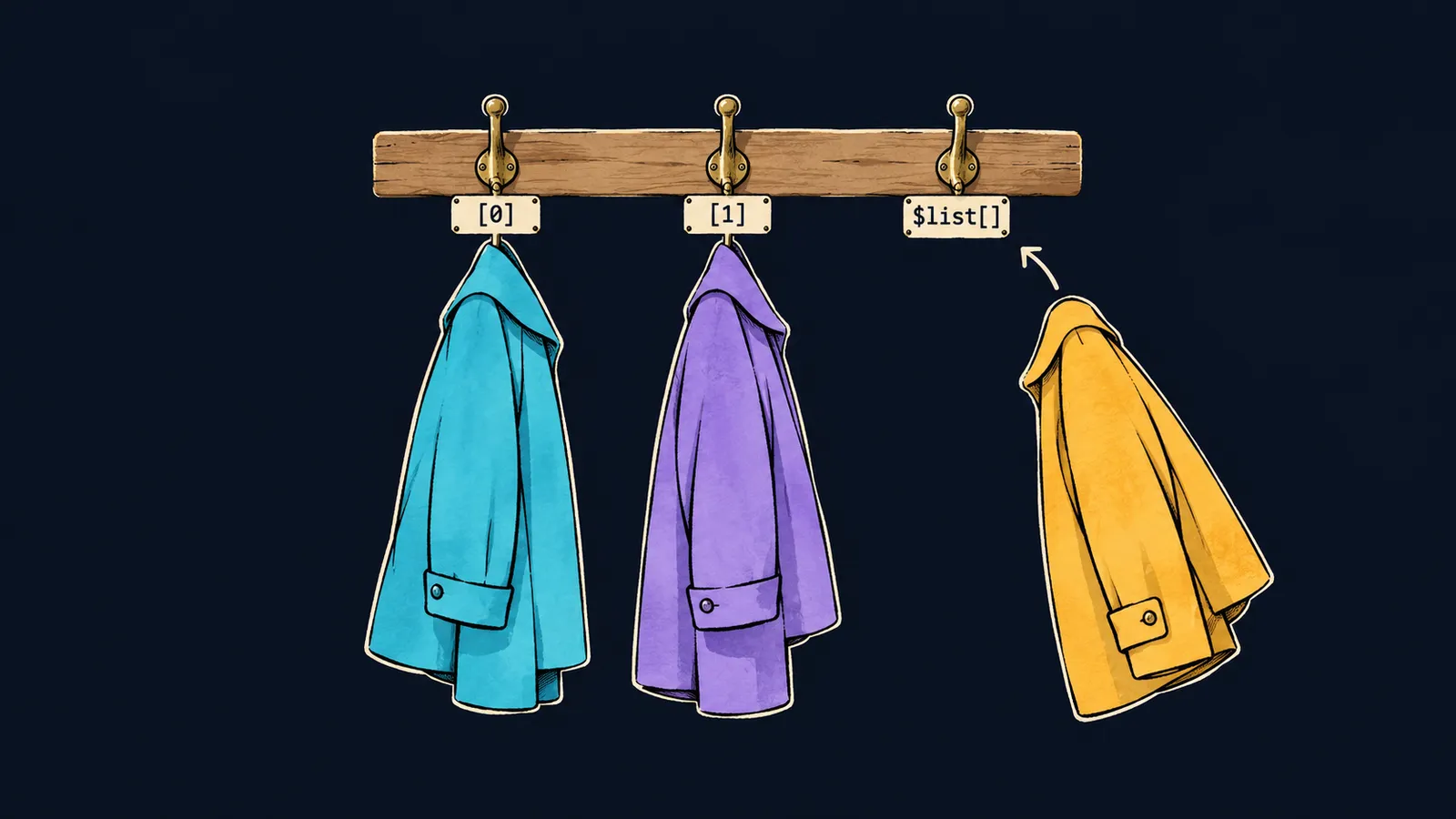
Picture a cloakroom in a theater. Hooks numbered 0, 1, 2 hang along the wall, and each holds one item. The attendant finds an item by its hook number, can hang a different one on that hook, and hangs a new item on the next free hook.
In PHP such a cloakroom is called an array: one variable holds many values, and each has its own number. A list is an array whose numbers run in a row from zero. Let's see how a guest list changes as the program runs:
<?php

$guests = ['Anna', 'Boris'];
$guests[] = 'Vera';
$guests[1] = 'Gleb';
echo count($guests), "\n"; // 3
echo $guests[0], ' ', $guests[1], ' ', $guests[2], "\n"; // Anna Gleb Vera
Let's go through it line by line:
$guests = ['Anna', 'Boris'];creates a list of two guests:'Anna'hangs on hook0,'Boris'on hook1.$guests[] = 'Vera';hangs'Vera'on the next free hook,2.$guests[1] = 'Gleb';takes the old value off hook1and hangs'Gleb'there.count($guests)returns3: the replacement did not add a new element.- The last
echoprintsAnna Gleb Vera.
Add or replace
Both forms look alike: the list's name, square brackets and an assignment. The difference is what stands inside the brackets.
Empty brackets: $a[] = …
The form $guests[] = 'Vera' adds an element to the end of the list. PHP picks the number itself: the one after the largest number already taken. You don't have to count indexes by hand.
This is handy for building a list one value at a time. You start with an empty list [] and then add elements in a loop: $squares[] = $i * $i;. After three iterations with $i from 1 to 3, $squares holds 1, 4 and 9.
An index in the brackets: $a[1] = …
The form $guests[1] = 'Gleb' writes a value under index 1. If an element is already there, the new value replaces the old one, and count stays the same.
This is the same assignment as for an ordinary variable. Only the place for the value is set not by a single name but by the list's name together with an index.
No such index
What happens if you ask for an item from a hook that does not exist? A list of three guests has indexes 0, 1 and 2, but no index 3:
echo $guests[3] ?? 'nobody', "\n"; // nobody
echo $guests[3], "\n"; // ✗Warning: Undefined array key 3Let's look at both lines:
$guests[3] ?? 'nobody'printsnobody. As you already know,??first checks whether there is a value, and it works the same way with an array element—with no warning.$guests[3]without??reads a missing element. PHP gives a warning, readsnullin place of the element, andechoprints an empty line.
As with an unset variable, this is a warning, not a stop: the lines below keep running. But in code it signals a bug, so a missing index is read through ??.
Here the cloakroom picture parts ways with PHP. In a theater, empty hooks hang on the wall waiting for coats, while in an array a hook appears only together with its item. Index 3 does not exist in the list at all; it is not an "empty hook".
Print the whole list
PHP has two functions for printing a whole list:
echo implode(', ', $guests), "\n"; // Anna, Gleb, Vera
print_r($guests);
// Array
// (
//     [0] => Anna
//     [1] => Gleb
//     [2] => Vera
// )
implode
implode(', ', $guests) glues the elements into one string. The first argument is the separator: PHP puts it between neighboring elements. The list itself does not change: implode returns a new string.
print_r
print_r($guests) prints an array together with its indexes: the number to the left of =>, the value to the right. Its output takes several lines, so print_r is for looking inside an array while debugging, not for neat output.
Common mistake
The whole list is printed with echo:
echo $guests, "\n"; // ✗Warning: Array to string conversionecho prints strings, and an array does not turn into a string by itself. PHP gives a warning and prints the word Array instead of the elements. To see the elements, glue them with implode or look inside with print_r.
Key points
- An array holds many values in one variable; in a list the indexes run in a row from
0. $a[] = xadds an element to the end, and$a[1] = yreplaces the element at index1.- Reading a missing index gives
Warning: Undefined array keyandnull, while$a[3] ?? 'nobody'reads it with no warning. implode(', ', $a)glues a list into a string,print_r($a)shows it with its indexes, andecho $aprints onlyArray.


