
How PHP handles a request
What you'll learn:
- explain how an address in the browser turns into a page and why PHP forgets everything after a request;
- read request parameters from
$_GETand$_POSTand fill in defaults with??; - escape output with
htmlspecialcharsso that a visitor's text never becomes page code; - validate input with
filter_varand an allowlist of permitted values.
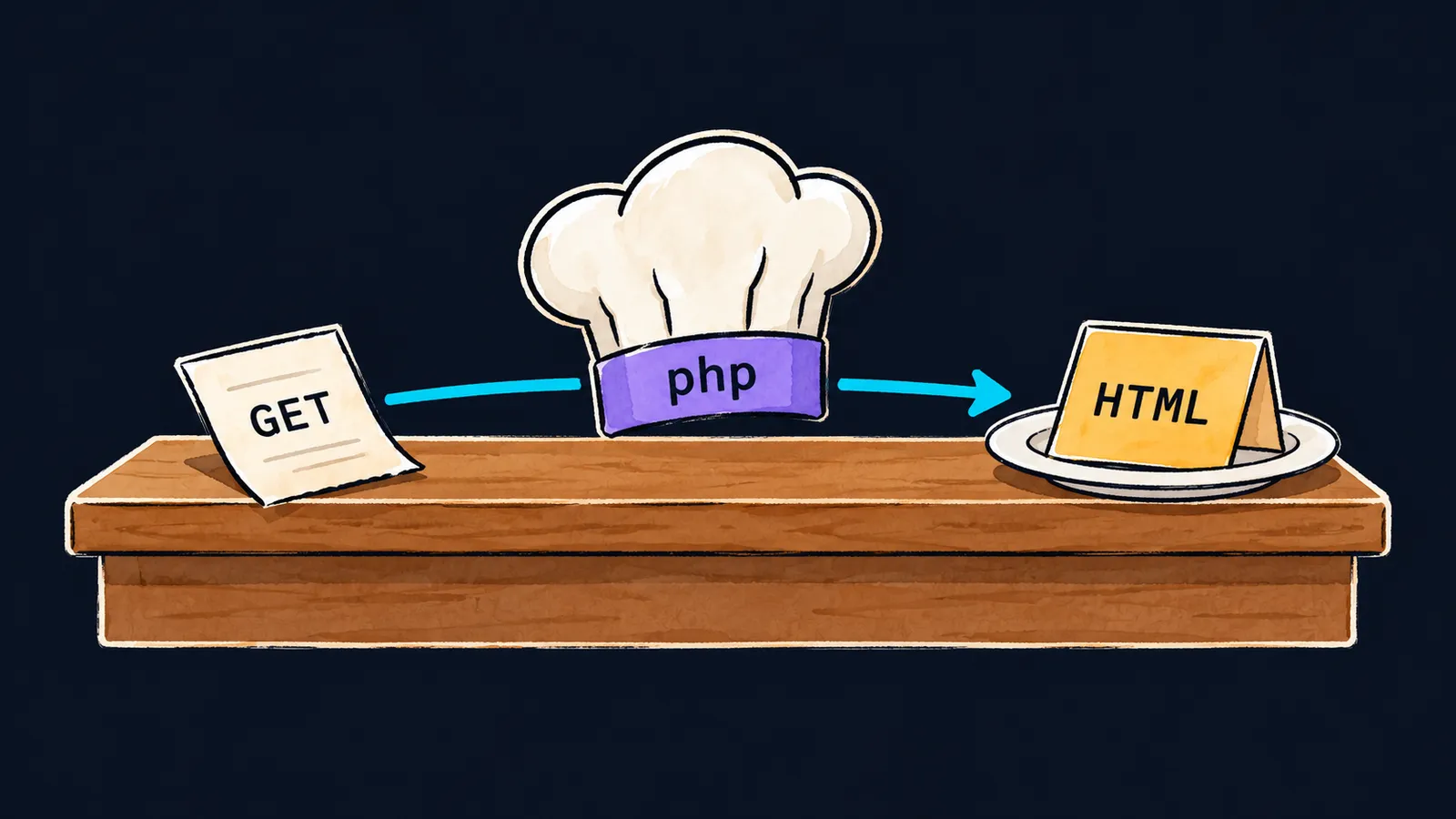
Imagine a restaurant with a serving counter. A customer walks up to the counter and hands in an order. The cook reads it, prepares the dish by the recipe and puts the plate on the counter.
The cook starts the next order at a clean table and remembers nothing about the previous one.
A PHP site works the same way:
- the browser is the customer;
- the web server is the counter;
- PHP is the cook;
- your
.phpfile is the recipe.
The dish is HTML, from which the browser builds the page.
So far you have run programs with php file.php, and echo printed to the terminal window. On a site PHP runs the same kind of file, only what it prints goes to the browser.
Request and response
A request is a message the browser sends to the server: which address to open and, perhaps, which data to pass along. A response is what the server sends back, most often HTML.
Let's go through what happens when you open the address localhost:8000/menu.php:
- The browser sends a request to this address.
- The web server—a program that accepts requests—sees that the file name ends in
.phpand hands the file to PHP. - PHP runs
menu.phpfrom the first line to the last, as in the terminal. - Everything the program printed becomes the response.
- The browser receives the response and draws the page.
The built-in server
You do not need a separate web server for experiments: one is built into PHP. Open a terminal in the folder with your files and run the command:
php -S localhost:8000While the command runs, PHP answers requests to the address localhost:8000. Here localhost means your computer, and 8000 is the number on which the server waits for requests.
Open localhost:8000/menu.php in the browser, and PHP runs the file menu.php from this folder. You stop the server with Ctrl+C in the terminal.
The built-in server is a development tool. Sites on the internet run on other web servers, but the path of a request is the same.
HTML and <?=
A .php file does not have to be all code. PHP sends everything outside the <?php … ?> tags into the response as it is. Such a file—HTML with PHP inserts—is called a template:
<?php

$title = 'Menu';
$dish = 'Soup';
?>
<h1><?= $title ?></h1>
<p>Dish of the day: <?= $dish ?></p>
Let's go through it line by line:
- Between
<?phpand?>stands ordinary code: two variables. - Outside the
<?php … ?>tags comes HTML, and PHP copies it into the response unchanged. <?= $title ?>is short for<?php echo $title; ?>: it prints a value right in the middle of the HTML.
The browser receives this response:
<h1>Menu</h1>
<p>Dish of the day: Soup</p>
In a file that holds only code, you do not write the closing ?>. In a template it is needed: HTML starts again after it.
Every request starts from scratch
Here is a program that seems to count visits:
<?php

$visits = 0;
$visits++;
echo 'Visits: ', $visits, "\n"; // Visits: 1
However many times you reload the page, it shows Visits: 1. For every request PHP runs the file again from the first line, and at the end of the request it destroys all its variables and objects. The next request knows nothing about them.
This model is called shared-nothing: requests have no variables or objects in common. Even a static property of a class, shared by all its objects, lives only until the end of the request.
On a real server PHP usually runs through php-fpm. php-fpm starts several copies of PHP in advance—worker processes—and each of them serves requests one after another. A process lives a long time, but after every request PHP frees all of that request's memory.
This is where the cook picture simplifies. A site does have a memory of its visitors, only it is not kept in PHP.
Data that must outlive a request is written to a database. What must be remembered about a particular visitor is kept in a session: a cloakroom ticket the browser brings with every request, by which the server finds the visitor's data.
Interviewers often ask whether a static property survives into the next request. The answer is no, and this protects requests from each other: an error in one cannot spoil the data of another.
Common mistake
A visit counter is kept in a static property in the hope that it will grow:
<?php

class Counter
{
    public static int $hits = 0;
}

Counter::$hits++; // ✗
echo 'Hits: ', Counter::$hits, "\n";
Every request prints Hits: 1, and PHP shows no message at all. By the end of the request the property is gone along with everything else, and the next request starts from 0 again. A counter that must grow is kept in a database.
Key points
- The browser sends a request, the web server hands the
.phpfile to PHP, and everything printed becomes the response. php -S localhost:8000starts the built-in development server, and<?= $x ?>prints a value in the middle of HTML.- Every request starts from scratch: at its end PHP destroys all variables, objects and static properties.
- Whatever must outlive a request is kept in a database or a session.


