
Strings and characters
What you'll learn:
- read the characters of a string by index and put quotes, backslashes and line breaks into a literal;
- build text with interpolation and process it with string methods;
- explain why methods do not change a string, and compare strings with and without regard to case;
- build long text in a loop with
StringBuilder.
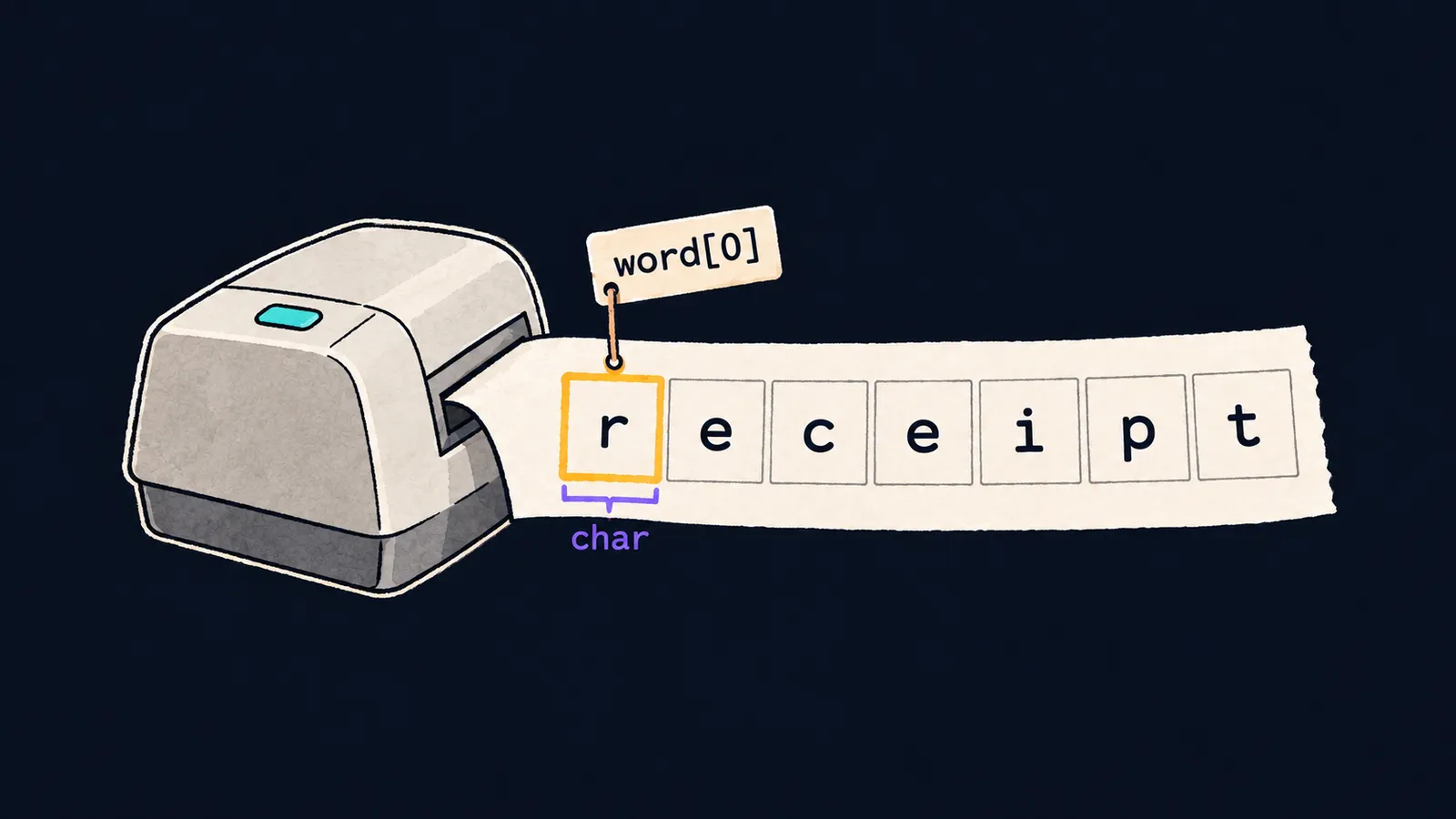
Picture a receipt from a shop. Characters are printed on it in one strip: letters, digits, spaces, dots. Each character has its own place, so you can read the receipt as a whole or find its fifth character. You cannot correct what is printed: if the receipt has a mistake, the cashier prints a new one.
A string in C# works the same way. You have already met the string type: it is text in double quotes. Inside, a string is a row of characters of type char, and you can reach each one by its number:
string word = "receipt";
Console.WriteLine(word.Length);  // 7
Console.WriteLine(word[0]);      // r
Console.WriteLine(word[6]);      // t
char first = word[0];
Console.WriteLine(first == 'r'); // True
Let's go through the example line by line:
word.Lengthis the length of the string, that is, the number of characters in it:7.word[0]is the character at index0, the first in the string:r. String indices, like array indices, start at zero.word[6]is the last character,t: its index is one less than the length.char first = word[0];puts the character into a variable of typechar. An index in square brackets gives achar, not a one-letter string.first == 'r'compares two characters and printsTrue.
A string is a row of chars
You work with the characters of a string the same way as with the elements of an array:
word[^1]is the last character;word[2..5]is a new string of the characters at indices 2, 3 and 4, that is,"cei";foreach (char c in word)goes through the characters in order, from first to last;- the empty string
""has length0and no characters; - an index outside the string, such as
word[7], stops the program with anIndexOutOfRangeException.
Length counts char values, not the signs a person sees. Latin and Cyrillic letters, digits and punctuation take one char each, while the emoji 😀 takes two, so "😀".Length is 2.
This is where the receipt and the string part ways. On a receipt you see every character, but a string can hold characters that do not print as a sign: a line break and a tab. For them, and for a quote inside a string, C# has a special notation.
Escape sequences
A double quote ends a literal, so you cannot put one inside a string as it is. You cannot put a line break into a literal either: an ordinary literal must end on the same line of the file. Such characters are written with a backslash \.
An escape sequence is a backslash and the sign after it, which together stand for one character of the string. Four of them are needed most often:
\"is a double quote;\\is the backslash itself;\nis a line break;\tis a tab, an indent to the next column.
Console.WriteLine("He said \"hi\""); // He said "hi"
Console.WriteLine("C:\\temp");       // C:\temp
Console.WriteLine("Milk\nBread");    // Milk
                                     // Bread
Console.WriteLine("a\nb".Length);    // 3
Let's see what we got:
- The first literal has two
\"pairs, and the program prints quotes aroundhi. \\prints as one backslash.\nmovesBreadto the next line of output.- The string
"a\nb"has three characters:a, a line break andb. The two signs\nin the code make one character in the string.
Text as it is
When text has many backslashes or quotes, the doubled \\ and \" make it hard to read. For such cases C# has two more ways to write a literal.
The verbatim string @"…"
A verbatim string starts with @ before the quote. In it the backslash is an ordinary character, so a Windows folder path is written as it is: @"C:\temp\new". A quote inside such a string is doubled: @"She said ""yes""" prints She said "yes". A verbatim string can span several lines of the file.
The raw string """…"""
A raw string opens and closes with three double quotes. Nothing inside it is processed: quotes and backslashes stay as they are. This notation appeared in C# 11. It is most often written on several lines:
- the text starts on the line after the opening
"""; - the closing
"""stand on a line of their own; - the compiler removes the indent before the closing quotes from every line of the text, so no line of the text may start to the left of them.
string path = @"C:\temp\new";
string note = """
    "Milk" 2
    C:\temp
    """;
Console.WriteLine(path); // C:\temp\new
Console.WriteLine(note); // "Milk" 2
                         // C:\temp
Four spaces stand before the closing quotes in note. The compiler cut them from both lines of the text, so "Milk" 2 prints at the start of the output line.
Common mistake
A folder path was written in an ordinary string:
string path = "C:\docs\files"; // ✗
Console.WriteLine(path);error CS1009: Unrecognized escape sequenceThe program does not compile: the compiler read \d as an escape sequence, and C# has no such one. With the path "C:\temp\new" there is no error, and that is worse. \t and \n turn into a tab and a line break, and the program silently prints a broken path. Write such strings with @ or double the backslash: @"C:\docs\files" or "C:\\docs\\files".
Key points
- A string is a row of
chars:s[i]gives the character at a zero-based index,s.Lengththeir number. - In an ordinary literal, a quote, a backslash and a line break are written as
\",\\and\n. - In a verbatim string
@"…"the backslash is an ordinary character, and a quote is doubled. - A raw string
"""…"""keeps the text as it is and can span several lines of the file.


