
Your own methods
What you'll learn:
- declare methods with parameters and a return value;
- call methods with named arguments and default values;
- explain why a method changes only a copy of its argument, and pass the variable itself with
refandout; - write recursive methods with a base case.
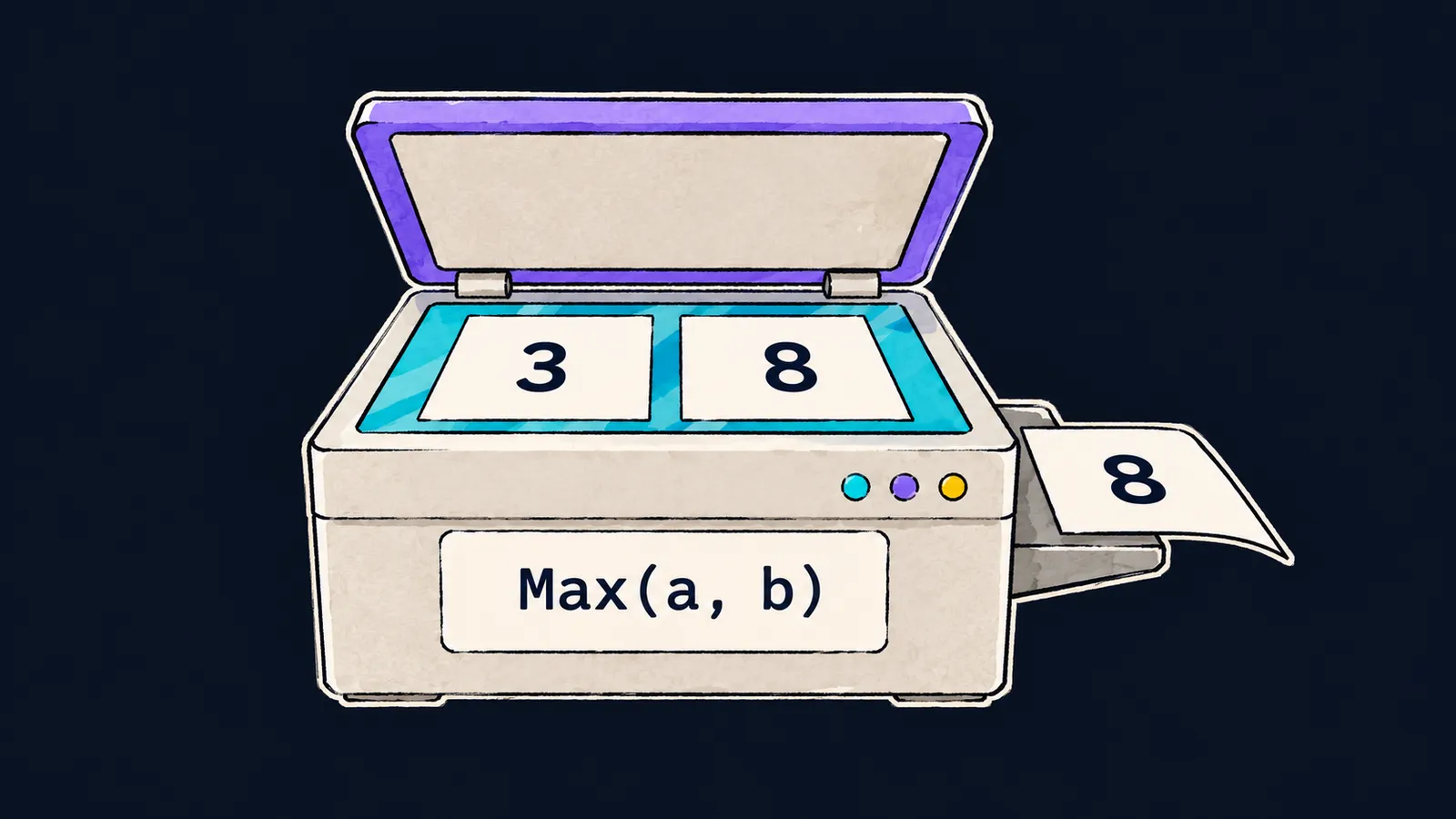
Picture an unusual copier. You lay sheets with numbers on the glass, press the button, and the copier hands out a finished sheet: for example, a copy of the sheet with the larger number. You don't need to think about how it works inside: it is enough to know what goes on the glass and what comes out of the tray. And you can use it as many times as you like, with different sheets each time.
In a program, such a machine is called a method. A method is a named piece of code: you pass it values, it runs its statements on them and may return a result.
Why do you need one? Say a program has to pick the larger of two numbers in three places. Without a method you write the same if three times, and when you find a bug in it, you fix it three times. With a method the check is written once, and the places that need it call it by name:
Console.WriteLine(Max(3, 8));   // 8
Console.WriteLine(Max(10, -2)); // 10

int Max(int a, int b)
{
    if (a > b)
    {
        return a;
    }
    return b;
}
Let's walk through what happens on the first call:
Max(3, 8)calls the method: the value3goes intoa, and8intob.- The method body runs from top to bottom. The condition
3 > 8is false, soreturn a;is skipped. return b;ends the method and hands8back to the place it was called from.Console.WriteLineprints8.
The second call takes the same route with other numbers: 10 > -2 is true, and the method returns 10.
Declaring a method
The first line of the declaration, int Max(int a, int b), has three parts:
intis the result type: the type of the value the method hands back;Maxis the method's name; in C#, method names start with a capital letter;(int a, int b)are the parameters: the type and name of each, separated by commas.
After that line, in curly braces, comes the body: the statements that run on every call.
Parameters and arguments
The example used two words that people often mix up:
- a parameter is a variable in the method's declaration:
aandbinint Max(int a, int b); - an argument is a value passed in a call:
3and8inMax(3, 8).
Arguments go into parameters in order: the first into the first, the second into the second. The compiler checks the number and types of the arguments against the declaration. An argument can be any expression of a fitting type: the call Max(x + 1, 5) computes x + 1 first.
The difference between a parameter and an argument sometimes comes up in junior interviews.
The return statement
return does two things at once:
- it hands a value back to the place that called the method;
- it ends the method right away: the lines after an executed
returnno longer run.
A method with a result type must reach a return on every path through its body. Max has two such paths: through return a; and through return b;.
Methods without a result
Here the copier picture stops working. A copier always hands out a sheet, but a method may return nothing: it might only write text to the screen, for example. Such a method has void in place of the result type:
Greet("Anna"); // Hello, Anna!
Greet("Oleg"); // Hello, Oleg!

void Greet(string name)
{
    Console.WriteLine("Hello, " + name + "!");
}
Greet("Anna") runs the body with name equal to "Anna" and prints a greeting. A call to such a method is a statement of its own: you cannot pass it to Console.WriteLine or store it in a variable. The line int x = Greet("Anna"); does not compile, because void means "no result".
A void method may also contain return; with no value: that statement ends the method at once.
The short form with =>
If a method computes a single expression, the curly braces and return can be replaced with the arrow =>:
Console.WriteLine(Square(4)); // 16

int Square(int n) => n * n;
int Square(int n) => n * n; means the same as the body { return n * n; }. This form is used for short methods, void methods included.
Where to declare a method
In a program made of top-level statements, a method is declared right among the statements. Methods usually go at the end of the file, as in this lesson's examples. You can call a method above its declaration too: the compiler sees such a method in all the top-level statements, not only in those below it.
Formally, such a method is called a local function. Remember the entry-point method <Main>$ the compiler builds around the top-level statements? Your method goes inside it. <Main>$ itself is declared inside the class Program; it is a method of the class. A class's methods are built the same way: a result type, a name, parameters and a body.
Common mistake
The method has a path that never meets a return:
Console.WriteLine(Max(3, 8));

int Max(int a, int b) // ✗
{
    if (a > b)
    {
        return a;
    }
}error CS0161: 'Max(int, int)': not all code paths return a valueThe program does not compile. The compiler does not run it and does not know which numbers will reach Max, so it checks every path through the body. When a > b is false, the method reaches its closing brace without a return and has nothing to hand back. The fix is a last line return b;, as in the first example.
Key points
- A method is declared with a result type, a name, parameters in parentheses and a body; you call it by name, passing arguments.
- A parameter is a variable in the declaration; an argument is a value in the call.
returnhands back the result and ends the method at once; a method with a result type needs areturnon every path, and avoidmethod returns nothing.- A method declared among top-level statements is formally called a local function.


