
Arrays
What you'll learn:
- create an array, and read and change its elements by index;
- walk through an array with
forandforeachloops; - explain why after
int[] b = a;one array has two names; - sort an array, search it, and take parts of it with
^1and1..3.
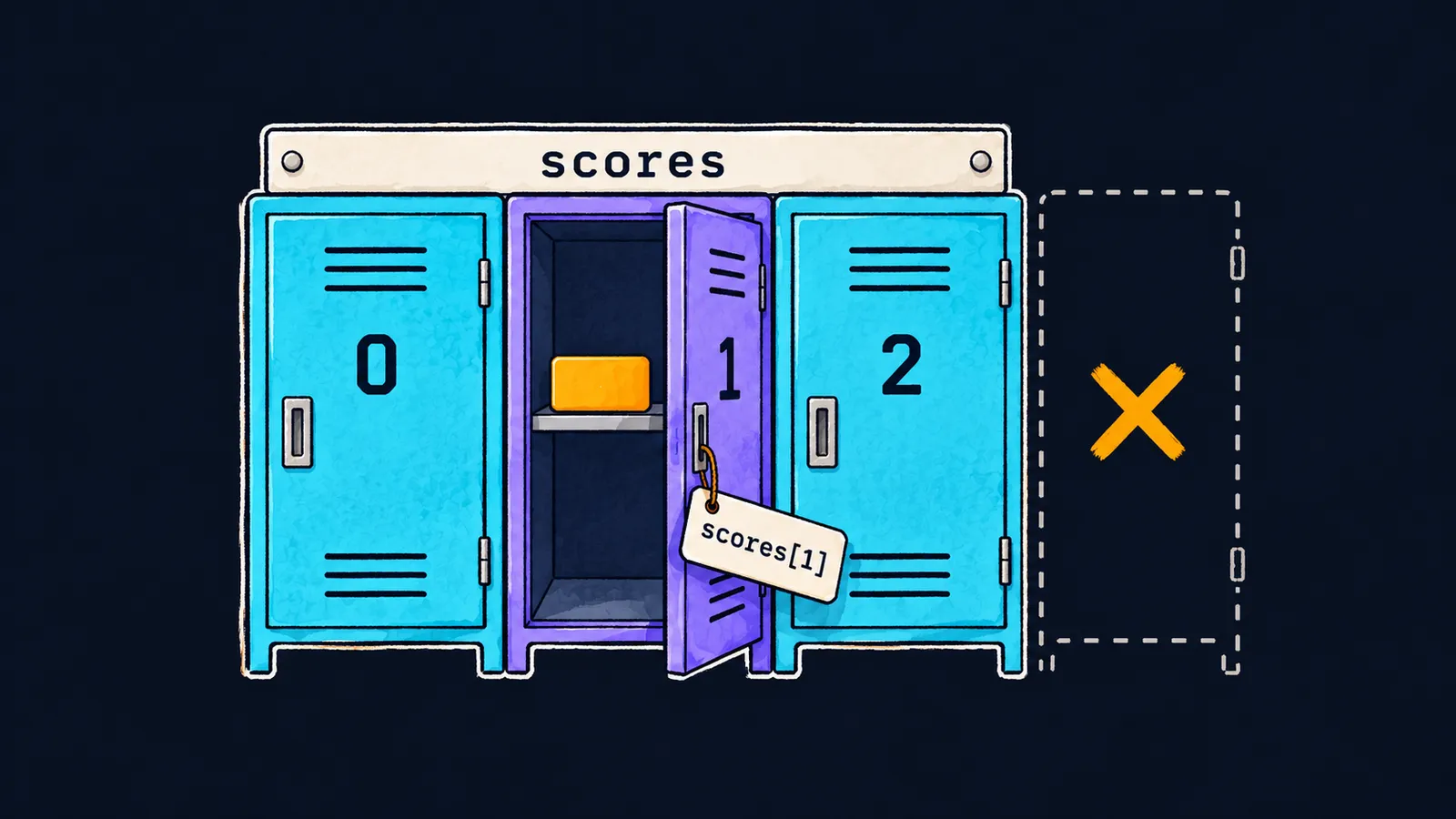
Picture a row of identical lockers in a swimming-pool changing room. Every door has a number, and the numbering starts at zero: locker 0, locker 1, locker 2. To put something in or take it out, you only need the number. How many lockers the row has is decided when the row is installed, and you cannot add another one later.
Why would a program need such a row? Say you need to keep the scores of three students. You could declare three variables: score1, score2 and score3. But thirty students would need thirty names, and a loop could not walk over them: the number in a variable's name cannot come from a counter.
In C#, such a row is called an array: a set of variables of one type under one name. Each variable in the row is an element of the array, and its number is its index.
int[] scores = [90, 75, 88];
Console.WriteLine(scores[0]);     // 90
Console.WriteLine(scores[2]);     // 88
scores[1] = 80;
Console.WriteLine(scores[1]);     // 80
Console.WriteLine(scores.Length); // 3
Let's go through the program line by line:
int[] scoresdeclares a variable for an array. The typeint[]reads "an array ofintnumbers": square brackets after a type mean an array.[90, 75, 88]creates an array of three elements and puts these numbers into them in order.scores[0]is the element with index0, the first one. The program prints90.scores[2]is the third and last element,88.scores[1] = 80;puts a new value into the second element and leaves the others alone.scores.Lengthis the array's length, the number of its elements:3.
Indexes start at zero
In an array of three elements, the indexes are 0, 1 and 2. The index of the last element is one less than the length: scores.Length - 1.
Why zero? An index says how many elements to step over from the start of the array. The first element sits right at the start, with nothing to step over, so its index is 0.
Creating an array
Listed values
The form [90, 75, 88] lists the values in square brackets, separated by commas, and the compiler counts the length itself. This form appeared in C# 12. Older code writes the same array as new int[] { 90, 75, 88 }.
Values listed in square brackets have no type of their own: the declaration on the left sets it. That is why var scores = [90, 75, 88]; does not compile, and the compiler reports error CS9176.
An array of a given length
If the values will only be known later, you create the array by its length: new int[3]. Every element of such an array already has a value:
int[] counts = new int[3];
Console.WriteLine(counts[0]); // 0
counts[2] = 7;
Console.WriteLine(counts[2]); // 7
bool[] flags = new bool[2];
Console.WriteLine(flags[1]);  // False
A new array of numbers is filled with zeros, and an array of bool with false values. The length can be a variable too: new int[n] creates an array of n elements. But once the array is created, its length never changes.
Here the locker picture is not quite right. A real locker can be empty, but an array element cannot: it always holds a value, even if only a zero.
Walking through with for
An index can be a variable. That is why a for loop can walk through the whole array: its counter i takes the value of every index in turn.
int[] scores = [90, 75, 88];
for (int i = 0; i < scores.Length; i++)
{
    Console.WriteLine(i + ": " + scores[i]);
}
// 0: 90
// 1: 75
// 2: 88
Let's take the loop header apart:
int i = 0: the counter starts at the index of the first element;i < scores.Length: the loop goes on while the index is less than the length—the last index is2, and wheniis3the loop ends;i++: after each iteration the counter moves to the next index.
The condition uses <, not <=. With <=, the counter would reach index 3, which the array does not have.
Common mistake
Someone tried to read the last element at an index equal to the length:
int[] scores = [90, 75, 88];
Console.WriteLine(scores[scores.Length]); // ✗Unhandled exception. System.IndexOutOfRangeException: Index was outside the bounds of the array.The program compiles, but when it runs it stops at this line with an IndexOutOfRangeException. The lines before it have run, and the lines after it never do. The last element is scores[scores.Length - 1].
Interviewers like to ask what happens when you access an array past its end. C# checks the index on every access: if it is below zero or not less than the length, the program stops with this exception. The compiler does not catch the mistake: it does not track how long the array in a variable is.
Key points
- An array is a row of elements of one type under one name;
int[]is an array ofintnumbers. - Indexes start at zero: the first element has index
0, the last oneLength - 1. [90, 75, 88]creates an array of the listed values,new int[3]one of three zeros; an array's length never changes after it is created.- An index past the array's bounds stops the program with an
IndexOutOfRangeException.


