
Modules
What you'll learn:
- split a program into modules with
exportandimport, and tell a module from a script; - explain what is left in JavaScript of
import typeand of an ordinary import; - configure the compiler for the whole project with a
tsconfig.jsonfile; - add types to JavaScript libraries:
.d.tsfiles and@typespackages.
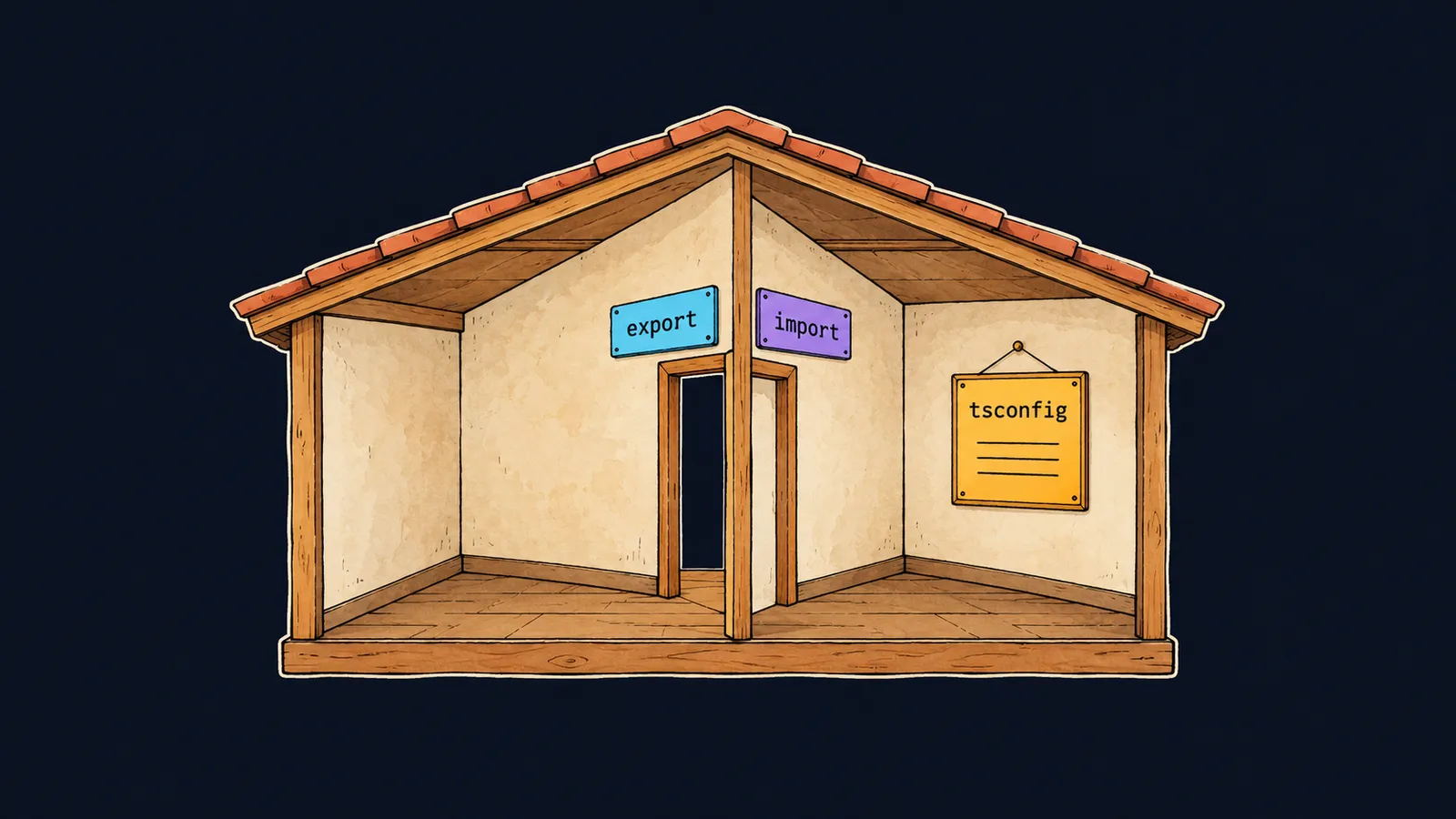
Picture a house. While it has one room, everything lies in plain sight, and you can take anything. When there are many things, the house is split into rooms. The kitchen has its dishes, the study has its books, and from the kitchen you cannot see the books. If a book is needed in the kitchen, it is brought to the study door, and the kitchen takes it through that door.
A program grows the same way. At first all the code fits in one file, then it is split into several. In TypeScript, as in modern JavaScript, the rooms are module files and the doors are the words export and import.
But the house also has a shared hallway that everyone sees. Let's see what happens to a thing left there. Here is a file hello.ts of two lines:
const name = "Аня"; // ✗
console.log(name);error TS2451: Cannot redeclare block-scoped variable 'name'.Let's take apart what tsc said:
- The message means "you cannot declare the variable
namea second time", although the file declares it once. tscprints the same message for the filelib.dom.d.tstoo. In ittscdescribes everything the browser has, and the namenameis already declared there: the browser window's name.- So our
nameended up where the browser's one lives: in the shared hallway.
Script and module
TypeScript sorts files into two kinds by one sign: whether the file has an import or an export.
Script
A file with no import and no export is a script. Its top-level names, that is, the ones declared outside functions and blocks, are global. They are shared by all the scripts of the program, and the browser's own names are already among them.
By default tsc assumes the program may run in a browser and knows its global names: name, status, length, top and others. That is why const name in a script clashes with the browser's name.
In the house picture, a script leaves its things in the shared hallway. Every resident sees them, and there cannot be two things with the same tag there.
Module
A file with at least one import or export is a module. Its top-level names belong to it alone, and from outside you see only what it exports. A variable name inside a module does not get in the way of the browser's one. In the same way, a book in the study does not get in the way of a book in the hallway.
export and import
Let's split a program into two files. format.ts holds a function that shows a price with two digits after the point:
export function formatPrice(price: number): string {
    return price.toFixed(2);
}

function round(price: number): number {
    return Math.round(price);
}
What matters here:
exportbeforefunctionputs the function at the door: other files will be able to take it.roundhas noexport, so this function is visible only insideformat.ts.- Because of
exportthe file became a module, and its names do not go into the shared hallway.
The file main.ts takes the function with the line import { formatPrice } from "./format.js";. Let's take it apart:
importmeans "take from another module".- The braces hold the names you need. There may be several, separated by commas.
- After
fromcomes the path to the module, and./means "in the same folder". - The path ends in
.js, not.ts: that is how it is written in TypeScript, andtscfindsformat.tsnext to it on its own.
After this line main.ts calls formatPrice as its own function. Let the second line of the file be console.log(formatPrice(100));. Let's compile and run it:
$ tsc main.ts
$ node main.js
100.00
tsc follows the imports on its own. When it sees the import from ./format.js, it checks format.ts too, so both files appear next to the sources: main.js and format.js.
Types are exported the same way as functions: export interface User { … } or export type Id = number;. They are taken with the same import line.
Here the door picture stops working. A book carried out of the study is no longer in the study. An exported function stays in its module: main.ts gets access to the very same function rather than taking it away.
export {}
Let's go back to hello.ts. One line is enough to make it a module:
export {};

const name = "Аня";
console.log(name); // Аня
export {} exports nothing: the braces are empty. But the file has the word export, so it is a module, and name in it is its own rather than global.
In a real project almost every file has an import or an export, and this line is not needed. It helps in a small file for experiments that has neither.
Interviewers sometimes ask why a variable in one file clashes with a variable in another file or in the browser. The answer: a file with no import and no export is a script, and its names are global. The line export {} makes it a module.
Common mistake
Importing a function the module does not export. In format.ts, round has no export, while main.ts tries to take it:
import { round } from "./format.js"; // ✗

console.log(round(99.6));error TS2459: Module '"./format.js"' declares 'round' locally, but it is not exported.tsc sees the function round in format.ts, but it is declared only for its own module: no door leads to it. Add export before function round, and the import works.
Key points
- A file with
importorexportis a module: its names are its own, and from outside you see only what it exports. - A file with neither is a script: its names are global and clash with the browser's names, like
namewith errorTS2451. exportputs a function or a type outside, andimport { … } from "./file.js"takes them in another file.- The line
export {}turns a script into a module without exporting anything.


