
Interfaces
What you'll learn:
- describe an object's shape with
interfaceand build new shapes withextendsand&; - explain why TypeScript compares types by shape, not by name, and when a literal with an extra property fails;
- describe a dictionary with an index signature and remember that tsc does not notice a missing key;
- choose between
typeandinterface.
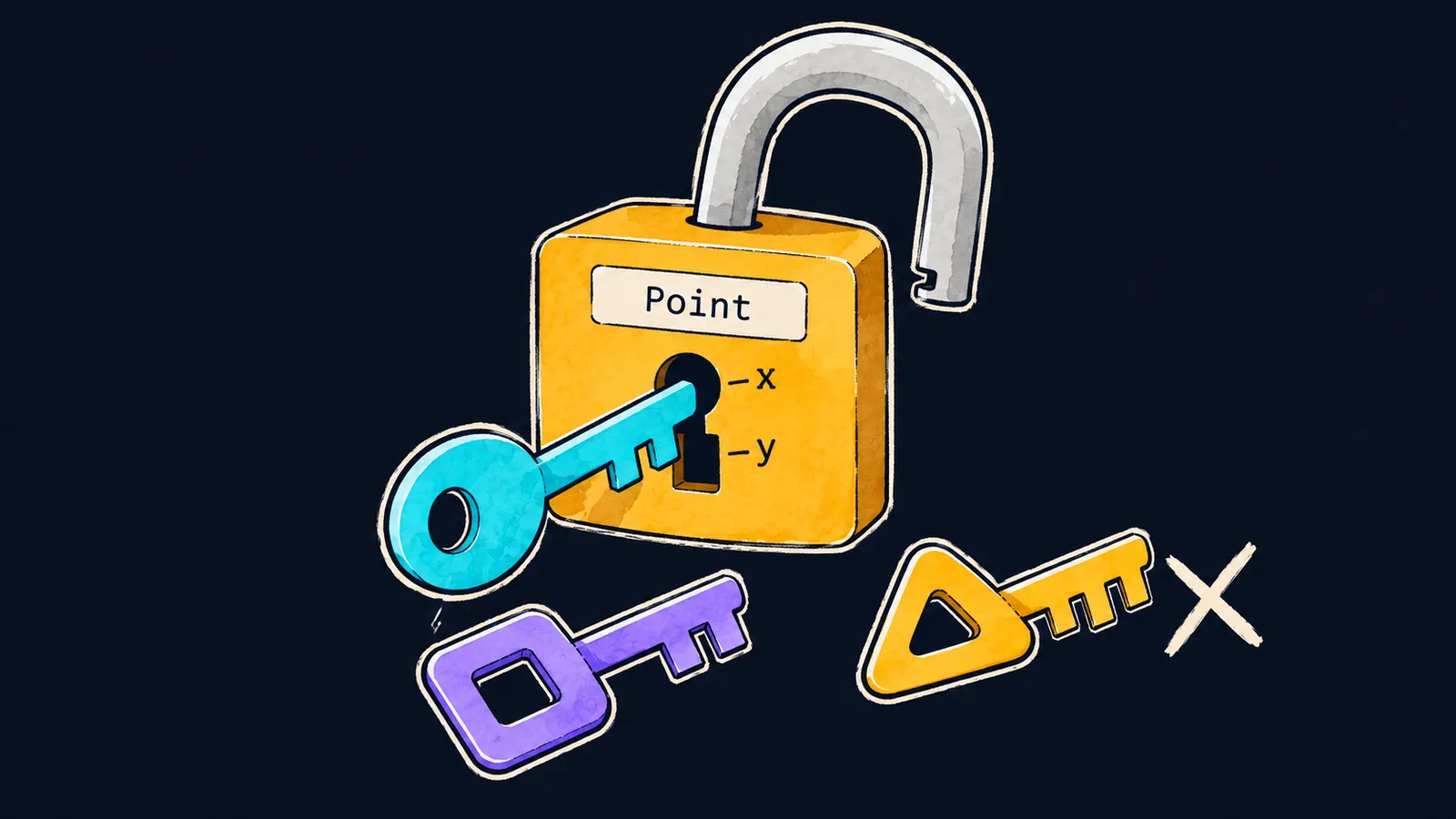
Picture a padlock. Inside it there are notches, and it opens when the teeth of a key line up exactly with them. The lock does not care which company made the key or what is stamped on its head: it checks only the teeth.
Objects in TypeScript are checked in a similar way. A function that computes the distance from a point to the origin does not care where the object came from. It needs one thing: numbers x and y inside it. Earlier you described such a shape with type. TypeScript has a second way, one you will often meet in other people's code — an interface: a named description of an object's shape, its properties and methods.
interface Point {
    x: number;
    y: number;
}

function distance(p: Point): number {
    return Math.sqrt(p.x * p.x + p.y * p.y);
}

console.log(distance({ x: 3, y: 4 })); // 5
Let's go through the example line by line:
interface Point { … }declares the interfacePoint: an object must have the propertiesxandy, both numbers. This is the lock with two notches.- The parameter
pgets the typePoint, so inside the function TypeScript knows thatp.xandp.yare numbers. - The call passes the literal
{ x: 3, y: 4 }. It fitsPoint, and the program prints5.
How the declaration is built
An interface declaration has three parts:
- the keyword
interface; - a name starting with a capital letter:
Point,User,Order; - curly braces with a list of members, where each member has a name, a colon, a type and a semicolon.
Compare it with a type alias. In type Point = { x: number; y: number }; the name is followed by =, while an interface goes straight from the name to the curly braces. The compiler checks both forms the same way: a literal without y gets error TS2741 in either case.
An interface, like any type, exists only for the compiler. The JavaScript file that tsc writes will not have a single line of it.
What an interface can hold
Here is an interface with every kind of member the course uses most often:
interface User {
    readonly id: number;
    name: string;
    email?: string;
    greet(): string;
}

const ann: User = {
    id: 1,
    name: "Ann",
    greet() {
        return `Hi, I am ${this.name}`;
    },
};
console.log(ann.greet(), ann.email); // Hi, I am Ann undefined
A plain property
name: string is a required property holding a string. The compiler rejects an object without name or with a number in name. This is how you describe what every user has.
An optional property
email?: string is a property that may be left out. As with type, it reads as string | undefined. ann has no email, so the program prints undefined for ann.email. The ? goes on what not everyone has.
A read-only property
readonly id: number gets its value when the object is created, and tsc will not let you write ann.id = 2 later: error TS2540. This marks numbers and anything else that does not change after creation.
A method
greet(): string means the object must have a method greet that takes no arguments and returns a string. The interface holds only the method's name, the parentheses with its parameters and the result type, while the method's body lives in the object itself. An object without greet does not fit: tsc reports that the property greet is missing.
Inside the method, this is the object itself, so this.name gives "Ann", and the program prints Hi, I am Ann undefined.
Here the lock analogy stops working: a real lock has no "optional" notch, while an interface can have optional properties.
Common mistake
An interface was written like a type alias, with =:
interface Point = { x: number; y: number }; // ✗error TS1005: '{' expected.The message means "a { was expected": after an interface's name the compiler waits for a curly brace and meets = instead. Remove the =, and the declaration is correct: interface Point { x: number; y: number }.
Key points
interface Point { x: number; y: number }names an object's shape; there is no=after the name.- An interface's members are plain properties, optional ones (
?),readonlyproperties and methods such asgreet(): string. - A method in an interface has a name, parameters and a result type, and its body is written in the object.
- An interface, like any type, is seen only by the compiler: JavaScript has none of it.


