
What a database is
What you'll learn:
- explain what a database, a DBMS and SQL are;
- read a table: what a row, a column and a column type are;
- write a
SELECT … FROMquery that picks the columns you need; - explain why a query describes the result while the DBMS chooses how to get it.
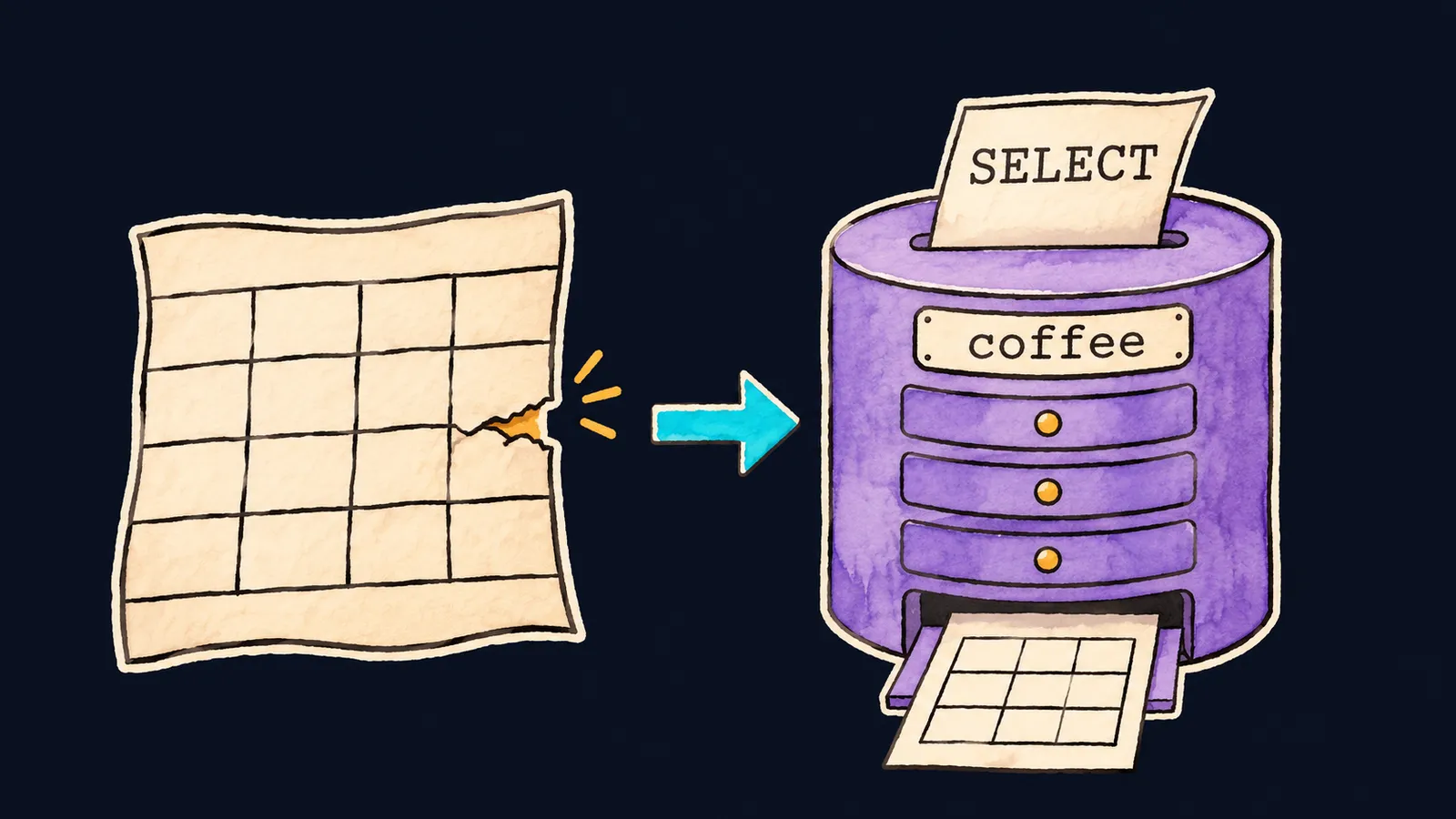
Picture a small chain of coffee shops. While there is one shop, the menu and the orders fit in a spreadsheet: a row for each drink, a separate column for the price. But the chain grows, and the spreadsheet starts to fail:
- cashiers in three shops edit one file at the same time and overwrite each other's entries;
- someone types the word "two hundred" into the price column, and the sum formula breaks;
- a year of orders adds up to hundreds of thousands, and the file takes a minute to open;
- to learn how many lattes were sold in Kazan in October, you set the filters by hand.
A database solves all four problems. That is where the course begins.
Database and DBMS
A database is a set of tables that hold information about one business: a coffee chain, a library, a shop. Our chain's database has tables for the menu, the staff, the customers and the orders.
The tables do nothing on their own. They are kept and worked with by a DBMS, a database management system. It is a program that:
- stores the tables on disk;
- checks every value before writing it;
- lets many people work with the data at the same time;
- answers questions about the data.
There are many DBMSs: PostgreSQL, MySQL, SQLite, Oracle. In this course we work with PostgreSQL 18.
Think of a library. The books on the shelves in the stacks are the data. The librarian is the DBMS. You don't go into the stacks: you fill in a request slip, and the librarian decides which shelves to visit and brings what you asked for.
The analogy breaks in two places. The librarian brings the books themselves, while the DBMS hands back a copy of the information you need as a new table. And the DBMS decides nothing on a whim: it chooses its path by strict rules.
The SQL language
Request slips for a DBMS are written in SQL. One such request is called a query. Here is a query to our chain's menu table:
SELECT name FROM menu_items WHERE category = 'tea'; name
-------------------
Green tea
Sea buckthorn tea
(2 rows)The query reads almost like an English sentence. Let's take it apart:
SELECT name: "pick the name".FROM menu_items: "from themenu_itemstable", that is, from the menu.WHERE category = 'tea': "where the category is tea".
Below the query is its result: also a table, with one column name and two rows. The (2 rows) line tells how many rows came out. This is how a result looks in psql, the program people use to work with PostgreSQL from a terminal. Every result in this course is shown this way.
SQL is a common standard, and PostgreSQL, MySQL and other DBMSs understand simple queries the same way. Each DBMS also has its own additions to the standard. The course teaches standard SQL and marks the features that only PostgreSQL has.
Interviewers sometimes check whether a candidate mixes these words up. SQL is a query language, PostgreSQL is a DBMS, and the database is the tables of information themselves.
Where to run queries
You don't need to install anything. You solve the course's exercises right on the page: the exercise editor runs a real PostgreSQL, and your query runs in the browser.
Every exercise works with our coffee chain's database. In the first six chapters we need only one of its tables, the menu menu_items. The other tables appear when we get to links between tables.
Key points
- A database is a set of tables with information about one business.
- A DBMS is a program that stores the database, checks the data and answers queries; in this course it is PostgreSQL 18.
- SQL is the language queries are written in, and a query is a request: which data you want to get.
- The result of a query is a table too.


















