
Expressions and aliases
What you'll learn:
- compute new columns in a query and give them clear names;
- remove repeats from a result with
DISTINCT; - sort rows by several columns, each in its own direction;
- take the first rows of a result and the next "pages" with
LIMITandOFFSET.
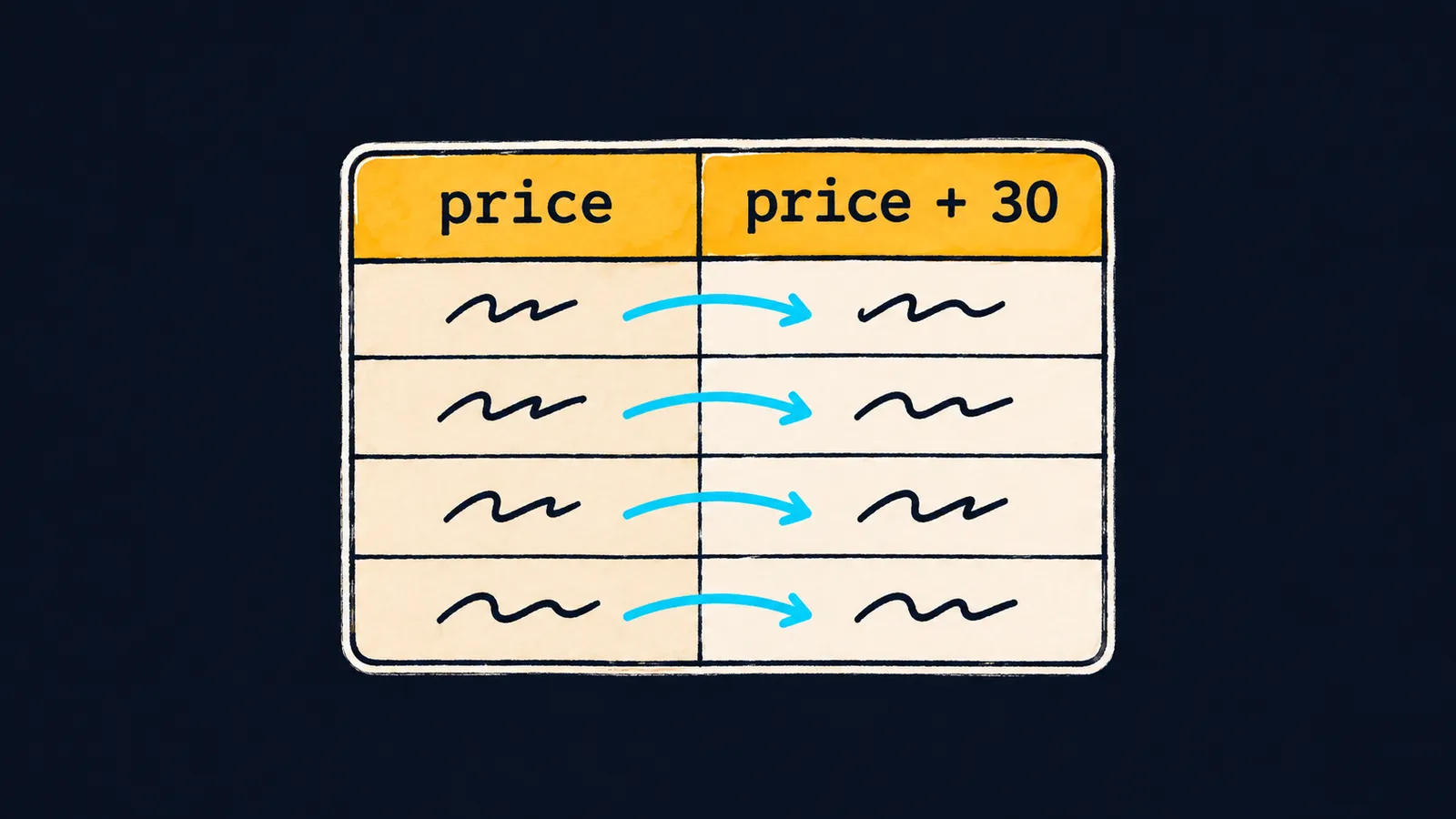
Picture the coffee shop menu in a spreadsheet. The owner of the chain asks you to estimate the prices after a 30-ruble increase. You add a new column on the right and write a formula in it: "price plus 30". The formula works in every row, and a new price appears next to the old one.
In SQL you can get such a formula column too, right in the query. To do that, you write a calculation after SELECT instead of a column name.
Expressions in SELECT
A calculation in a query is called an expression. A column name is the shortest expression, and price + 30 is a longer one: take the price and add 30.
SELECT name, price, price + 30
FROM menu_items
WHERE category = 'tea'; name | price | ?column?
-------------------+--------+----------
Green tea | 150.00 | 180.00
Sea buckthorn tea | 230.00 | 260.00
(2 rows)Let's go through the result:
nameandpricecame from the table as they are.- The DBMS computed the third column itself: for each row it took the price and added 30.
- The third column has
?column?instead of a name. That is what PostgreSQL calls a column nobody named.
Expressions support the signs +, -, * and /. Dividing whole numbers drops the fraction; the chapter on types and functions covers this in detail.
Aliases
A ?column? column is inconvenient: the header doesn't say what it holds. You can name it with the word AS, and the name after it is called an alias:
SELECT name, price, price + 30 AS new_price
FROM menu_items
WHERE category = 'tea'; name | price | new_price
-------------------+--------+-----------
Green tea | 150.00 | 180.00
Sea buckthorn tea | 230.00 | 260.00
(2 rows)The values are the same; only the header changed. A plain column can get an alias too: name AS item shows the names under the header item.
A name without quotes
An alias without quotes follows the same rules as column names:
- it usually holds Latin letters, digits and underscores, as in
new_price; - it cannot contain a space;
- PostgreSQL turns uppercase Latin letters into lowercase:
AS NewPricegives the headernewprice; - the word
AScan be left out:price + 30 new_priceworks too, butASmakes the query easier to read.
A name in double quotes
If the name needs a space or uppercase letters, it goes in double quotes:
SELECT name AS "Menu item", price + 30 AS "New price"
FROM menu_items
WHERE category = 'tea'; Menu item | New price
-------------------+-----------
Green tea | 180.00
Sea buckthorn tea | 260.00
(2 rows)Such headers suit a report that a person will read. Working queries more often use short names without quotes: they are quicker to type, and you don't have to remember the case.
The table stays the same
A computed column lives only in the query result. The prices in the menu_items table did not change, and the table has no new_price column. The next query to the menu shows green tea at 150.00 again.
This is where the spreadsheet analogy stops working. A formula column stays in the file until someone deletes it. The DBMS computes an expression in SELECT anew on every query, and once the result is shown, it is gone. Other commands change the data itself; chapter 12 will cover them.
Common mistake
An alias with a space was put in single quotes:
SELECT name, price + 30 AS 'new price' -- ✗
FROM menu_items;ERROR: syntax error at or near "'new price'"The DBMS cannot parse the query and doesn't run it. In SQL single quotes hold text, such as 'tea' in a condition, while column names and aliases go in double quotes: AS "new price".
Key points
SELECTcan hold expressions:price + 30is computed for each row of the result.ASgives a result column a name, an alias; without it PostgreSQL writes?column?in the header.- An alias with a space or uppercase letters goes in double quotes, and text in single quotes.
- An expression doesn't change the table: the computed column exists only in the result.


















