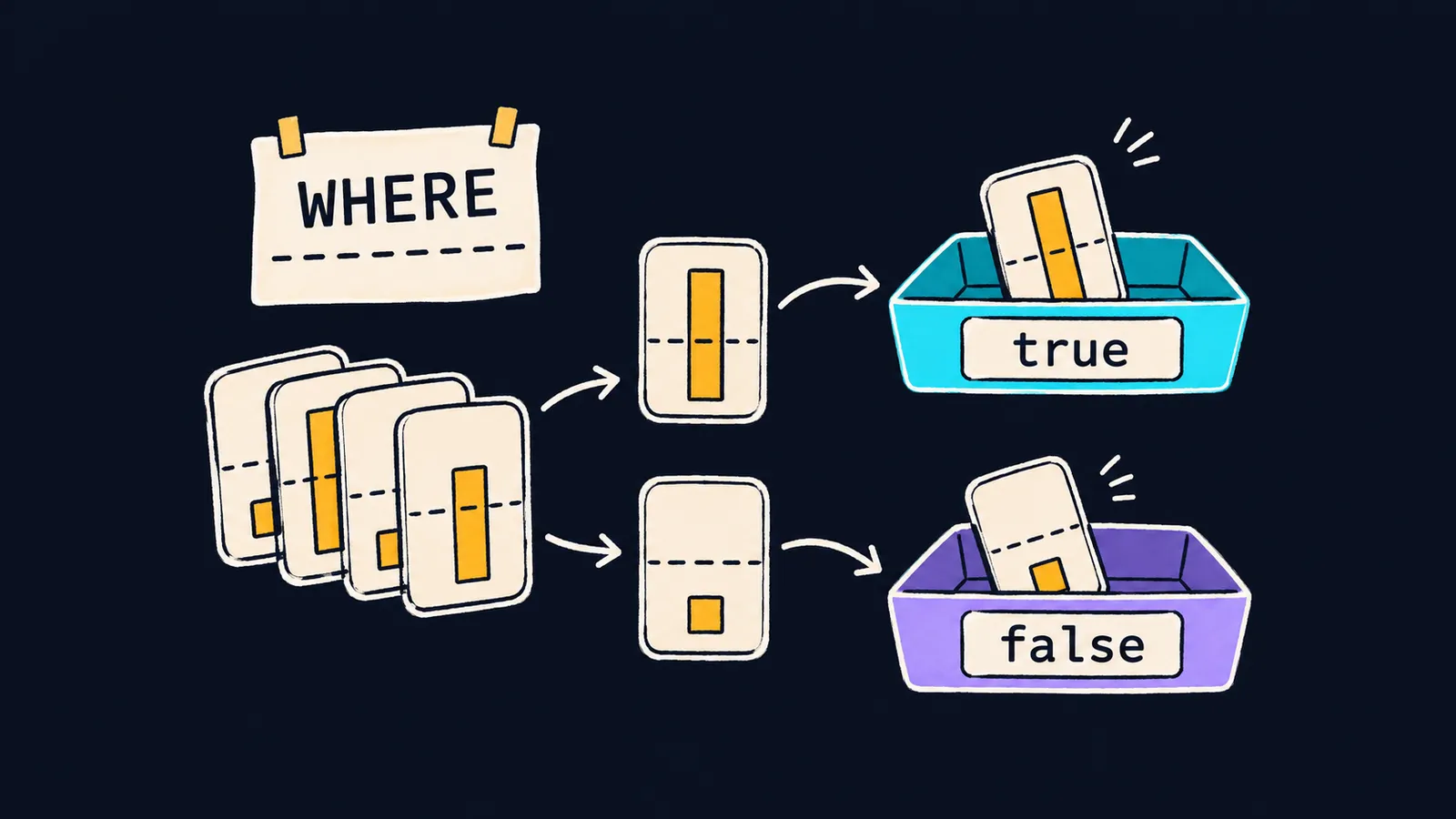
In Excel or Google Sheets, a column has a filter button. You choose "greater than or equal to 250", and the sheet hides the rows that don't match. The data itself goes nowhere; only the matching rows stay on screen.
In this lesson
- A condition is a yes-or-no question
- Six comparisons
- Comparing text
- A boolean column as a condition
- Common mistake
- Key points