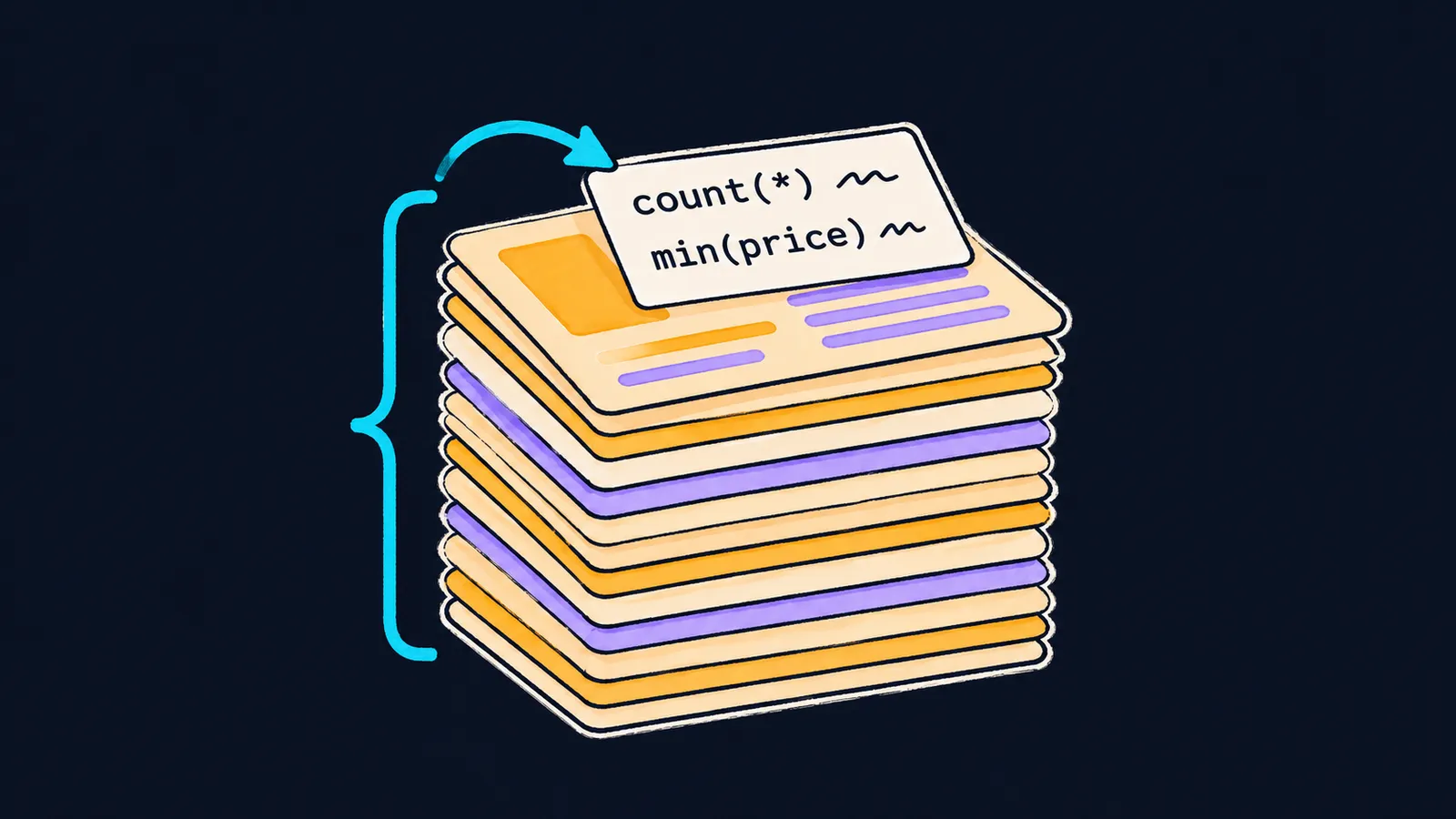
Think of a sheet in Excel or Google Sheets. Under the price column you type =SUM(C2:C14) and get one number instead of thirteen. Next to it you can put =COUNT, =MIN or =MAX: each formula looks through the whole column and gives one total.
In this lesson
- Five aggregate functions
- count(*) and count(column)
- NULL inside aggregates
- count(DISTINCT column)
- A table inside the query
- Common mistake
- Key points