
Variables
What you'll learn:
- declare variables with
varand:=and change their values with=; - tell Go's basic types apart and convert a value from one type to another;
- explain what a variable declared without a value holds;
- declare constants and number them with
iota.
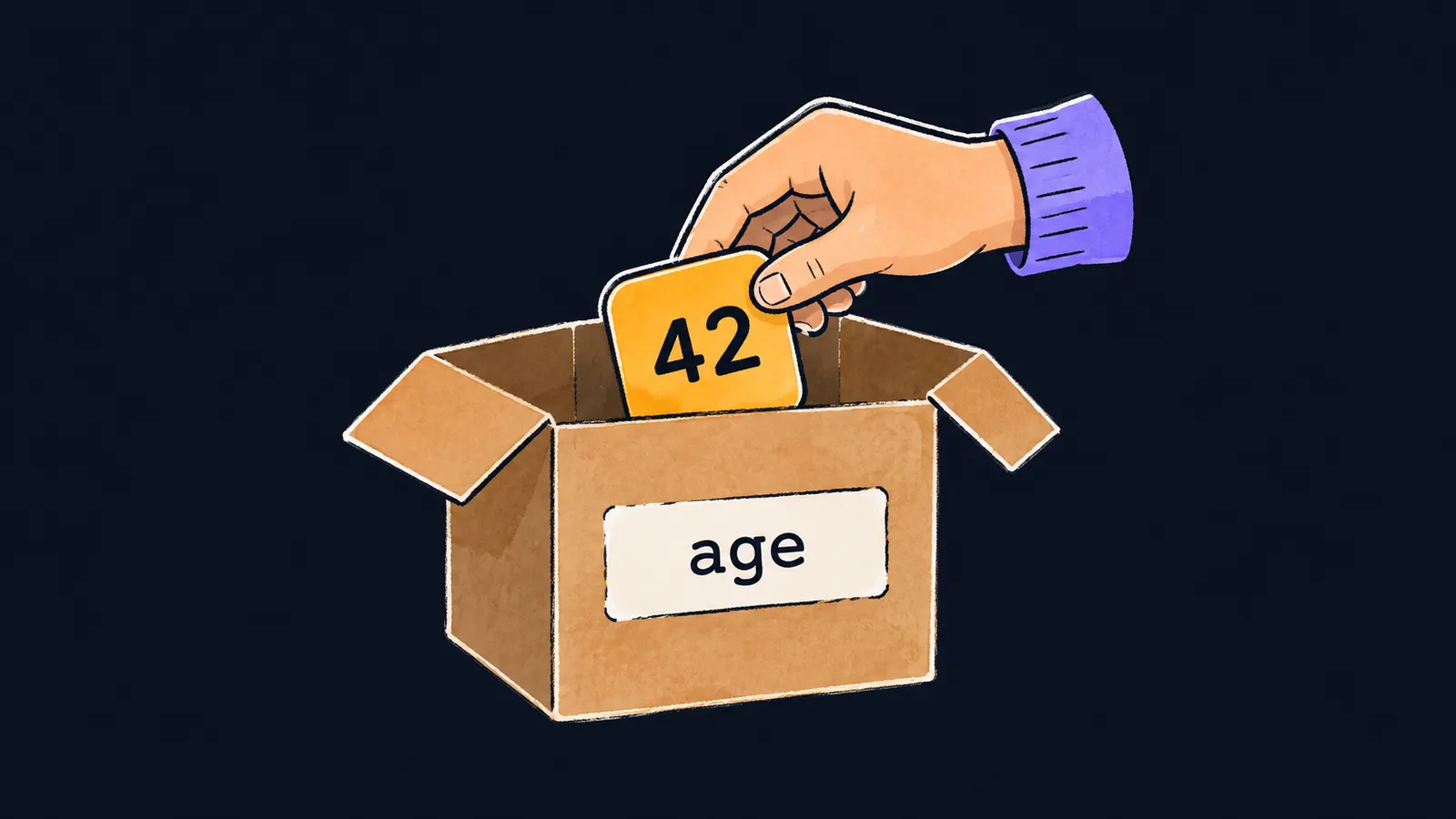
Picture a box with a label. The label carries a name, and the box holds a value. By the name you can find the box, look inside it or put something else there. That is how a program keeps data—in variables, named values that can be read and changed.
Before you put anything into a box, you have to get the box and label it. Go requires a variable to be declared before its first use. You cannot assign a value to a name the compiler knows nothing about yet:
package main

import "fmt"

func main() {
    count = 5 // ✗
    fmt.Println(count)
}undefined: countThe compiler does not create a variable on its own at the first assignment. First you declare it: you give its name and the type of the value it will hold. The type is the shape of the box: a box for whole numbers takes no text.
Three forms of declaration
Go gives you three ways to declare a variable. Here are all three side by side:
var a int = 1
var b = 2
c := 3
fmt.Println(a, b, c) // 1 2 3
All three variables are integers, and fmt.Println prints 1 2 3. Let's look at each form on its own.
The full form: var a int = 1
The line reads left to right:
varis the keyword: "I'm declaring a variable";ais the variable's name;intis its type;= 1is the initial value.
You write the full form when the type must not follow from the value. So var price float64 = 3 creates a fractional variable from a whole number. Without float64, the compiler would pick the type int for price.
var without a type: var b = 2
Here the type is left out. The compiler looks at the value 2 and picks the type int for b itself.
This form is shorter than the full one and works everywhere: inside functions and outside them. Variables declared above func main are usually written this way.
Short declaration: c := 3
The := operator is a short variable declaration. It declares a variable and gives it a value at once, and, like var without a type, it takes the type from the value.
Inside functions this is the most common form. But it has a limit:
:=works only inside a function;- the line
x := 1abovefunc maindoes not compile:syntax error: non-declaration statement outside function body; - outside functions, variables are declared only with
var.
Variable names
A variable name starts with a letter and consists of letters and digits. Go writes compound names as one word, starting each following word with a capital letter: itemCount, maxSpeed.
Assignment
The = operator changes the value of a variable that is already declared. With := you can declare several variables at once:
x, y := 1, 2
x = x + 10
fmt.Println(x, y) // 11 2
Let's go line by line:
x, y := 1, 2creates two variables:xgets1, andygets2.x = x + 10reads the old value ofx, adds10to it and writes the result back intox.fmt.Println(x, y)prints11 2: the boxxnow holds11, and nobody touchedy.
Here the box picture is off. When you take a thing out of a real box, the box is empty. Reading a variable means looking at the value, not taking it away: after fmt.Println(x), x holds the same number.
Constants
The keyword const declares a constant. Its value is known at compile time and never changes afterward—like a box sealed before the program even starts.
- The constant
const limit = 10can be read, but it cannot be assigned a new value. - Constants, like variables declared with
var, are allowed both inside functions and outside them.
Interviewers often ask how var, const and := differ. The answer comes from this lesson:
vardeclares a variable anywhere—inside a function or outside it;:=declares a variable only inside a function;constdeclares a value known at compile time, and it cannot be changed.
Common mistake
The := operator is used for a variable that is already declared:
x := 1
x := 2 // ✗
fmt.Println(x)no new variables on left side of :=:= always declares at least one new variable, and x already exists here. To change the value, use the = operator: x = 2.
Key points
vardeclares a variable both inside and outside functions, while:=works only inside a function.=changes the value of a declared variable, while:=always creates at least one new one.constdeclares a value known at compile time; it cannot be assigned a new one.
Subscribe to take the course
The course is free. Sign in with Telegram and subscribe to the channel to open every lesson.
















