
Maps
What you'll learn:
- store key–value pairs in a map and find a value by its key;
- tell a missing key from a zero value;
- iterate over a map in a predictable order;
- explain why writing to a nil map panics while reading from it does not.
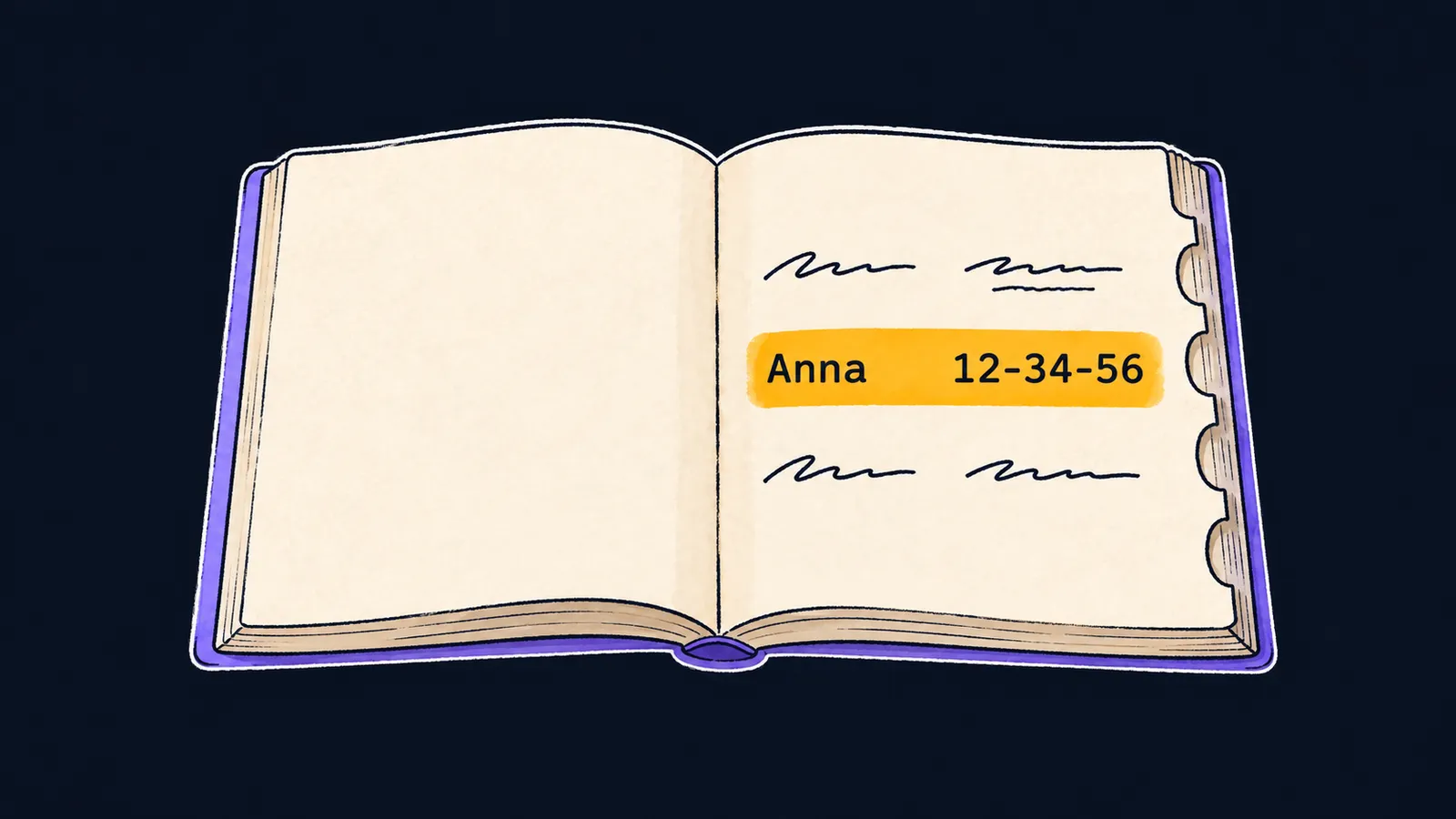
Picture a phone book. You do not look for "the seventh entry from the top" in it, but for a name: you find "Ann" and see her number next to it. The name is the key you search by, and the number is the value you find. You don't have to read the whole book for one number.
Now let's see the same task without such a book. You can store product prices in two slices: one for the names, the other for the prices. To find the price of a pear, you walk the first slice from the start and note the index you find. For data like this, Go has the map, a set of pairs in which a key leads straight to its value:
package main

import "fmt"

func main() {
    prices := map[string]int{
        "pear": 70,
        "plum": 40,
    }
    fmt.Println(prices["pear"]) // 70
    prices["kiwi"] = 90
    fmt.Println(len(prices)) // 3
}
Let's walk through the example line by line:
- The literal creates a map with two pairs: a pear costs
70, a plum40. prices["pear"]finds the price of a pear, and the program prints70.prices["kiwi"] = 90adds a third pair, solenreturns3.
Type and literal
The type map[string]int reads part by part:
mapis the keyword: "a set of key–value pairs";[string]means keys of typestring;intmeans values of typeint.
Writing a map out in the code like this is also a literal: its braces list the "key: value" pairs. A value is read and written by its key in square brackets, like a slice element: prices["pear"].
Writing by key
The write prices[k] = v follows these rules:
- writing to a new key adds a pair;
- writing to an existing key replaces its value;
- each key appears in a map once;
- the
lenfunction returns the number of pairs.
Here a map is stricter than a phone book: a book can end up with two "Ann" entries, but a map never gets a second such key. A key can be a string, a number or a bool, but not a slice: the type map[[]int]string does not compile.
An empty map
You can create an empty map in two ways. Both give the same result: a map with no pairs that you can write to right away.
The make function
The call make(map[string]int) creates an empty map, the way make creates a slice. The parentheses hold only the map type. A second argument can hint how many pairs you expect: make(map[string]int, 100). It is not a limit: the map grows past it.
Choose make when the map starts empty and is filled later, for example in a loop.
A literal with no pairs
The literal map[string]int{} gives the same result as make(map[string]int). Its braces are empty here, but you can list pairs in them right away, as in the first example. So a literal is handy when some pairs are known in advance.
Fast lookup
A lookup by key does not check the pairs one by one, as a loop over a slice does. The time a read takes hardly depends on how many pairs the map holds: ten or a million. So a map is the choice when values are often looked up by a name, a number or another key.
Go computes a number from the key—a hash—and uses it to decide where to put the pair. Add pairs with the button and watch what happens when the ninth pair runs out of room.
The map holds 8 pairs. Up to 8 pairs it is one group of 8 slots, filled in order. Press the button.
The pairs sit in groups of eight slots. When free slots run low, the map doubles their number and lays every pair out again by its hash.
A missing key
If a name is not in the phone book, the map does not report an error. Reading a missing key returns the zero value of the value type:
0forint;""forstring.
Deleting a pair
The built-in delete function removes a pair by its key and does nothing for a missing key:
stock := make(map[string]int)
stock["pear"] = 3
fmt.Println(stock["kiwi"]) // 0
delete(stock, "pear")
delete(stock, "lime")
fmt.Println(len(stock)) // 0
Let's walk through the example step by step:
- There has never been any kiwi in stock, so the read
stock["kiwi"]returns0. - The first
deleteremoves the pear. - The second
deletelooks for a lime, finds nothing and does nothing. - No pairs are left in the map, and
lenprints0.
A counter with no setup
Because of the zero value, a counter does not need to be set up in advance:
counts := map[string]int{}
counts["go"]++
counts["go"]++
fmt.Println(counts["go"]) // 2
Let's take the two ++ calls in order:
- For a new key,
counts["go"]++reads0, adds one and writes1. - The next
++on the same key already reads1and writes2.
Common mistake
The literal has the same key twice:
prices := map[string]int{
    "pear": 70,
    "pear": 75, // ✗
}
fmt.Println(prices)duplicate key "pear" in map literalThe compiler checks the keys of a literal and does not decide for you which price is right. The program does not build until the repeat is fixed. Keep one pair, and to change the price later, assign a new value: prices["pear"] = 75. Such an assignment after the literal is not an error: it replaces the value, as any write to an existing key does.
Key points
map[K]Vholds key–value pairs; you find a value by its key in square brackets.- Writing to a new key adds a pair, writing to an existing one replaces the value; each key appears once.
- A missing key reads as the zero value, so
counts[k]++works for a new key too. - An empty map is created with
make(map[string]int)or the literalmap[string]int{}.
Subscribe to take the course
The course is free. Sign in with Telegram and subscribe to the channel to open every lesson.
















