
Structs
What you'll learn:
- declare your own struct type and work with its fields;
- add methods to a type and choose between a value receiver and a pointer receiver;
- write a constructor and decide which names other packages can see;
- embed one type in another and tell embedding from inheritance.
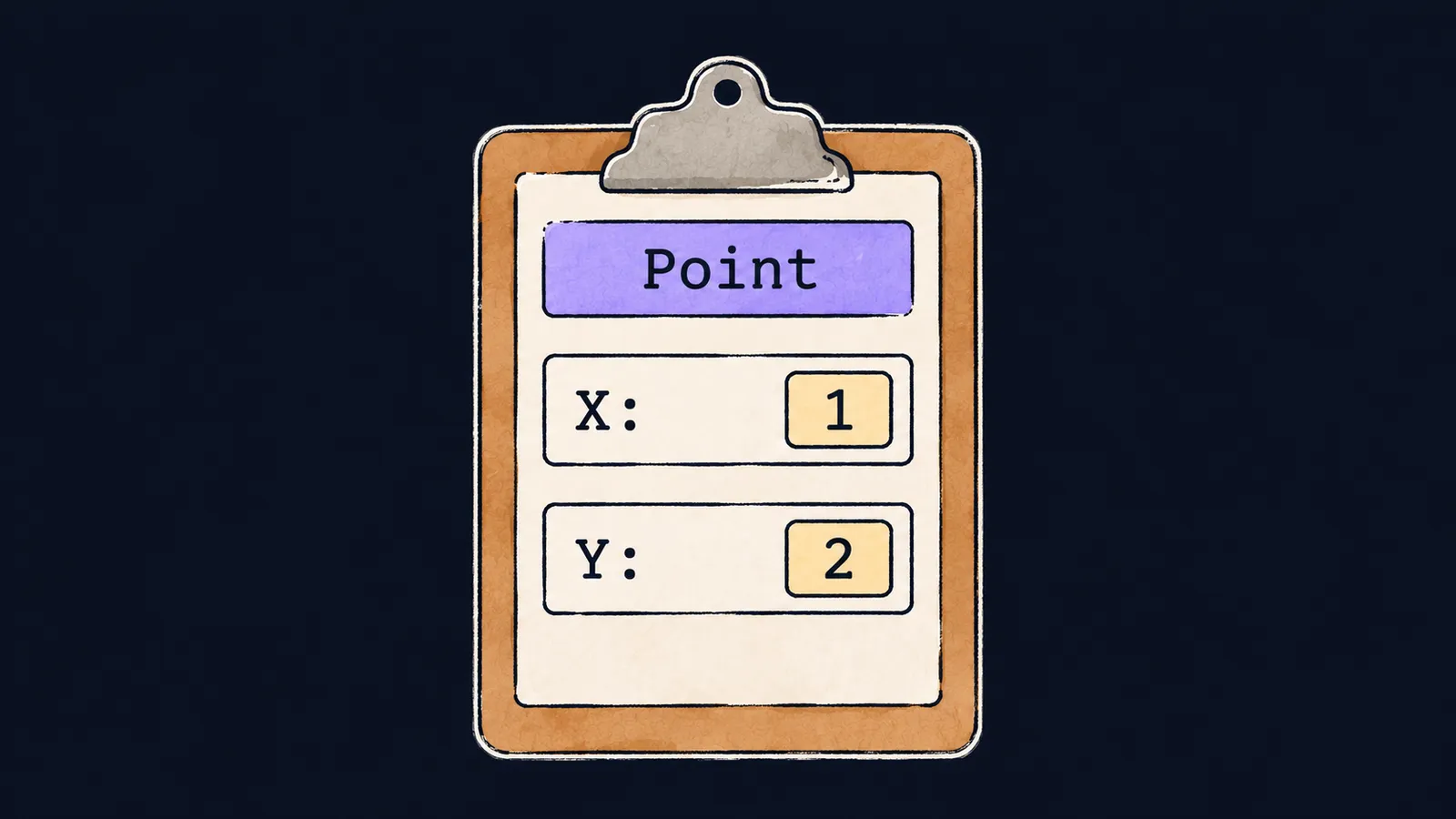
Picture a paper form. It has fields such as "Name", "Age" and "City", and each one has its own label. Everything you wrote about yourself sits on one sheet. You can hand over the whole form instead of dictating each field separately.
Without such a form, related values scatter across separate variables. A point on a plane is two numbers, and you can keep them in two variables x and y. But then problems appear:
- a function that takes a point needs two parameters;
- a list of points turns into two slices that you have to keep in step.
Go collects related values into one type:
package main

import "fmt"

type Point struct {
    X int
    Y int
}

func main() {
    p := Point{X: 1, Y: 2}
    p.X = 10
    fmt.Println(p, p.X, p.Y) // {10 2} 10 2
}
Let's walk through the example line by line:
type Point structdescribes a blank form with the fieldsXandY.p := Point{X: 1, Y: 2}fills in such a form: it writes1intoXand2intoY.p.X = 10corrects the fieldX.fmt.Println(p, p.X, p.Y)prints the whole struct as{10 2}, then each field on its own.
Declaring the type
A struct is a type that holds several values under one name. Each of those values is a field with its own name and type. The declaration type Point struct { … } has these parts:
type—the keyword: "I'm declaring a new type";Point—the type's name;struct—the kind of type: a set of fields;X intandY intinside the braces—the fields, one per line: a name, then a type.
Fields of the same type can be listed with commas: struct{ X, Y int }. A field is reached with a dot: p.X reads it, and p.X = 10 writes it.
Here the form picture parts ways with Go. On paper you can add a field in the margin, but a struct's set of fields is fixed by its type.
Struct literals
A struct value is created in one of three ways. Let's go through each.
A literal with field names
The literal Point{X: 1, Y: 2} names each field and its value, separated by a colon. The order of the fields in it does not matter.
A field missing from the literal gets its zero value—like an empty field on a form. So Point{X: 1} prints as {1 0}.
This is the form you write most often. It is clearer and does not break when a new field is added to the type.
A literal without names
The literal Point{1, 2} lists the values without field names. It compiles too, but it has two limits:
- it needs every field, strictly in the declared order;
- if you leave a field out,
Point{1}does not compile:too few values in struct literal of type Point.
When a new field is added to the type, every such literal stops compiling. So the unnamed form is kept for small types that do not change.
Declaring with var
The declaration var p Point creates a struct whose fields all hold zero values. Such a p prints as {0 0}—a blank form.
Assignment copies
A struct is a value, like an int or an array. The assignment q := p copies every field, and from then on q has its own memory—like a photocopy of the form that you can write on without touching the original:
p := Point{X: 1, Y: 2}
q := p
q.X = 9
fmt.Println(p.X, q.X) // 1 9
Line by line:
p := Point{X: 1, Y: 2}creates the original.q := pmakes a copy of every field.q.X = 9writes only to the copy.fmt.Println(p.X, q.X)prints1 9: the original did not change.
A struct passed to a function is copied the same way: the parameter gets its own copy of every field.
Comparing structs
Interviewers like to ask: "Can you compare two structs?" The answer has three parts:
- yes, with the
==operator, if every field is comparable: it compares the fields in order; - right after
q := p, the expressionp == qistrue; - if the struct has a slice or map field, the comparison does not compile:
struct containing []string cannot be compared.
A field through a pointer
To change p through another variable, you need a pointer to it. In the pointers theme it was a slip of paper with a house's address; here it leads to the form itself.
You don't have to write (*r).X: for a pointer to a struct, Go inserts the dereference itself. The expression r.X reaches the field of the struct r points to.
p := Point{X: 1, Y: 2}
r := &p
r.X = 9
fmt.Println(p.X, r.Y) // 9 2
Line by line:
r := &pstores the address ofpinr.r.X = 9changes the fieldXofpitself.fmt.Println(p.X, r.Y)prints9 2:p.Xhas already changed, andr.Yreads the fieldYof the samep.
Common mistake
The fields of slice elements are changed through the range loop variable:
pts := []Point{{1, 2}, {3, 4}}
for _, p := range pts {
    p.X = 0 // ✗
}
fmt.Println(pts) // [{1 2} {3 4}]
The program compiles, but the slice does not change: p gets a copy of the current element, and the write goes into that copy. To change the element itself, reach it by index: pts[i].X = 0 in a for i := range pts loop. Inside a slice literal, the element type name Point can be left out.
Key points
- A struct gathers named, typed fields into one type; a field is reached with a dot.
- Assignment and passing to a function copy every field of a struct.
- Structs compare with
==only when all their fields are comparable. - Through a pointer to a struct, a field is read and changed as
r.X, without(*r).X.
Subscribe to take the course
The course is free. Sign in with Telegram and subscribe to the channel to open every lesson.
















