
Hello, world
What you'll learn:
- explain what a compiler does and why Rust checks a program before it runs;
- print text and values with the
println!macro using{}and{x}; - create a Cargo project, run it with the
cargo runcommand and check it with thecargo checkcommand; - read a compiler message and fix the error with the help of its hint.
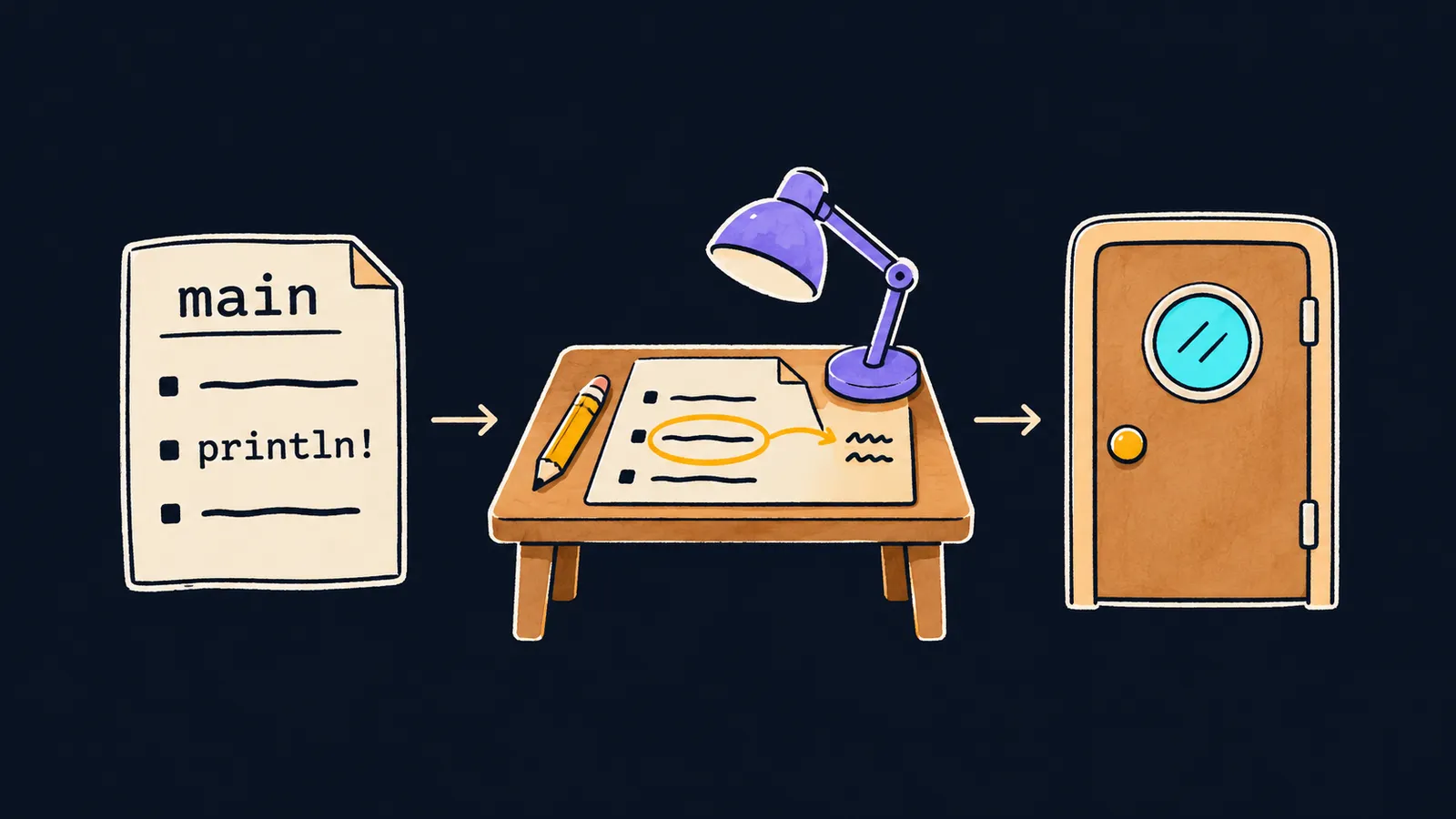
A program is like a recipe. A recipe lists its steps in order, and the cook follows them one after another, from top to bottom. A computer runs a program the same way, step by step. But a cook can guess what the author meant, and a computer cannot: it does exactly what is written.
A program is written as ordinary text, while a processor understands only machine code—long rows of numbers. The compiler translates the text into machine code. It reads the whole program and, if it finds no errors, builds an executable file that runs without the compiler.
Picture a strict but friendly editor. The editor reads the recipe before it reaches the kitchen. If a rule is broken, the editor sends the text back with notes: what is wrong, where, and how to fix it. The compiler works the same way.
Rust is a compiled programming language, and its compiler is especially strict. It checks not only how the commands are written but also how the program handles the computer's memory. So many errors that make programs in other languages crash while running are stopped in Rust before the first run. People write servers, command-line tools, and parts of browsers and operating systems in Rust.
Here is a program that prints one line:
fn main() {
    println!("Hello, world!"); // Hello, world!
}
Let's go through it line by line:
fn main() {opens the functionmain. A function is a named set of instructions, and the wordfndeclares it.println!("Hello, world!");is the recipe's only step: printHello, world!.}closes the function.
Text from // to the end of a line is a comment, and the compiler skips it. In the course examples such a comment shows what the line prints, and the ✗ sign in it marks the line with the error.
Here the editor picture stops working. A human editor would catch a misspelled word, but the compiler checks the rules of the language, not the meaning. It lets a typo in "Helo, world!" through, and you see it only in what the program prints.
Where execution starts
A Rust program starts working in the function main. Its body, that is, the instructions between the curly braces, is the recipe for the computer:
- the instructions run one after another, from top to bottom;
- a semicolon ends an instruction;
- after the last instruction, the program ends.
Printing with println!
println! prints the text in quotes, without the quotes themselves, and moves to a new line. The exclamation mark at the end of the name means that println! is a macro. It is a template that the compiler turns into ordinary code while building the program. That is why println! checks the text in quotes ahead of time, before the program runs. The text in quotes is called the format string.
Placeholders in the text
You can print not only fixed text but also values. Values are handy to keep under names: the line let apples = 3; gives the number 3 the name apples. Such a name is called a variable.
To print a value, you leave a placeholder in the text: curly braces whose place println! fills with a value. Placeholders come in two kinds.
Empty braces {}
Empty braces {} take their values from the arguments—the things listed after the text, separated by commas. The first {} takes the first argument, the second takes the second:
fn main() {
    let apples = 3;
    let pears = 4;
    println!("{} and {}", apples, pears); // 3 and 4
    println!("{} and {}", pears, apples); // 4 and 3
    println!("total: {}", apples + pears); // total: 7
}
Let's go through the lines with println!:
- The first
{}getsapples, the second getspears. The output shows the numbers3and4, not the names of the variables. - In the second line the arguments swapped places, and the numbers in the output swapped places too.
- An argument can also be an expression:
apples + pearsis first computed to7, and only then does the number take the place of{}.
The words in quotes around the placeholders, such as and and total:, print as they are.
A name in braces {x}
If you write a variable's name in the braces, println! puts in its value. Then no arguments are needed after the text:
let apples = 3;
let pears = 4;
println!("{apples} and {pears}"); // 3 and 4
println!("{apples}, {apples}, {apples}"); // 3, 3, 3
These lines, as in the previous example, go inside fn main() { … }. From here on, the course shows such pieces of code without it.
{apples}takes the value of the variableapplesby name, so argument order plays no part here.- The same name can be repeated as many times as you like.
- Only a name is allowed in the braces. An expression such as
apples + pearsis passed as a separate argument after the text.
So {} takes the arguments in order, and {name} takes the variable name by name. Press "Next step" and compare each line of the program with what it printed.
1fn main() {2 let name = "Anna";3 let age = 30;4 println!("{} is {}", name, age);5 println!("{} is {}", age, name);6 println!("{name} is {age}");7 println!("{name}, {name}!");8 println!("next year: {}", age + 1);9}
The variable name holds the text Anna.
Common mistake
An expression is written right inside the curly braces:
fn main() {
    let apples = 3;
    println!("{apples * 2}"); // ✗
}error: invalid format string: expected `}`, found `*`The program does not compile. After the name in the braces, the compiler expects the closing brace } but finds the multiplication sign *. An expression is passed as a separate argument: println!("{}", apples * 2); prints 6.
Key points
- The compiler checks a program's text and translates it into machine code; a program with an error does not run.
- Execution starts in the function
main, and its instructions run from top to bottom. println!is a macro: it prints a line and checks it while the program is built.{}takes the arguments in order,{x}takes the variablexby name, and an expression is passed as a separate argument.


















