
Works on my machine
What you'll learn:
- explain what problem containers solve;
- tell a container from a virtual machine;
- predict which changes disappear together with a container;
- name the Linux kernel mechanisms that separate a container and limit its resources.
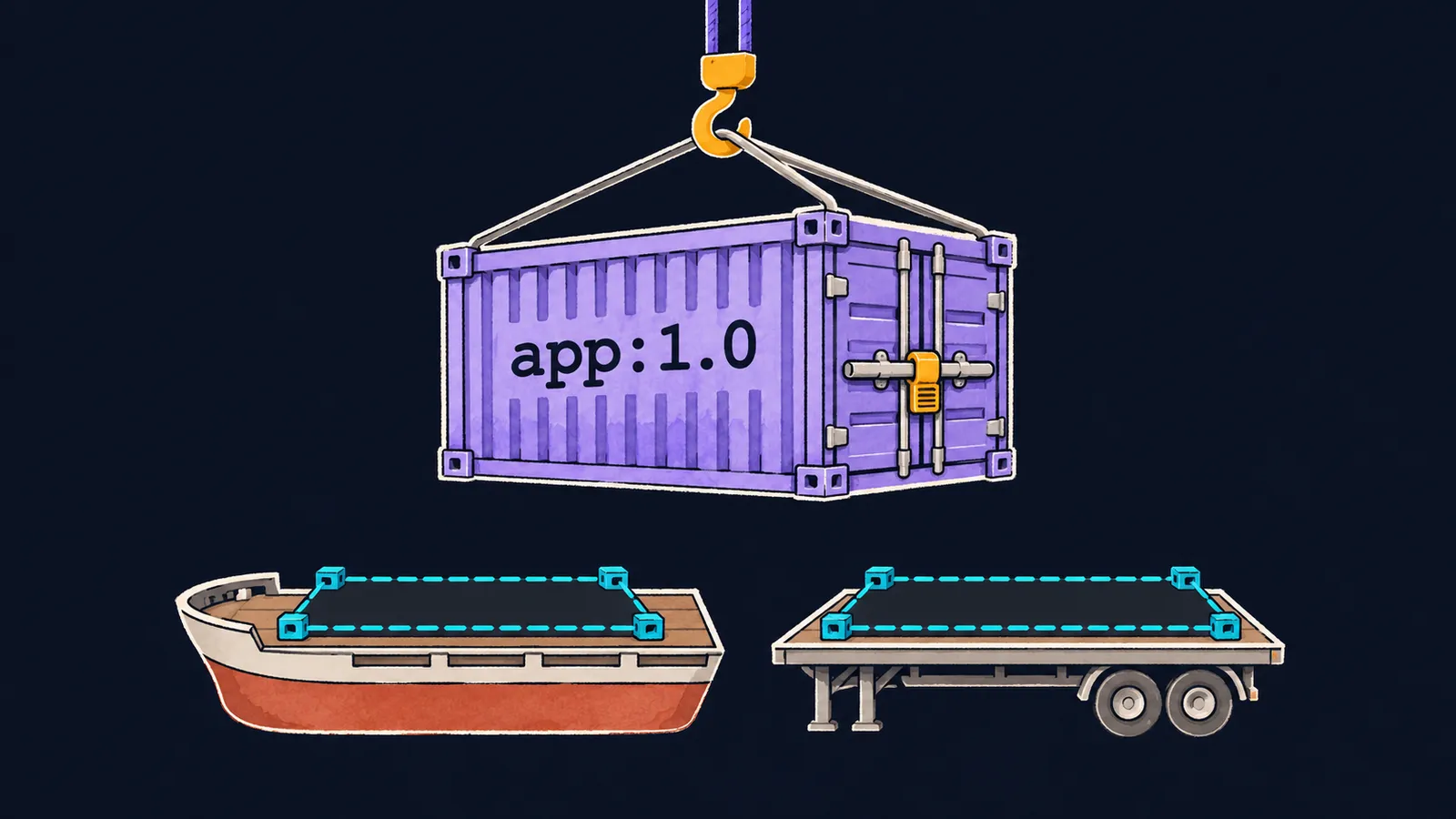
Picture a seaport in the middle of the last century. Sacks, barrels and crates are loaded by hand, each cargo has its own packing, and every port restacks it in its own way. Then the standard shipping container appeared: a steel box of one size with identical corners. Any crane lifts it with one grip, any ship or truck carries it, and the port never opens it. Only the sender and the receiver know what is inside.
Software goes through what cargo went through before containers. An app works on a developer's laptop and fails on the server. "Works on my machine" is heard in every team, and usually nobody made a mistake in the code.
Where "works on my machine" comes from
An app depends on more than its own code. It needs an environment, and on two machines that environment is almost always different:
- the version of the interpreter or runtime: Python 3.12 on the server and Python 3.14 on the laptop;
- system libraries, for example for images or encryption;
- environment variables and config files;
- neighboring programs that need other versions of the same libraries.
Each such difference is a sack that the next port stacked differently. An instruction like "install Python 3.12 and these packages" helps while it is followed without mistakes. It stops helping once the server hosts a second app that needs Python 3.11.
Images and containers
Docker solves the problem the way the shipping container did. The app is packed with everything it needs into one image: the app's code, the interpreter, the libraries, the files of a base system and the start command. A container is a process started from an image: it sees the image's files as if there were no other files on the machine.
Let's compare Python on the computer and Python in a container:
python3 --version
docker run --rm python:3.12.8-slim python --versionPython 3.14.2
Python 3.12.8Let's walk through the example:
python3 --versionasks the Python installed on the computer. On mine it is 3.14.2; yours prints its own version, or an error if there is no Python.docker runstarts a container from the imagepython:3.12.8-slimand runspython --versionin it. The--rmflag removes the container when the command finishes.- The container always has Python 3.12.8: the interpreter lives in the image, not on the computer.
If the image is not on the computer yet, Docker first downloads it and prints lines about the download. In the example above the image had already been downloaded.
What standard packing gives you
Running in a container gives software what the standard box gave ports:
- the same behavior: an image tested on a laptop goes unchanged to the test server and to production;
- neighbors without conflicts: an app on Python 3.11 and an app on Python 3.14 run on one server, each with its own interpreter;
- one way to start things:
docker runstarts a web server and a database alike, as one crane grip lifts any container; - quick replacement: a new version of the app is a new image, and a rollback is starting the old one.
Where the picture stops working
A shipping container is a passive box, and a Docker container is a running process. And it does not carry everything: a whole operating system is not put into the image. The container takes the system's kernel from the machine it runs on. So a container from a Linux image runs on a Linux kernel, and its main differences from a virtual machine grow from this.
Key points
- "Works on my machine" happens when the environment differs between two machines: versions, libraries, settings.
- An image is the app together with its whole environment and its start command.
- A container is a process started from an image; it sees the image's files, not the computer's.
- A container does not carry the system's kernel; it takes it from the machine it runs on.


















